> ## Documentation Index
> Fetch the complete documentation index at: https://learn.nexudus.com/llms.txt
> Use this file to discover all available pages before exploring further.
# Avigilon Alta
> Connect Avigilon Alta (formerly OpenPath) to Nexudus, so customers open doors with their card or phone based on their passes, bookings and contracts, and visitors get a CloudKey link.
## Overview
**Avigilon Alta** (formerly **OpenPath**) is cloud-based access control. The integration adds your customers to Avigilon Alta as users, gives them a credential, and puts them in the right **access groups** based on what they have in Nexudus. You decide which doors each group opens in Avigilon Alta; Nexudus decides who's in each group. Registered visitors can get a CloudKey link to open doors without an app.
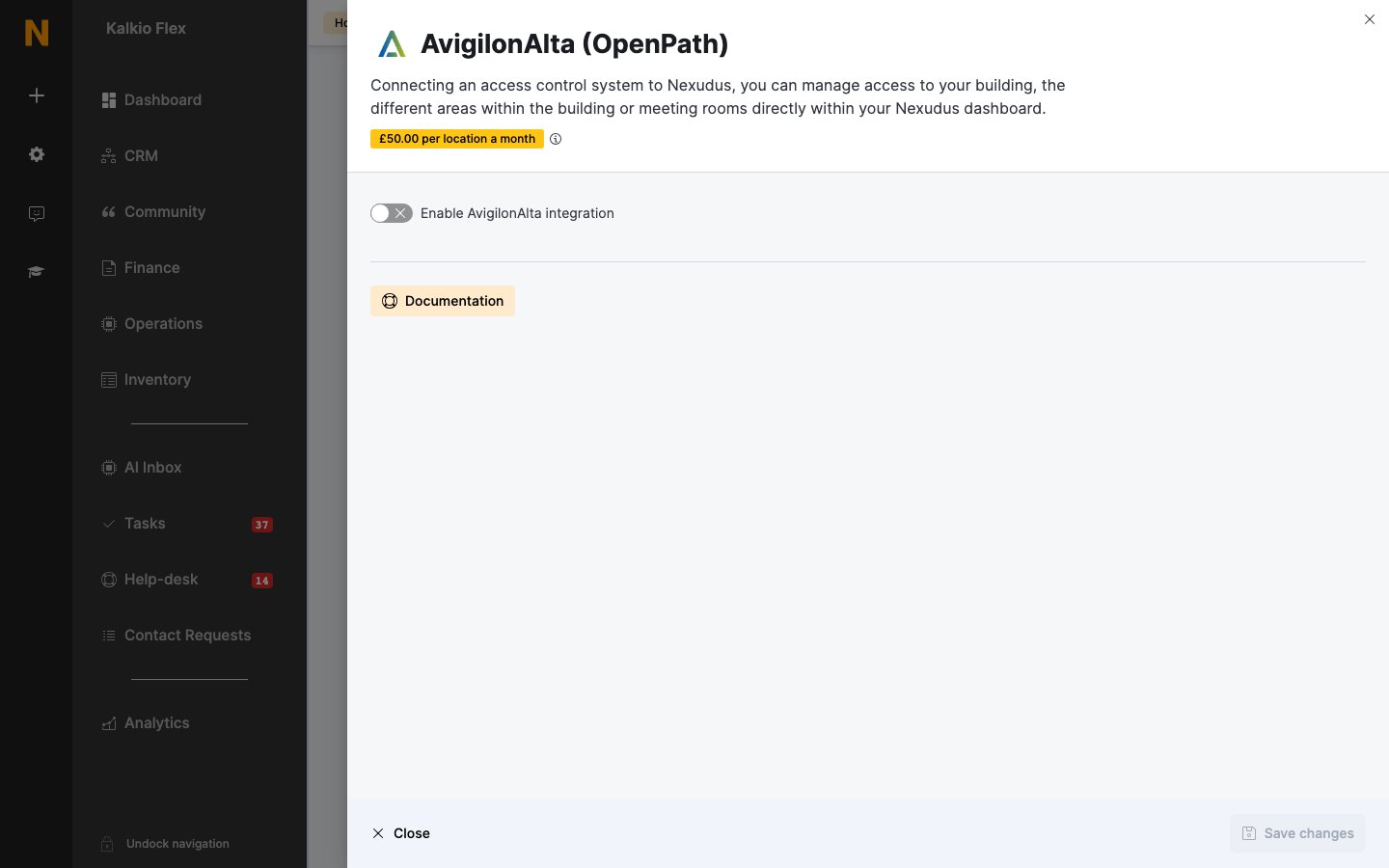
The integration costs **£50 a month per location** (shown in your currency), on top of what Avigilon charges.
## How access works
| Customers get access through | When |
| - | - |
| **Passes** | While the pass is active — including passes included in their plan, passes shared by their team, and the pass they're checked in with. |
| **Resource bookings** | From about 15 minutes before the booking starts until it ends. Customers added as guests to the booking get the same access. |
| **Desks and offices** | While the desk or office is on one of their active contracts. If a team's paying member holds the contract, the whole team gets access. |
| **Visitor registration** | With CloudKey links on, visitors get a link in their registration email that opens your visitor entries during their visit. |
## Before you start
* Have your Avigilon Alta **username** and **password** (the email address and password you sign in with) and your **Organisation ID**.
* Create your access groups in Avigilon Alta — they can only be created and edited there. Each group should include every door a customer needs, such as the building entrance as well as the room.
## Setting up Avigilon Alta
Go to **Settings → Integrations → AvigilonAlta (OpenPath)**, turn on **Enable AvigilonAlta integration**, enter your **AvigilonAlta username**, **AvigilonAlta Organisation ID** and **AvigilonAlta password**, and choose your **Region** (**Global** or **Europe**). Set the options below, and save. If you see an error, check your details and save again.
Under **Credential type**, choose the **Card type** your space uses and its **Card format**. Some card types ask for more details about the format — see Avigilon's documentation on card formats.
Choose an **AvigilonAlta access group** for each of your **Resources**, **Passes** and **Desks / Offices**. Leave an item blank if it shouldn't open any doors.
Under **Presence tracking**, set each **Reader**'s **Action**: **Check customer in**, **Check customer out**, **Toggle customer check-in status**, or **Do nothing**. Save.
 ## Settings
| Setting | What it does |
| - | - |
| **Send a CloudKey link to visitors** | Registered visitors get a **CLICK TO ACCESS** link in their registration email to open doors, without an app. Their host is notified when they check in. |
| **CloudKey Guests Entry IDs** | The Avigilon Alta entries visitors can open, separated by commas. Find the IDs in Avigilon Alta Control Center. Include every entry visitors need. |
| **New users created in AvigilonAlta can open locks remotely by default.** | Customers can open doors from their phone without being at the door. |
| **Send OpenPath app welcome email.** | Avigilon Alta emails new users so they can set up its mobile app. |
## Giving customers cards
Open the customer, go to **Account → Access rights**, and enter each card number in **Access cards**, pressing Enter after each one. Customers can also open doors from the Avigilon Alta app, or the [white-label Passport app](/passport/white-label-setup).
## Related
* [Access control](/integrations/access-control/overview) — how access control works in Nexudus
* [Visitors](/platform/operations/visitors) — registering visitors
This documentation is built and hosted on [Mintlify](https://mintlify.com), a developer documentation platform.
## Settings
| Setting | What it does |
| - | - |
| **Send a CloudKey link to visitors** | Registered visitors get a **CLICK TO ACCESS** link in their registration email to open doors, without an app. Their host is notified when they check in. |
| **CloudKey Guests Entry IDs** | The Avigilon Alta entries visitors can open, separated by commas. Find the IDs in Avigilon Alta Control Center. Include every entry visitors need. |
| **New users created in AvigilonAlta can open locks remotely by default.** | Customers can open doors from their phone without being at the door. |
| **Send OpenPath app welcome email.** | Avigilon Alta emails new users so they can set up its mobile app. |
## Giving customers cards
Open the customer, go to **Account → Access rights**, and enter each card number in **Access cards**, pressing Enter after each one. Customers can also open doors from the Avigilon Alta app, or the [white-label Passport app](/passport/white-label-setup).
## Related
* [Access control](/integrations/access-control/overview) — how access control works in Nexudus
* [Visitors](/platform/operations/visitors) — registering visitors
This documentation is built and hosted on [Mintlify](https://mintlify.com), a developer documentation platform.