> ## Documentation Index
> Fetch the complete documentation index at: https://learn.nexudus.com/llms.txt
> Use this file to discover all available pages before exploring further.
# Dropbox Sign
> Request legally binding e-signatures on customer documents, generated documents and proposals with Dropbox Sign.
## Overview
**Dropbox Sign** (formerly HelloSign) lets customers sign documents online through a link they receive by email. You can request a signature on:
* Files you upload to a customer's account
* Documents generated from [document templates](/platform/crm/documents)
* [Proposals](/platform/crm/proposals)
The integration costs **£15 a month for the first 30 signatures, then £0.50 for each extra signature** (shown in your currency). You don't need your own Dropbox Sign account.
## Turning on Dropbox Sign
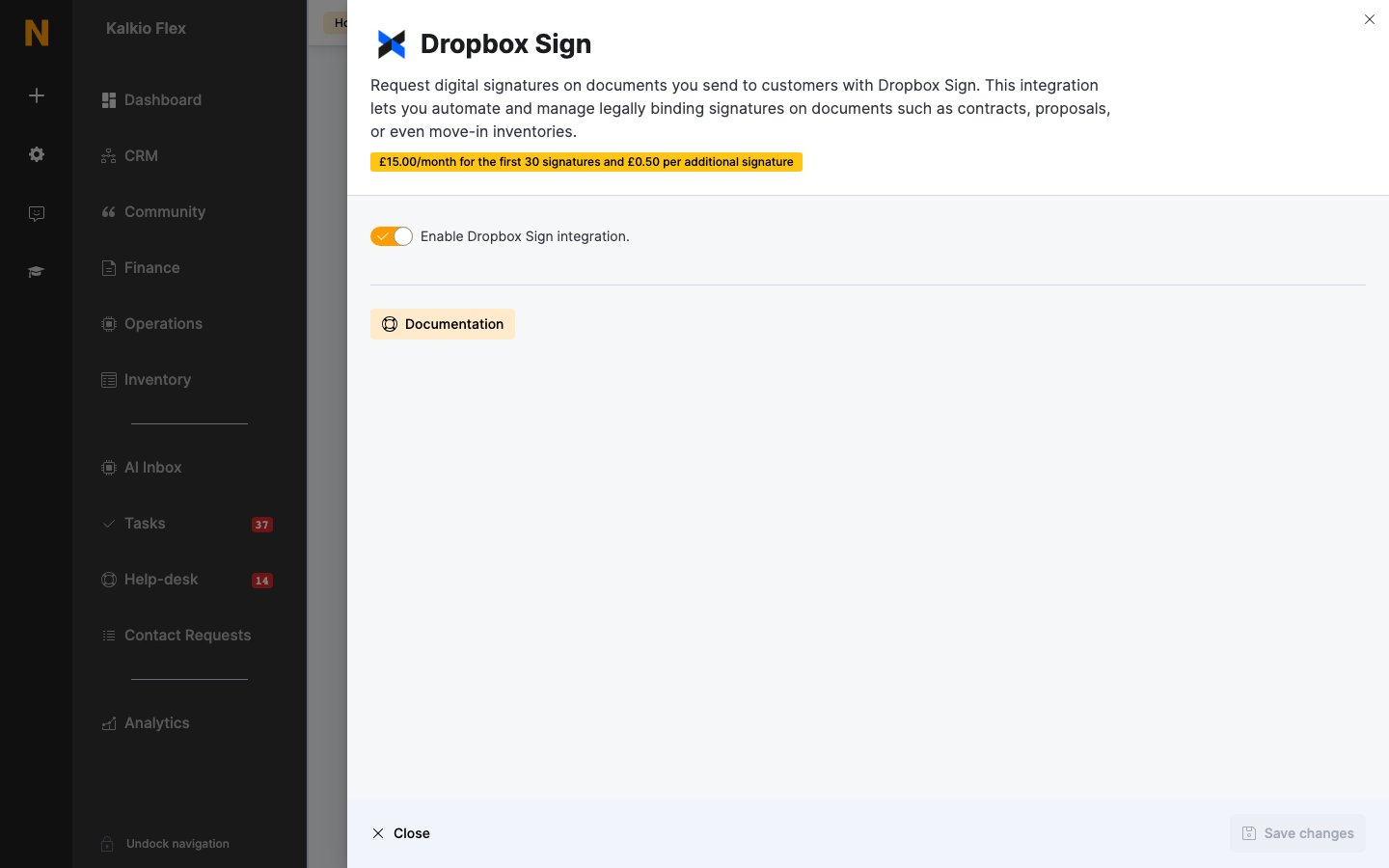
Go to **Settings → Integrations → Dropbox Sign**, turn on **Enable Dropbox Sign integration.**, and save.
 To request a signature, tick **Request the customer to e-sign this document** when you add the document, and add any other signatories in the order they should sign. See [Customer documents](/platform/crm/documents) for the full steps.
Signatures can't include initials, notes, checkboxes or edits to the document.
## Related
* [Customer documents](/platform/crm/documents) — requesting and tracking signatures
* [Proposals](/platform/crm/proposals) — signatures on proposals
This documentation is built and hosted on [Mintlify](https://mintlify.com), a developer documentation platform.
To request a signature, tick **Request the customer to e-sign this document** when you add the document, and add any other signatories in the order they should sign. See [Customer documents](/platform/crm/documents) for the full steps.
Signatures can't include initials, notes, checkboxes or edits to the document.
## Related
* [Customer documents](/platform/crm/documents) — requesting and tracking signatures
* [Proposals](/platform/crm/proposals) — signatures on proposals
This documentation is built and hosted on [Mintlify](https://mintlify.com), a developer documentation platform.