> ## Documentation Index
> Fetch the complete documentation index at: https://learn.nexudus.com/llms.txt
> Use this file to discover all available pages before exploring further.
# HubSpot
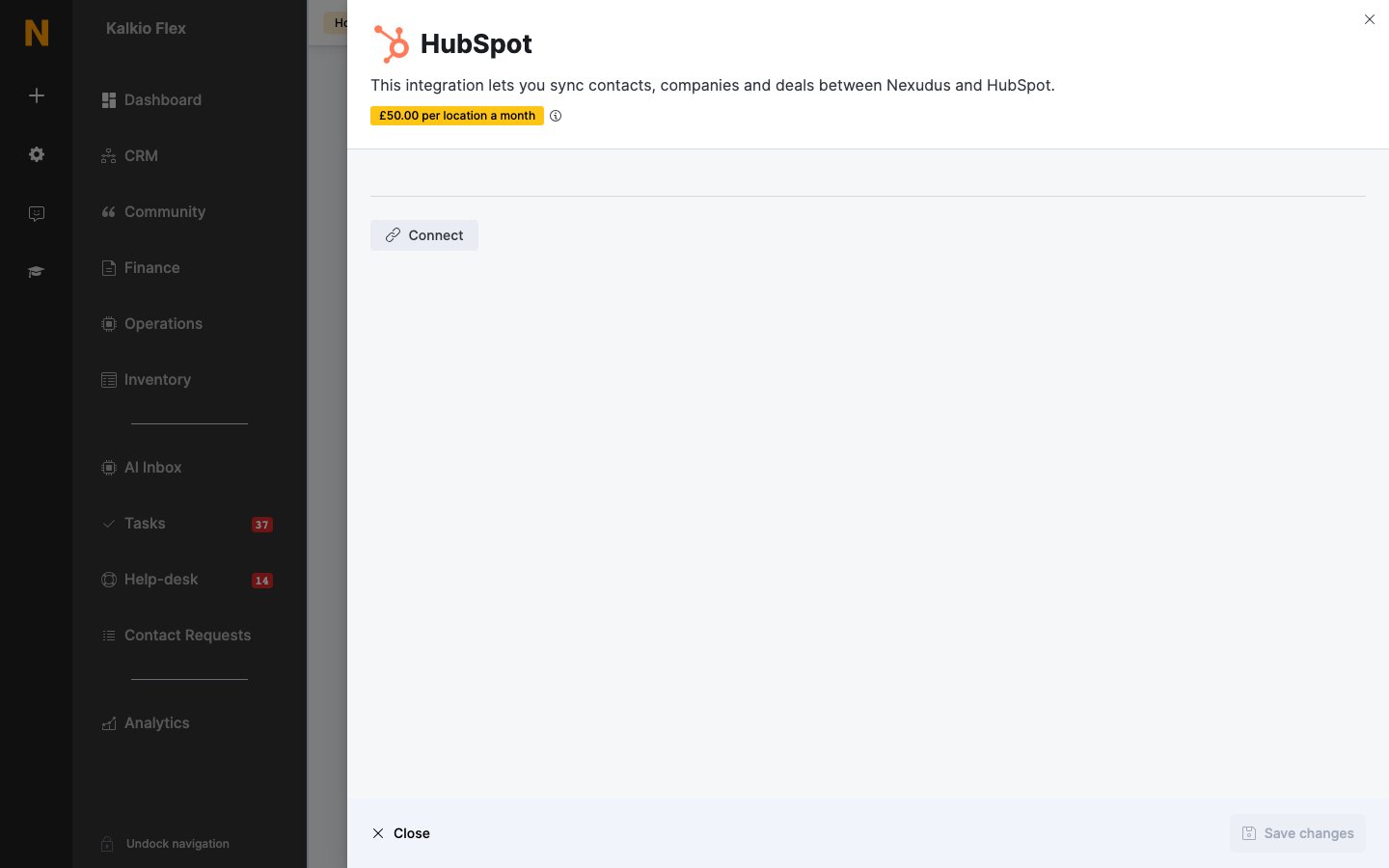
> Sync contacts, companies and deals between HubSpot and Nexudus customers, teams and opportunities.
## Overview
The **HubSpot** integration keeps HubSpot and Nexudus in step. Updates to a HubSpot **contact**, **company** or **deal** update the matching **customer**, **team** or **opportunity** in Nexudus, and updates to customers and teams in Nexudus update HubSpot.
The integration costs **£50 per location a month** (shown in your currency). You need a HubSpot account with your pipelines set up. You can use one HubSpot account for several locations, but connect each location separately.
## Connecting HubSpot
Go to **Settings → Integrations → HubSpot**, select **Connect**, sign in to HubSpot, choose the account, and allow access. Then turn on **Enable HubSpot integration**.
HubSpot accounts can hold a lot of records, so choose when each kind syncs to Nexudus: under **Synchronize contact data only if**, **Synchronize company data only if** and **Synchronize deal data only if**, pick a HubSpot property and the values that trigger a sync — for example deals in a particular pipeline.
On the **Contacts**, **Companies** and **Deals** tabs, find each HubSpot property you want to sync, select **Not Mapped**, and choose the matching Nexudus field. Names can differ — HubSpot's company **Company name** is a team's **Name**, and a contact's **Job title** is a customer's **Position**.
 Test by changing a field in Nexudus and checking HubSpot, then changing a deal stage in HubSpot and checking the opportunity in Nexudus.
## Related
* [Opportunities](/platform/crm/opportunities) — deals in Nexudus
* [Custom fields](/platform/crm/custom-fields) — extra fields you can map
This documentation is built and hosted on [Mintlify](https://mintlify.com), a developer documentation platform.
Test by changing a field in Nexudus and checking HubSpot, then changing a deal stage in HubSpot and checking the opportunity in Nexudus.
## Related
* [Opportunities](/platform/crm/opportunities) — deals in Nexudus
* [Custom fields](/platform/crm/custom-fields) — extra fields you can map
This documentation is built and hosted on [Mintlify](https://mintlify.com), a developer documentation platform.