> ## Documentation Index
> Fetch the complete documentation index at: https://learn.nexudus.com/llms.txt
> Use this file to discover all available pages before exploring further.
# Okta
> Let customers and admins sign in to Nexudus through Okta and the identity providers connected to it.
## Overview
The **Okta** integration lets people sign in to Nexudus with their Okta account — or with any identity provider you've connected to Okta, such as Google, Microsoft, Apple, LinkedIn or Facebook.
The integration is free. You need an Okta account (a developer account is enough).
## Setting up Okta
In Okta, go to **Applications → Create App Integration**, choose **OIDC – OpenID Connect** and **Web Application**, and set:
* **App integration name**: `Nexudus`
* **Sign-in redirect URIs**: `https://spaces.nexudus.com/authorization-code/callback`
* **Sign-out redirect URIs**: `https://spaces.nexudus.com/login/logout`
* **Base URIs**: `https://spaces.nexudus.com`
* **Controlled access**: allow everyone in your organisation
To let people sign in with Google, Microsoft or another provider through Okta, add it as an identity provider in Okta and copy its **IdP ID**.
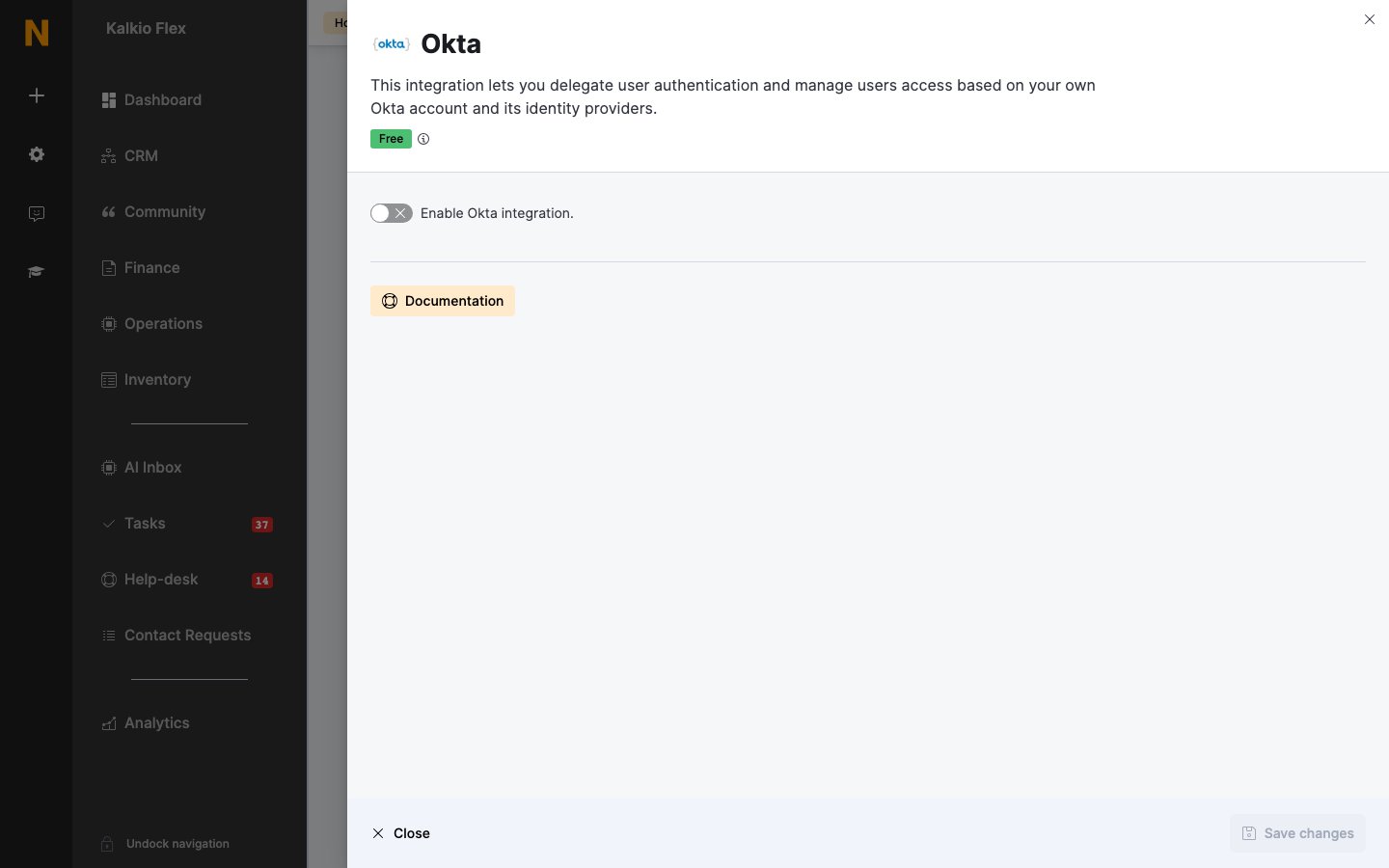
Go to **Settings → Integrations → Okta**, turn on **Enable Okta integration.**, and enter your **Okta Domain** (without `https://`), the **Identity Provider Id (IdP ID)**, **Client ID** and **Client Secret**. Set a **Sign in button label**, choose the [shared SSO options](/integrations/sso#options-every-sso-integration-shares), and save.
 ## Related
* [Single sign-on](/integrations/sso) — shared SSO options
This documentation is built and hosted on [Mintlify](https://mintlify.com), a developer documentation platform.
## Related
* [Single sign-on](/integrations/sso) — shared SSO options
This documentation is built and hosted on [Mintlify](https://mintlify.com), a developer documentation platform.