> ## Documentation Index
> Fetch the complete documentation index at: https://learn.nexudus.com/llms.txt
> Use this file to discover all available pages before exploring further.
# Layer8
> Connect Nexudus to Layer8 so your desks, tenancies, and customers' Wi-Fi credentials sync to your building's network.
## Overview
**Layer8** is a network management and IT support platform for flexible workspaces. When you connect it, Nexudus syncs each location's desks, tenancies, and customers' Wi-Fi credentials to a building in Layer8, which runs the network itself.
The integration is free in Nexudus. You need a Layer8 account — contact Layer8 to set one up.
## Setting up Layer8
Ask Layer8 for your **API Key** and **Account ID**.
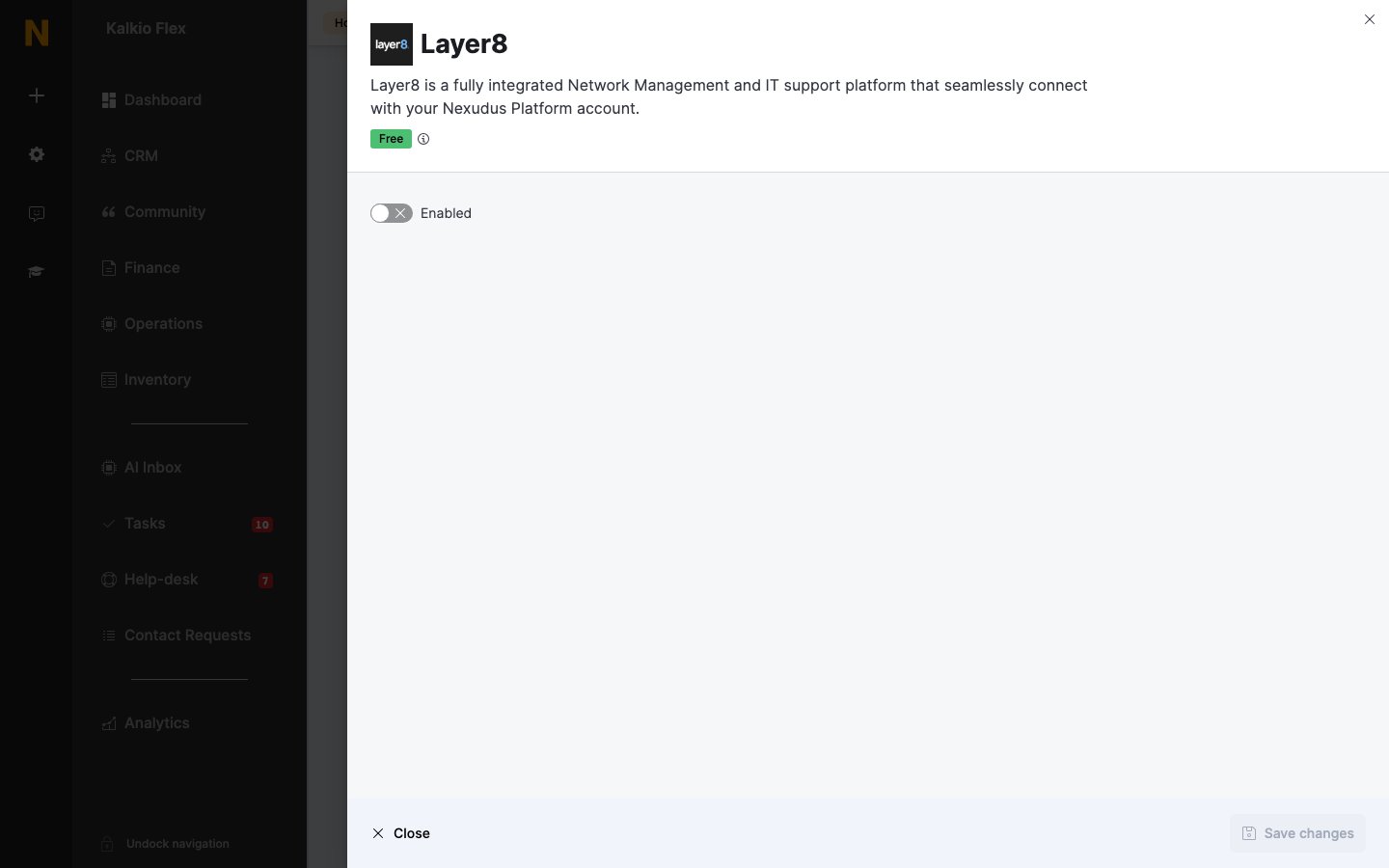
Go to **Settings → Integrations → Layer8**, turn on **Enabled**, and enter your **API Key** and **Account ID**.
Enter the **Building code** of an existing Layer8 building to sync this location to it. Leave it empty and Nexudus creates a building in Layer8 with a random five-digit code the first time it syncs, then saves the code here so the same building is used from then on.
Save the settings. Repeat for each location that uses Layer8.
 ## Related
* [Wi-Fi](/integrations/wifi) — who can connect, check-ins, and troubleshooting
* [Floor plans](/platform/billing/floor-plans) — the desks and offices synced to Layer8
This documentation is built and hosted on [Mintlify](https://mintlify.com), a developer documentation platform.
## Related
* [Wi-Fi](/integrations/wifi) — who can connect, check-ins, and troubleshooting
* [Floor plans](/platform/billing/floor-plans) — the desks and offices synced to Layer8
This documentation is built and hosted on [Mintlify](https://mintlify.com), a developer documentation platform.