> ## Documentation Index
> Fetch the complete documentation index at: https://learn.nexudus.com/llms.txt
> Use this file to discover all available pages before exploring further.
# Connect from Claude Code
> How to connect the Nexudus MCP server to Claude Code, Anthropic's terminal-based AI assistant.
# Connect from Claude Code
Claude Code is Anthropic's terminal-based AI assistant. It supports remote MCP servers through the `/mcp` command.
## Prerequisites
* **Claude Code** installed and signed in — see [claude.ai/code](https://claude.ai/code).
* A **Nexudus** account with API access.
* A web browser available for the one-time login.
## Add the Nexudus server
Run Claude Code in any directory, then add the Nexudus MCP server:
```bash theme={null}
claude mcp add --transport http nexudus https://mcp.nexudus.com
```
This registers a new MCP server called **nexudus** that points at the hosted server. You only need to do this once per machine.
## Sign in
Inside Claude Code, run:
```
/mcp
```
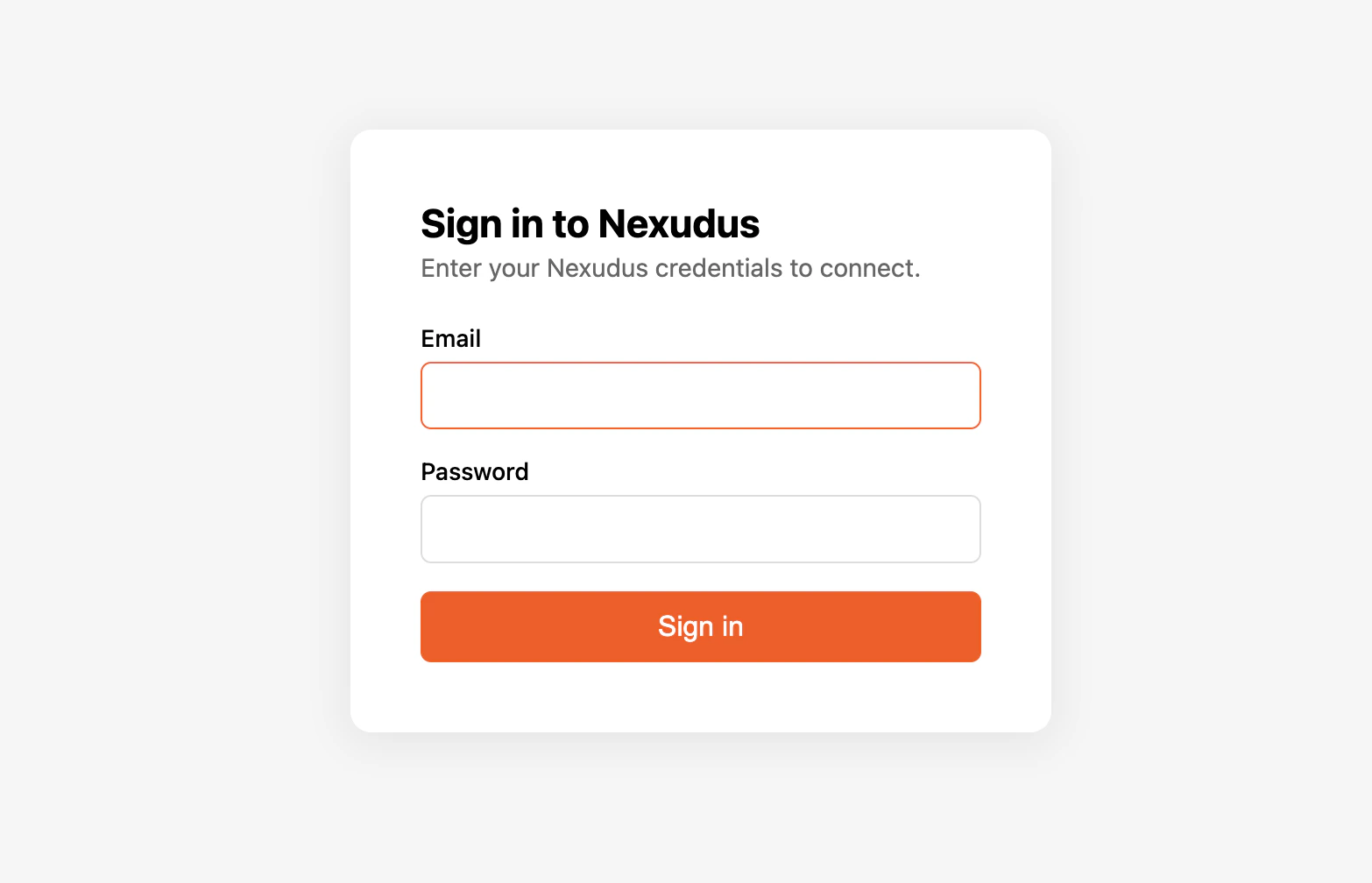
You will see **nexudus** in the list of servers, marked as **needs authentication**. Select it and Claude Code opens your default browser to the
Nexudus login page. Sign in with your Nexudus email and password and approve the connection. The browser returns control to your terminal.
 When you re-run `/mcp`, the **nexudus** server is now marked **connected** and the Nexudus tools are available.
## Verify it works
In your Claude Code session, ask:
> *"List my Nexudus locations."*
Claude Code should call the Nexudus server and return your locations.
## Things to try
* *"Show all bookings for today, grouped by location."*
* *"For each member with an overdue invoice, list their name and the invoice total."*
* *"Create a new visitor record for 'Jane Doe' visiting member 12345 at 2pm tomorrow."*
* *"Find every product priced above £100 and list them by location."*
Claude Code can create, update, and delete real data through the server. For destructive operations, the assistant should confirm with you first
— read its plan before approving.
## Remove the server
To remove the Nexudus server from Claude Code:
```bash theme={null}
claude mcp remove nexudus
```
## Re-authenticate
After the 8-hour session expires, run `/mcp` inside Claude Code, pick **nexudus**, and choose to reauthenticate. The browser flow runs again.
## Common issues
| Issue | Solution |
| -------------------------------------------------- | -------------------------------------------------------------------------------------- |
| `claude mcp add` is not recognised | Make sure you are on a recent version of Claude Code. Run `claude --version` to check. |
| Browser does not open during sign-in | Check Claude Code's logs for the manual URL and open it in your browser. |
| Tools show as registered but fail with auth errors | Your 8-hour session has expired. Run `/mcp` and reauthenticate. |
| Tools missing from the catalogue | Run `/mcp` to check the server status — it may have disconnected. |
For more, see [Troubleshooting](/mcp/troubleshooting).
## Next steps
What the AI assistant can do for you.
Why sessions expire after 8 hours.
When you re-run `/mcp`, the **nexudus** server is now marked **connected** and the Nexudus tools are available.
## Verify it works
In your Claude Code session, ask:
> *"List my Nexudus locations."*
Claude Code should call the Nexudus server and return your locations.
## Things to try
* *"Show all bookings for today, grouped by location."*
* *"For each member with an overdue invoice, list their name and the invoice total."*
* *"Create a new visitor record for 'Jane Doe' visiting member 12345 at 2pm tomorrow."*
* *"Find every product priced above £100 and list them by location."*
Claude Code can create, update, and delete real data through the server. For destructive operations, the assistant should confirm with you first
— read its plan before approving.
## Remove the server
To remove the Nexudus server from Claude Code:
```bash theme={null}
claude mcp remove nexudus
```
## Re-authenticate
After the 8-hour session expires, run `/mcp` inside Claude Code, pick **nexudus**, and choose to reauthenticate. The browser flow runs again.
## Common issues
| Issue | Solution |
| -------------------------------------------------- | -------------------------------------------------------------------------------------- |
| `claude mcp add` is not recognised | Make sure you are on a recent version of Claude Code. Run `claude --version` to check. |
| Browser does not open during sign-in | Check Claude Code's logs for the manual URL and open it in your browser. |
| Tools show as registered but fail with auth errors | Your 8-hour session has expired. Run `/mcp` and reauthenticate. |
| Tools missing from the catalogue | Run `/mcp` to check the server status — it may have disconnected. |
For more, see [Troubleshooting](/mcp/troubleshooting).
## Next steps
What the AI assistant can do for you.
Why sessions expire after 8 hours.