> ## Documentation Index
> Fetch the complete documentation index at: https://learn.nexudus.com/llms.txt
> Use this file to discover all available pages before exploring further.

# Perks

> Member perks, benefits, and partner offers displayed in the portal.

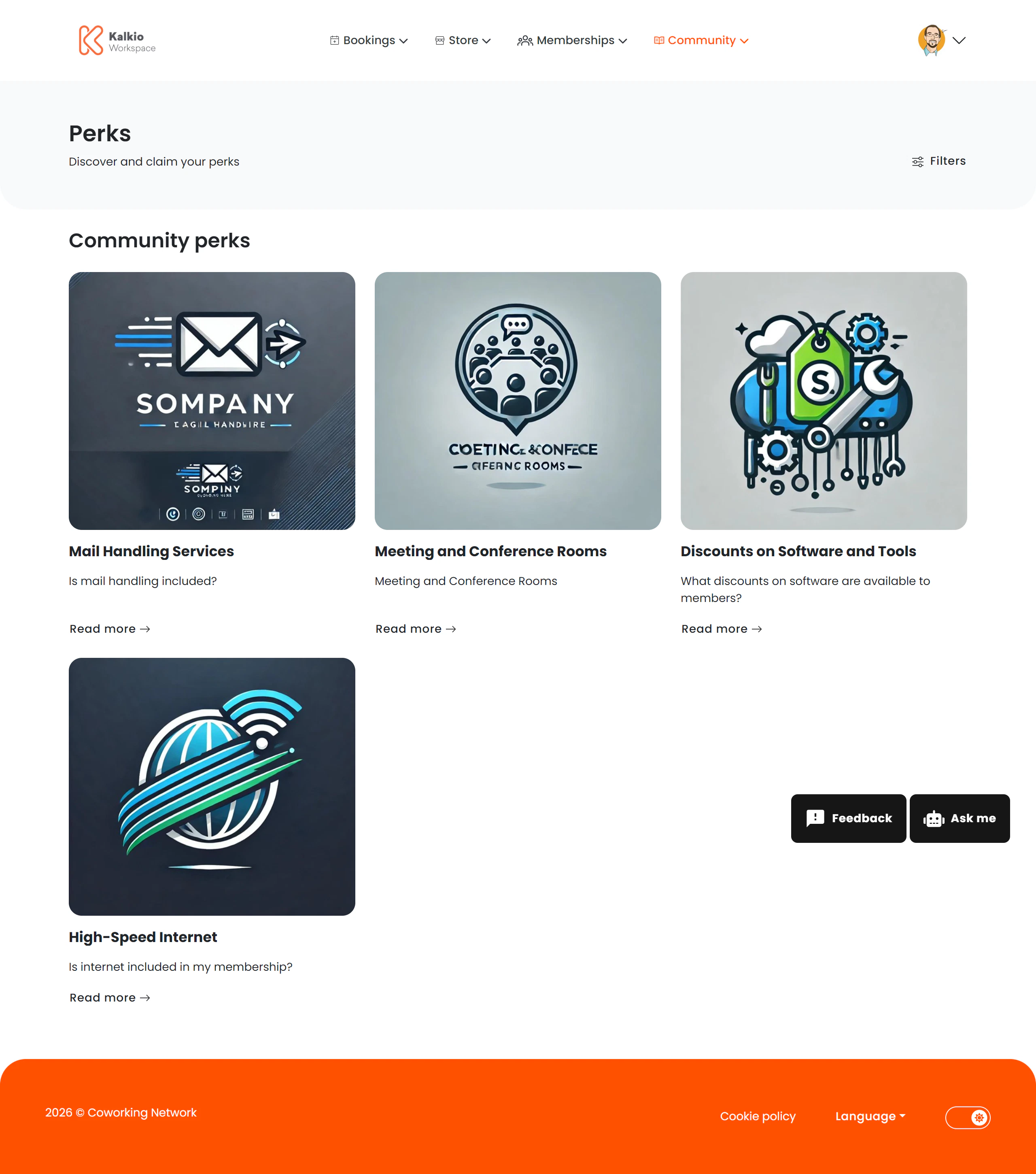
The Perks page showcases exclusive benefits, discounts, and partner offers available to your members.

<Frame>
  <img src="https://mintcdn.com/nexudus/z74R4-YftVrf9Ylz/images/member-portal/perks.png?fit=max&auto=format&n=z74R4-YftVrf9Ylz&q=85&s=b143865cd5cb813f9016c9650bc2f72f" alt="Perks page" width="2560" height="2900" data-path="images/member-portal/perks.png" />
</Frame>

## What members see

Perks are displayed in a browsable grid. Each perk card shows:

* **Perk name and description**
* **Partner / provider company**
* **Discount or benefit details**
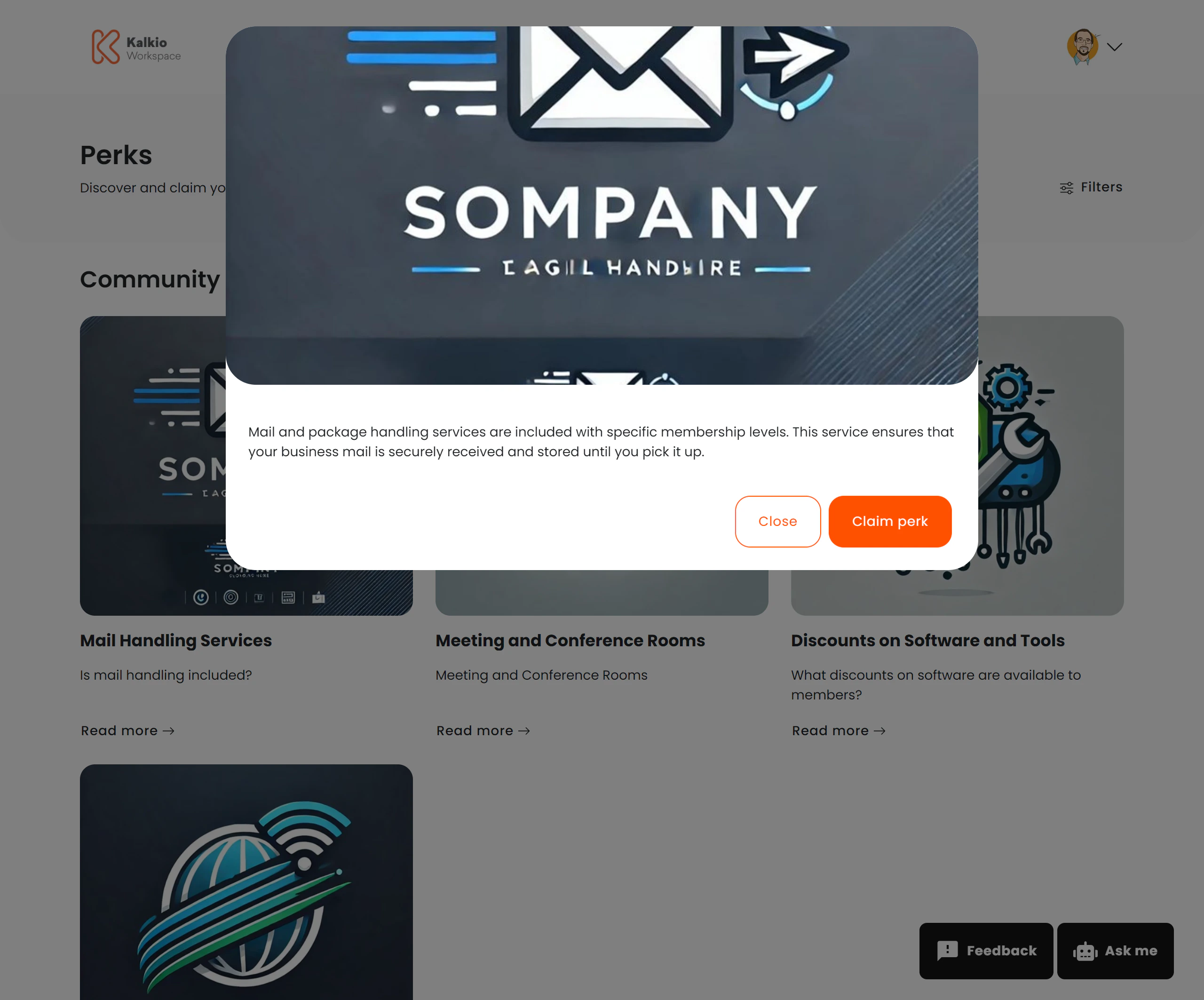
* **How to redeem**
<Frame>
  <img src="https://mintcdn.com/nexudus/z74R4-YftVrf9Ylz/images/member-portal/perk-details.png?fit=max&auto=format&n=z74R4-YftVrf9Ylz&q=85&s=d9a727ef08b5fb2bc6e0646d2da66395" alt="Perks page" width="2560" height="2126" data-path="images/member-portal/perk-details.png" />
</Frame>

### Supported HTML formatting in perk details

Perk details support rich HTML formatting. When creating or editing a perk, you can use the following HTML elements and attributes:

#### Allowed HTML tags

Basic text formatting: `<p>`, `<br>`, `<strong>`, `<b>`, `<em>`, `<i>`, `<u>`, `<s>`, `<code>`, `<pre>`, `<h1>` – `<h6>`, `<blockquote>`, `<ul>`, `<ol>`, `<li>`, `<dl>`, `<dt>`, `<dd>`, `<table>`, `<thead>`, `<tbody>`, `<tfoot>`, `<tr>`, `<th>`, `<td>`, `<hr>`, `<div>`, `<span>`

Rich media: `<a>`, `<img>`, `<video>`, `<iframe>`

#### Allowed attributes

**Links** (`<a>`): `href`, `title`, `target`, `rel`

**Images** (`<img>`): `src`, `alt`, `title`, `width`, `height`, `style`

**Videos** (`<video>`): Standard HTML5 video attributes

**Embedded content** (`<iframe>`): `src`, `width`, `height`, `allow`, `frameborder`, `allowfullscreen`, `style` (YouTube videos are supported)

***

## Filtering

Members can filter perks by category or search by name and description. Advanced filtering options are also available if enabled.

## How to configure

From the **Page Editor** you can:

* Show or hide the page **title**
* Show or hide **filters**
* Enable **advanced filtering** options

Perks themselves are created and managed from the Nexudus dashboard under the Perks module.

<Tip>
  Partner with local businesses to offer member discounts — coffee shops, gyms, or software tools. It adds tangible value to your memberships.
</Tip>