

Connect from Claude Desktop
Claude Desktop is Anthropic’s desktop application for Mac and Windows. It supports remote MCP servers through its custom connector settings.Prerequisites
- Claude Desktop installed on your machine — download from claude.ai/download.
- A Claude.ai account signed in to the desktop app.
- A Nexudus account with API access.
Add the Nexudus connector
1
Open settings
Open Claude Desktop. From the menu bar (macOS) or the in-app menu (Windows), choose Settings.
2
Go to Connectors
In the settings sidebar, open Connectors.
3
Add a custom connector
Click Add custom connector.
4
Enter the Nexudus details
- Name:
Nexudus - Remote MCP server URL:
https://mcp.nexudus.com
5
Sign in to Nexudus
Claude Desktop opens your default browser to the Nexudus login page. Enter your Nexudus email and password and approve the connection. The
browser redirects back to Claude Desktop, and the connector is marked Connected.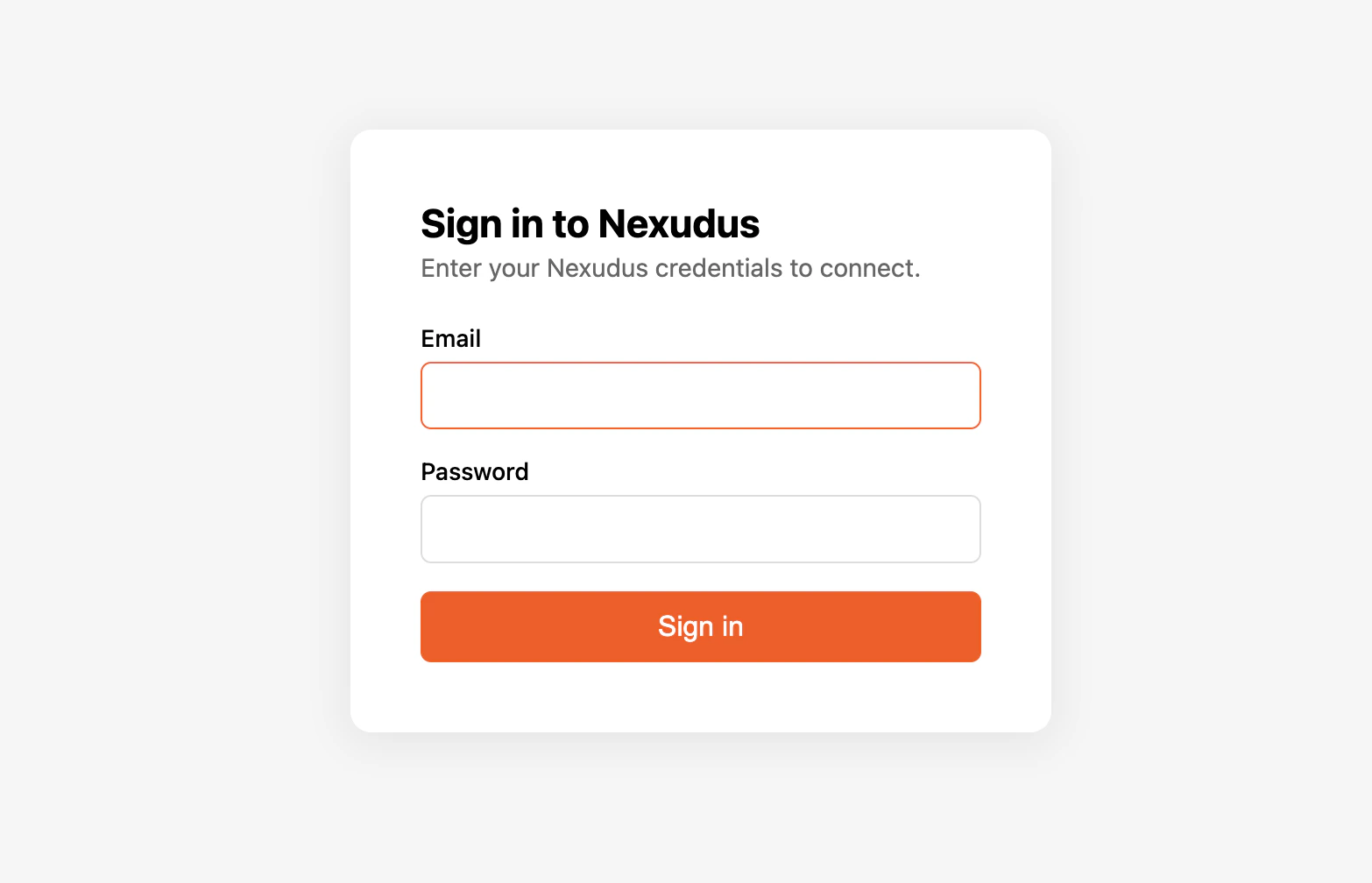
Verify it works
Start a new chat in Claude Desktop and ask:“List my Nexudus locations.”Claude Desktop should call the Nexudus connector and return your locations. If it does not, restart the app and retry — connectors are loaded at app startup.
Things to try
- “How many bookings do I have this week across all locations?”
- “Create a tentative booking for member John Doe in Meeting Room A from 2 to 3pm today.”
- “Archive product 12345678.”
- “List the visitors expected at my London location tomorrow.”
Resource support
Claude Desktop currently consumes MCP tools but not MCP resources. This means the Nexudus server’s per-entity documentation is fetched through thenexudus_get_skill_guide and nexudus_get_entity_guide tools rather than directly. You will see those tool calls in the response trace — this
is normal.
Disconnect or re-authenticate
To disconnect, open Settings → Connectors and remove the Nexudus connector. To re-authenticate after the 8-hour session expires, reopen the connector and choose Reconnect.Common issues
For more, see Troubleshooting.
Next steps
Available tools
What the AI assistant can do for you.
Sessions and re-auth
Why sessions expire after 8 hours.