

Sessions and Re-authentication
A connection to the Nexudus MCP server is called a session. Each session is tied to your Nexudus account and lasts for a limited time.How long a session lasts
After 8 hours, the access token your MCP client is using becomes invalid. The next tool call returns an authentication error.
What you see when a session expires
The first failed tool call surfaces in your AI assistant’s response. The wording depends on the assistant, but you will see something like:“I tried to fetch your bookings, but your Nexudus connection needs to be re-authenticated.”or:
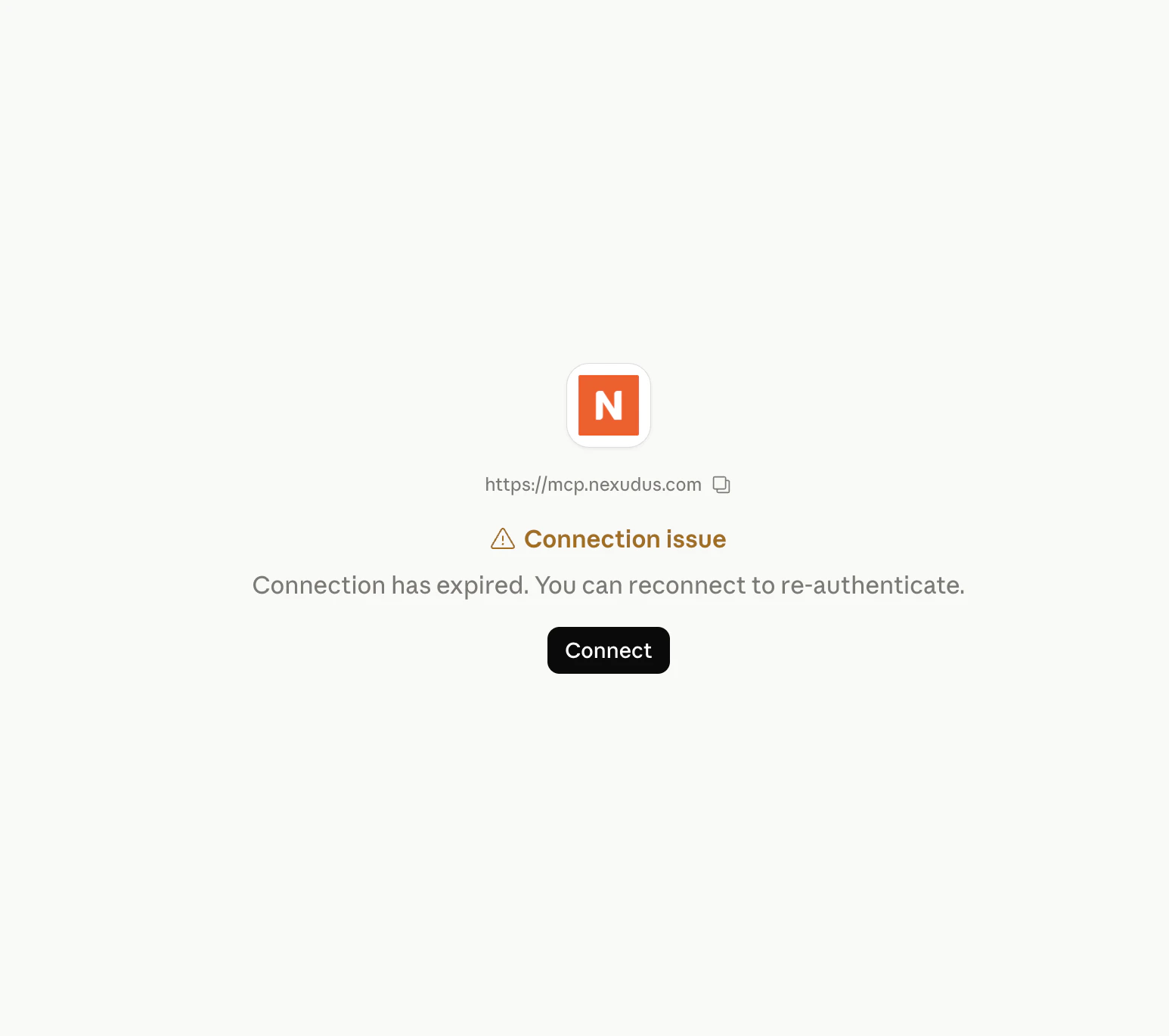
“The Nexudus tools aren’t loading. Could you reconnect from your client’s settings?”Both are signs that the 8-hour session has ended. Most clients also show a status banner next to the Nexudus connector in their settings — for example, Claude.ai displays a Connection issue notice with a Connect button that walks you back through the sign-in.
How to re-authenticate
The steps depend on your MCP client, but they are always the same as the first sign-in:
In every case, you sign in to Nexudus again in the browser and the session restarts for another 8 hours.
Why sessions expire
Short-lived sessions are a security feature. If your token is ever leaked — for example, by another extension reading from the MCP client’s storage — the maximum time it remains useful is 8 hours.Multiple clients, same account
You can connect more than one MCP client to the same Nexudus account at the same time. Each client gets its own session and token; they do not share state. Disconnecting one client does not affect the others.What is not preserved across sessions
The MCP server itself remembers nothing about you between sessions:- No chat history — that lives in your MCP client.
- No saved preferences — every session starts with the same defaults.
- No request log visible to you — only anonymous telemetry is recorded by the server (see Telemetry).
Next steps
How authentication works
What the server does with your login.
Troubleshooting
Common issues and how to fix them.