

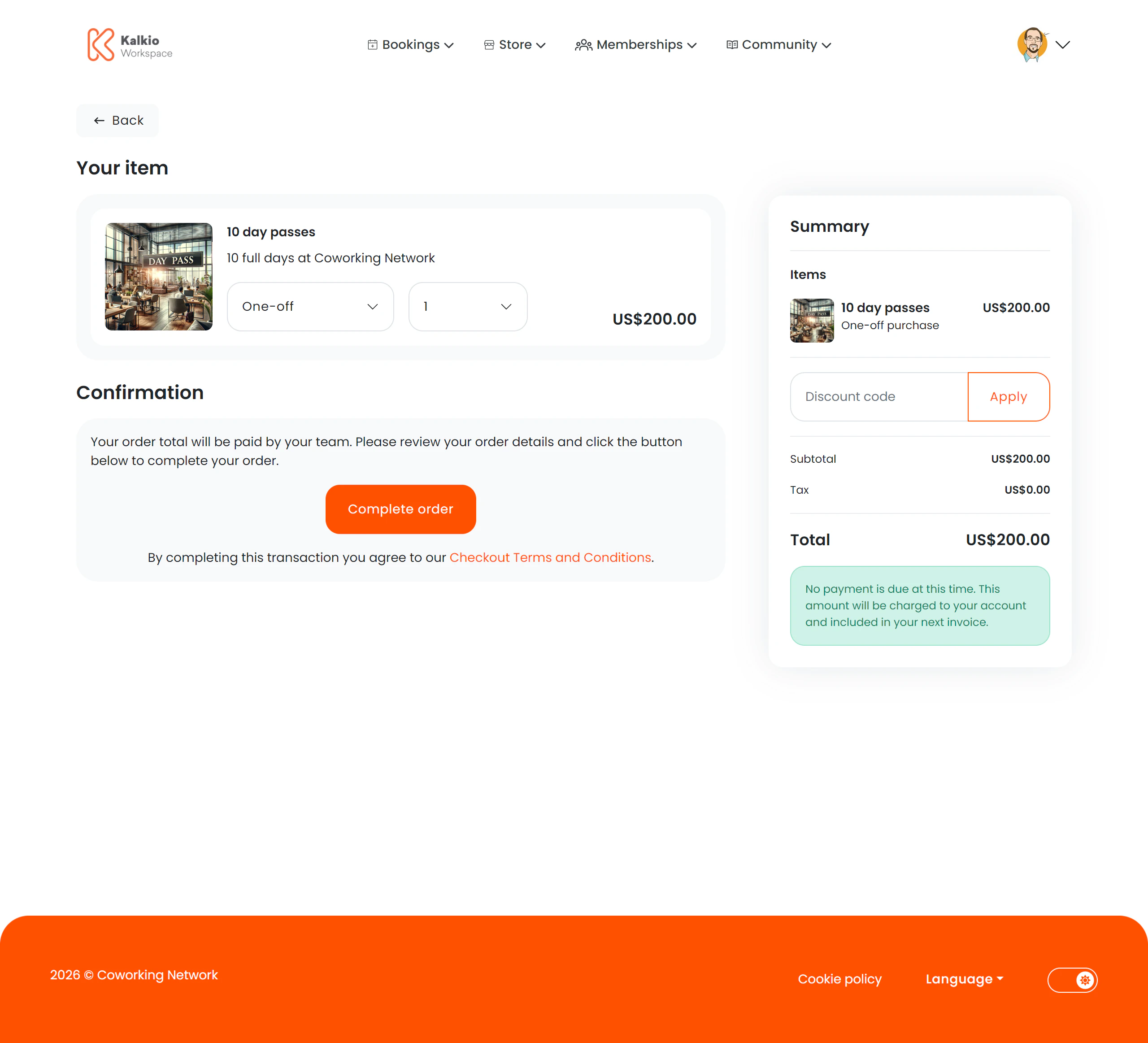
What members see
A two-column layout with product details on the left and a basket summary on the right.Product details
- Product name, description, and image
- Price displayed in the location’s currency
- Quantity selector — adjust how many units to purchase
- Purchase type — choose between a one-time purchase or adding the product to a membership plan (if the product supports it)
- Stock availability — an out-of-stock indicator prevents purchase when inventory is depleted
Payment & summary
- Payment method selector — choose how to pay
- Basket summary — shows the total cost including taxes
Key features
- Stock management — the page respects inventory levels and prevents overselling.
- Flexible purchase types — supports both standalone purchases and plan-linked recurring products.
- Analytics tracking — checkout initiation is tracked for reporting.