

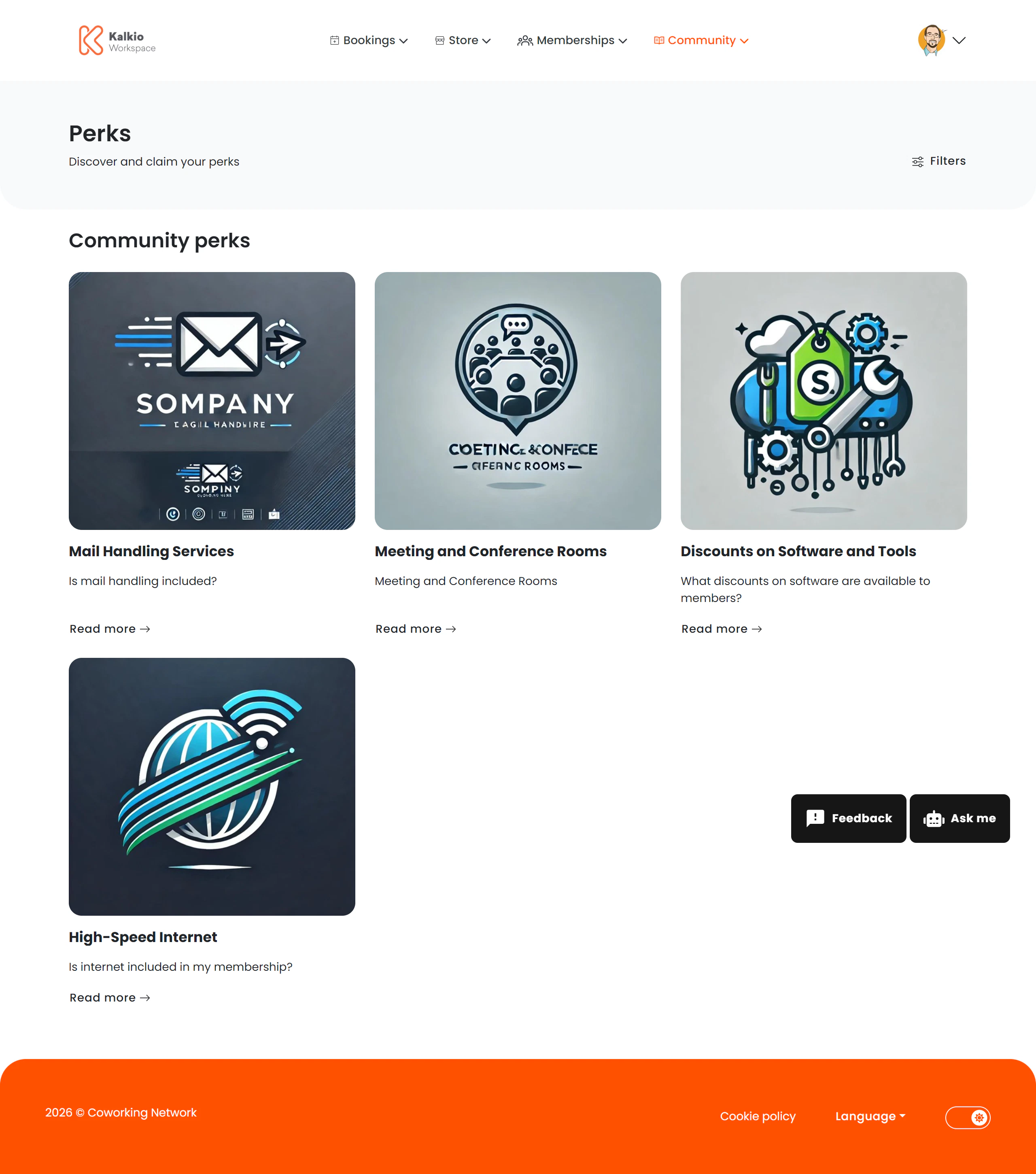
What members see
Perks are displayed in a browsable grid. Each perk card shows:- Perk name and description
- Partner / provider company
- Discount or benefit details
- How to redeem
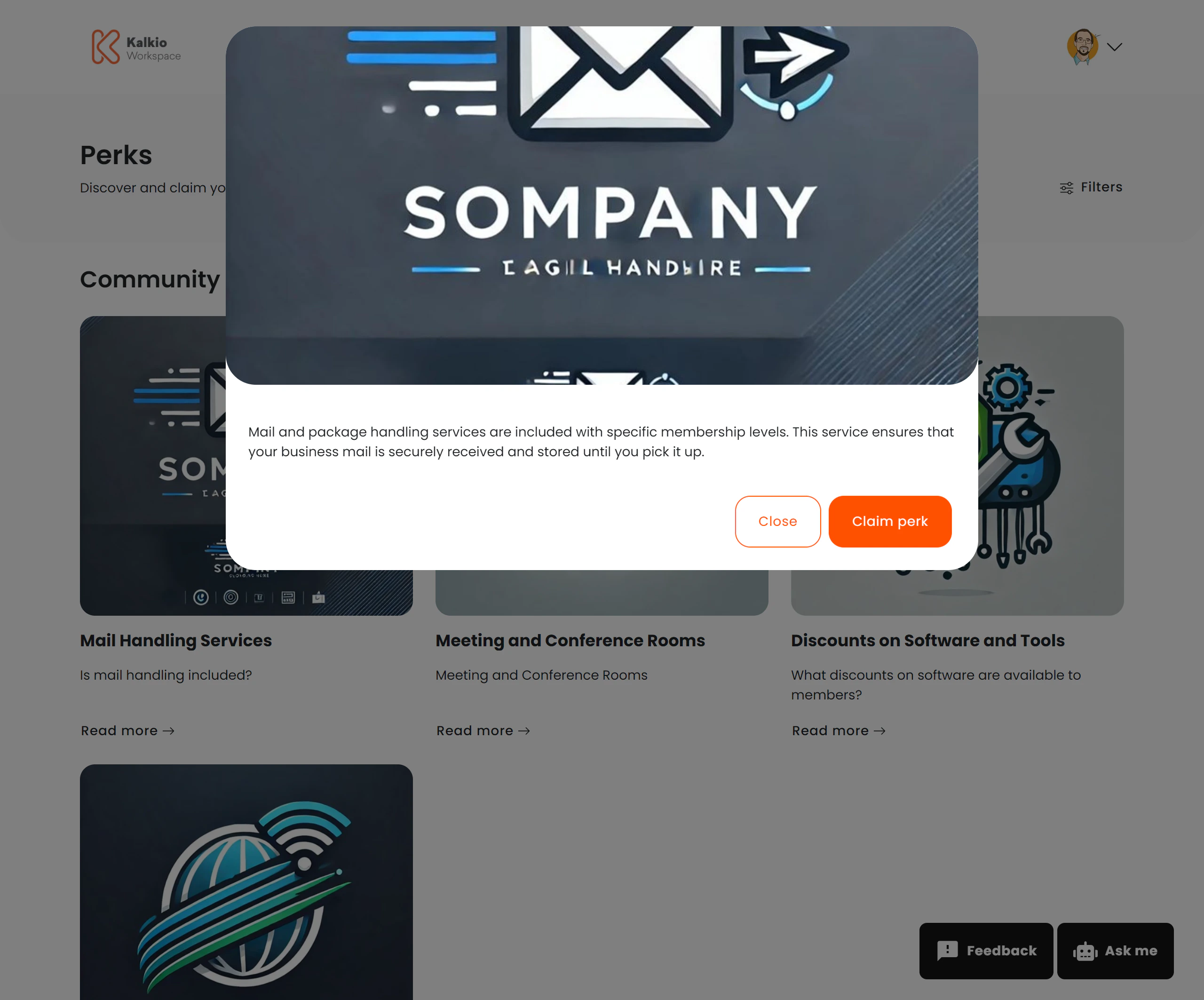
Supported HTML formatting in perk details
Perk details support rich HTML formatting. When creating or editing a perk, you can use the following HTML elements and attributes:Allowed HTML tags
Basic text formatting:<p>, <br>, <strong>, <b>, <em>, <i>, <u>, <s>, <code>, <pre>, <h1> – <h6>, <blockquote>, <ul>, <ol>, <li>, <dl>, <dt>, <dd>, <table>, <thead>, <tbody>, <tfoot>, <tr>, <th>, <td>, <hr>, <div>, <span>
Rich media: <a>, <img>, <video>, <iframe>
Allowed attributes
Links (<a>): href, title, target, rel
Images (<img>): src, alt, title, width, height, style
Videos (<video>): Standard HTML5 video attributes
Embedded content (<iframe>): src, width, height, allow, frameborder, allowfullscreen, style (YouTube videos are supported)
Filtering
Members can filter perks by category or search by name and description. Advanced filtering options are also available if enabled.How to configure
From the Page Editor you can:- Show or hide the page title
- Show or hide filters
- Enable advanced filtering options