

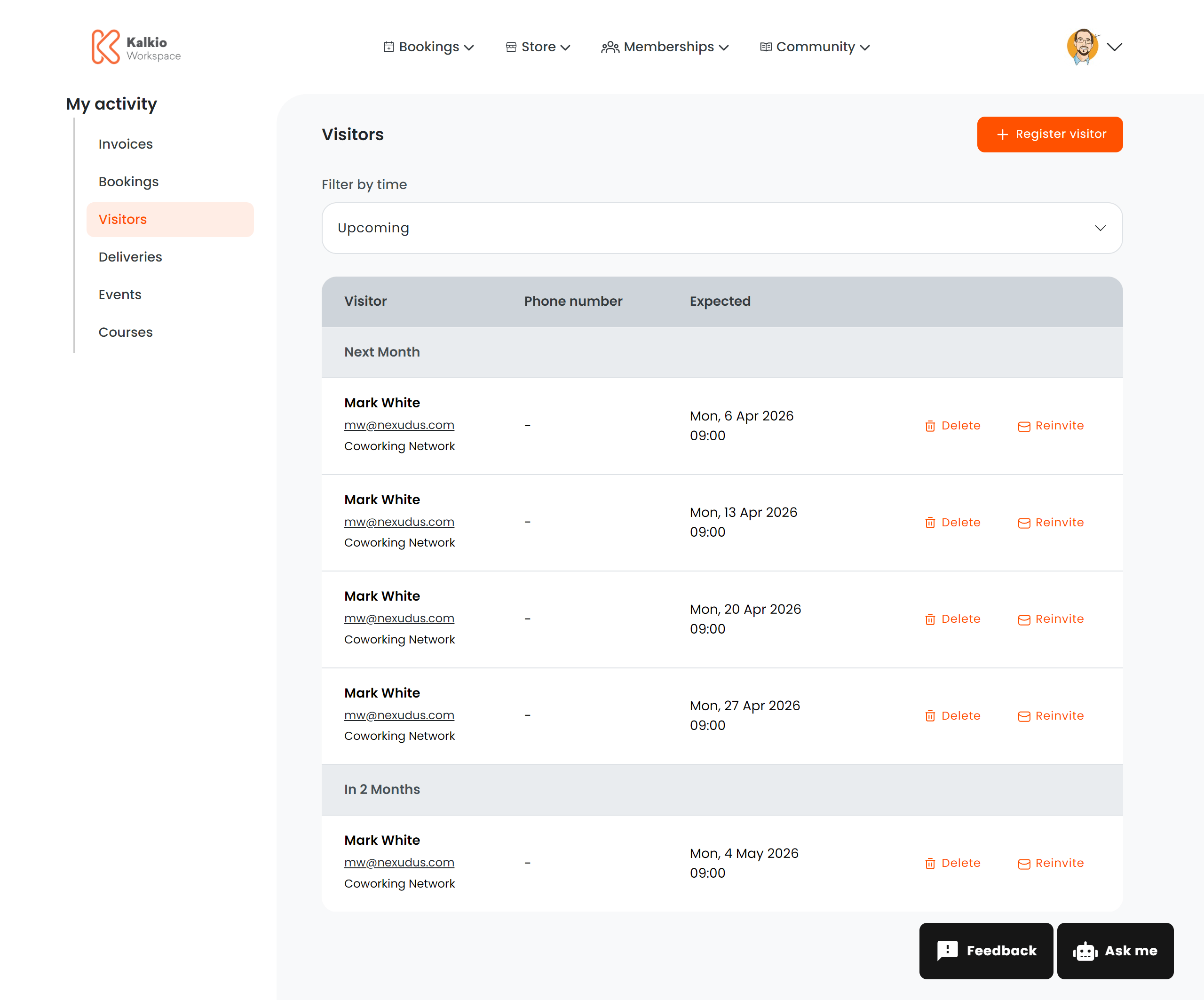
What members see
A list of registered visitors grouped by expected arrival date. Each row shows:
Members can toggle between Upcoming and Past visitors.
Registering a visitor
When a member clicks Register New Visitor, a form opens with the following fields:- Location — which location the visitor is expected at
- Full name (required)
- Email (required)
- Phone number
- Expected arrival — date and time of the visit
- Notes — any additional information about the visit
Custom fields
If your space has configured custom fields for the visitor registration form, these will appear alongside the standard fields. Custom fields allow your space to collect additional information such as company name, vehicle registration, purpose of visit, or any other data relevant to your operations.- Required custom fields must be filled before the form can be submitted.
- Custom fields are configured by your space administrator in CRM → Custom Fields and enabled with the Show in visitor form option.
- The fields shown depend on which location is selected — each location can have different custom fields configured.
Actions
Deep linking
Appending?action=create to the URL automatically opens the visitor registration form — useful for linking from other pages or emails.