

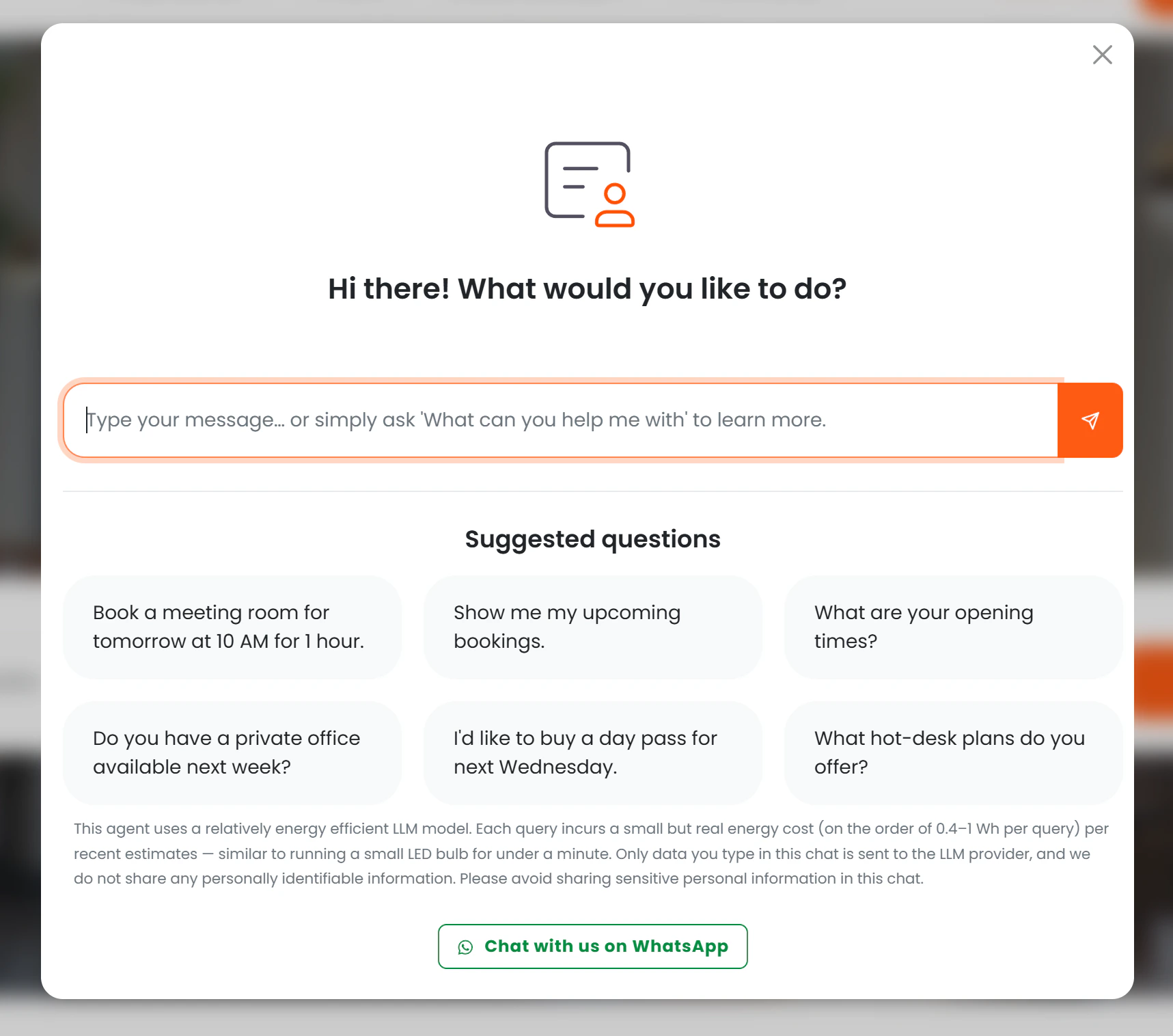
- Chat — a floating widget embedded in your members portal. (enabled by default)
- Email — members and prospects send an email to your space’s AI address and receive a reply. (requires email forwarding setup)
- WhatsApp — members and prospects message your space’s WhatsApp number and receive a reply. (requires Twilio + Meta setup)
- Voice — members and prospects call your space’s phone number and speak with the AI. (requires ElevenLabs + Twilio setup)
Core principles
It only works from your data. Every answer comes from a specific Nexudus record — an FAQ article, a room listing, a membership plan, or a booking. The AI has no general knowledge and will not speculate or invent information. It respects your access settings. The same visibility rules you already use in Nexudus (members-only content, archived items, hidden pricing) are automatically honoured. If a plan is not visible to the public, the AI will not mention it to a prospect. It tracks outcomes. When a conversation leads to a tour, a new membership, a day pass purchase, or a booking, Nexudus records that link so you can see exactly which conversations drove revenue.How it works
When someone sends a message — whether through the chat widget, email, or WhatsApp — the AI identifies the right tool for the request (for example, searching your FAQ articles or looking up available meeting rooms), calls that tool to fetch live data, then writes a natural-language reply based solely on what the tool returned.- Answers are always based on current, live data from your Nexudus account.
- The AI cannot be tricked into discussing topics outside its scope. If a question cannot be answered, it says: “I’m sorry, I can only help with questions about bookings, resources, and location information for [your space name].”
- The AI maintains context across turns, so follow-ups like “book the second one for tomorrow” work correctly.
Behaviour rules
The AI follows a fixed set of rules on every conversation, regardless of channel:Sessions
Each conversation is tracked under a unique session ID. How sessions are created depends on the channel:
The session ID is embedded in every call-to-action link the AI generates (tour requests, plan sign-ups, day pass purchases, booking links). This is how Nexudus links conversations to business outcomes. See Conversion Tracking for the full picture.