

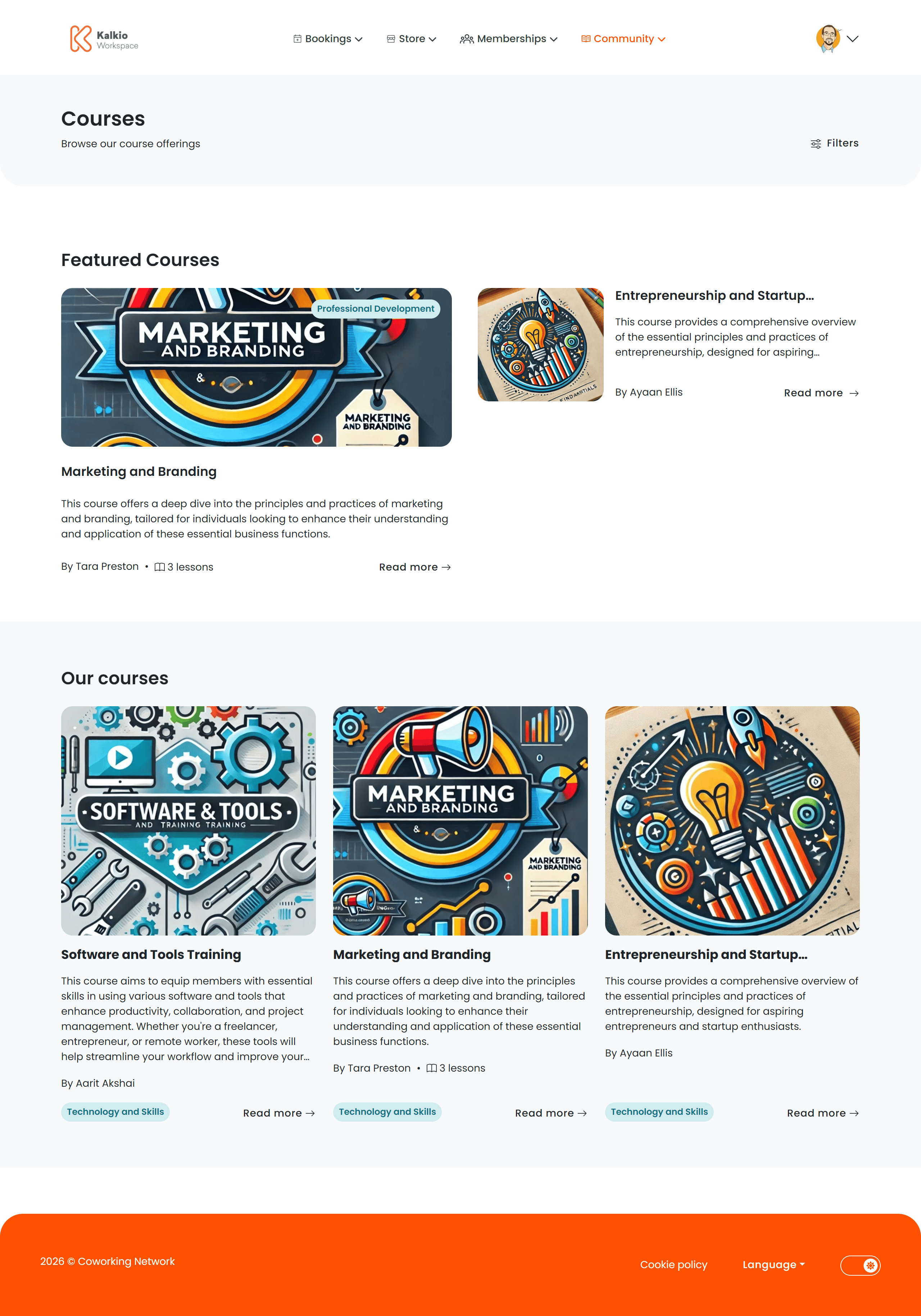
Courses listing page
The listing page displays all published courses in a card grid with filtering.What each card shows
- Course title and description
- Course image
- Instructor / host name
- Lesson count
- Category tag
Filtering & search
Pagination loads 9 courses per page with previous/next navigation.
Featured courses
On the first page, a Featured Courses section highlights courses marked as featured in the dashboard.Course details page
Clicking a course card opens the full details view.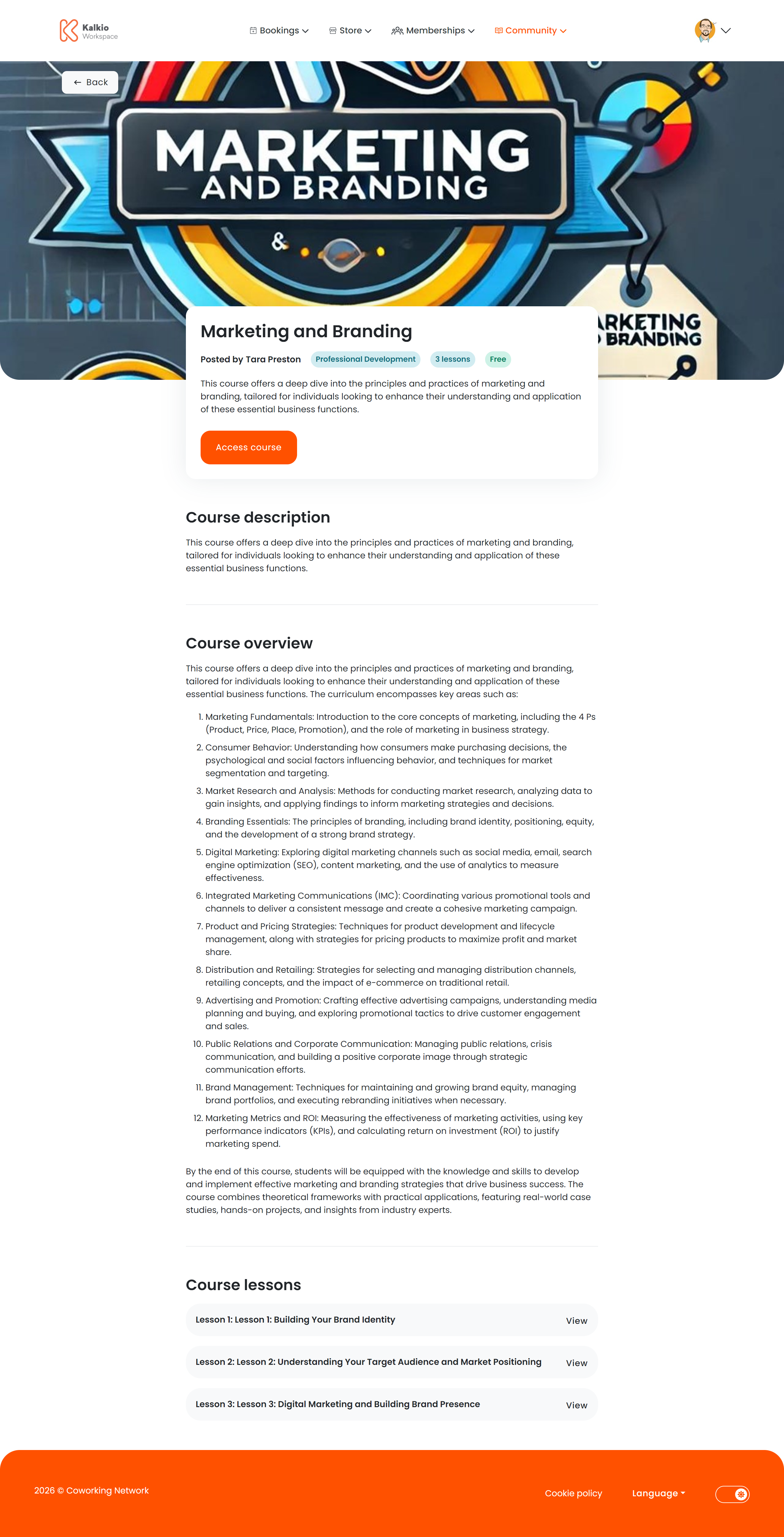
Information displayed
- Course title and hero image
- Instructor / host name
- Full description rendered from markdown
- Overview text
- Pricing — the course tariff displayed in the location’s currency
- Lesson count
Lessons
The course curriculum is displayed as expandable panels — one per lesson. Each panel shows:- Lesson number and title
- Lesson summary (markdown formatted)
Supported HTML formatting in course and lesson content
Course descriptions and lesson content support rich HTML formatting. When creating or editing course or lesson content, you can use the following HTML elements and attributes:Allowed HTML tags
Basic text formatting:<p>, <br>, <strong>, <b>, <em>, <i>, <u>, <s>, <code>, <pre>, <h1> – <h6>, <blockquote>, <ul>, <ol>, <li>, <dl>, <dt>, <dd>, <table>, <thead>, <tbody>, <tfoot>, <tr>, <th>, <td>, <hr>, <div>, <span>
Rich media: <a>, <img>, <video>, <iframe>
Allowed attributes
Links (<a>): href, title, target, rel
Images (<img>): src, alt, title, width, height, style
Videos (<video>): Standard HTML5 video attributes
Embedded content (<iframe>): src, width, height, allow, frameborder, allowfullscreen, style (YouTube videos are supported)