

Password Reset
The password reset page is step two of the recovery flow. Members arrive here by clicking the reset link in their email. The link contains a secure token that authenticates the request.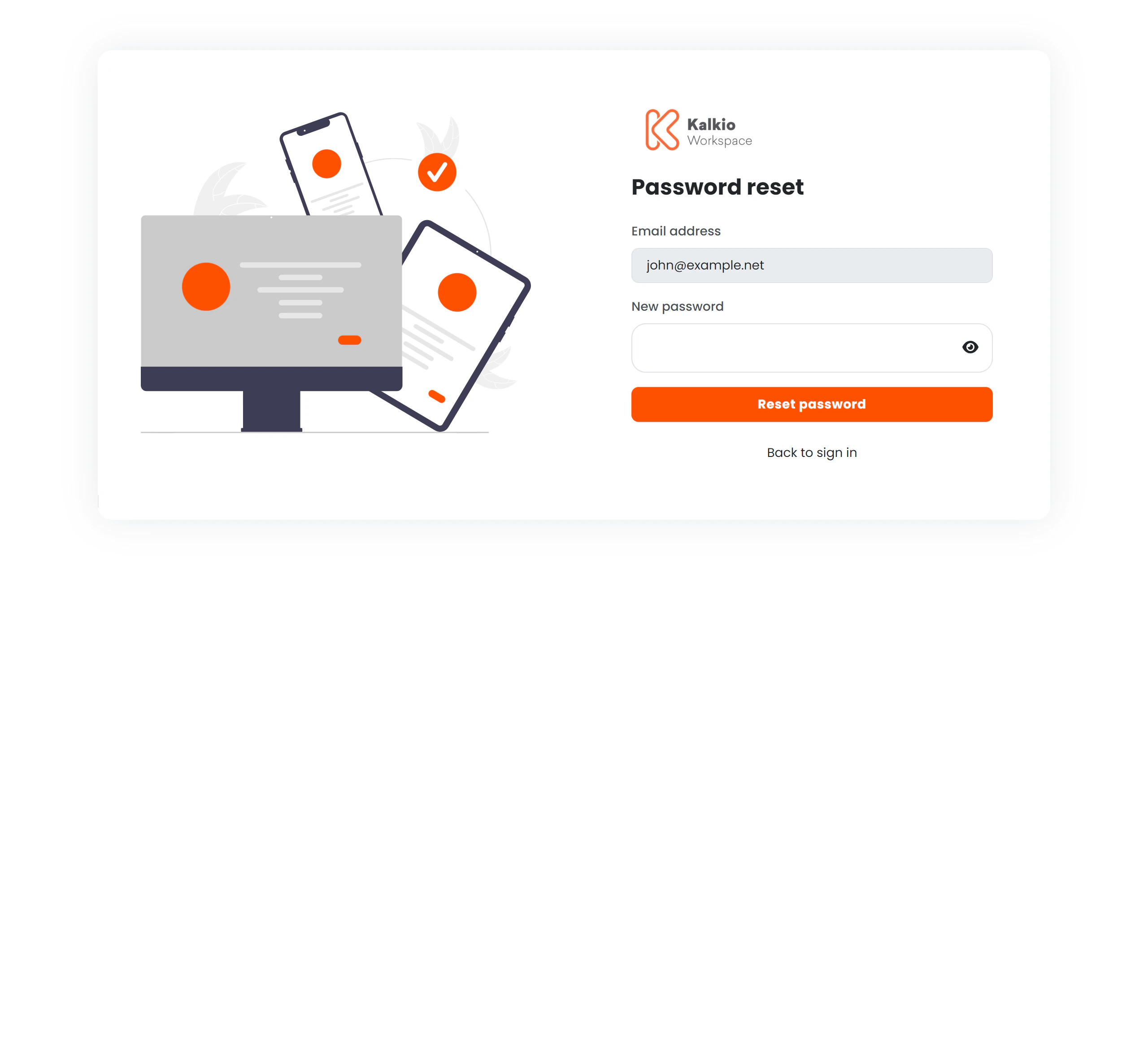
Flow
- Member clicks the reset link from their email — the URL contains a JWT token.
- The page decodes the token and extracts the member’s email address, displaying it in a read-only field.
- Member enters a new password that meets strength requirements.
- Clicks Reset password.
- A success message confirms the password was changed.
- Member navigates Back to sign in to log in with their new password.
Token validation
The page performs several checks on the JWT token:
If any check fails, the member is silently redirected to the sign-in page where they can start the recovery process again.
Password requirements
The new password must meet the strength rules defined by your location’s validation schema. Members see real-time feedback as they type. A show/hide toggle is available for the password field.Page layout
The business logo and primary colour theme are applied from your location settings.