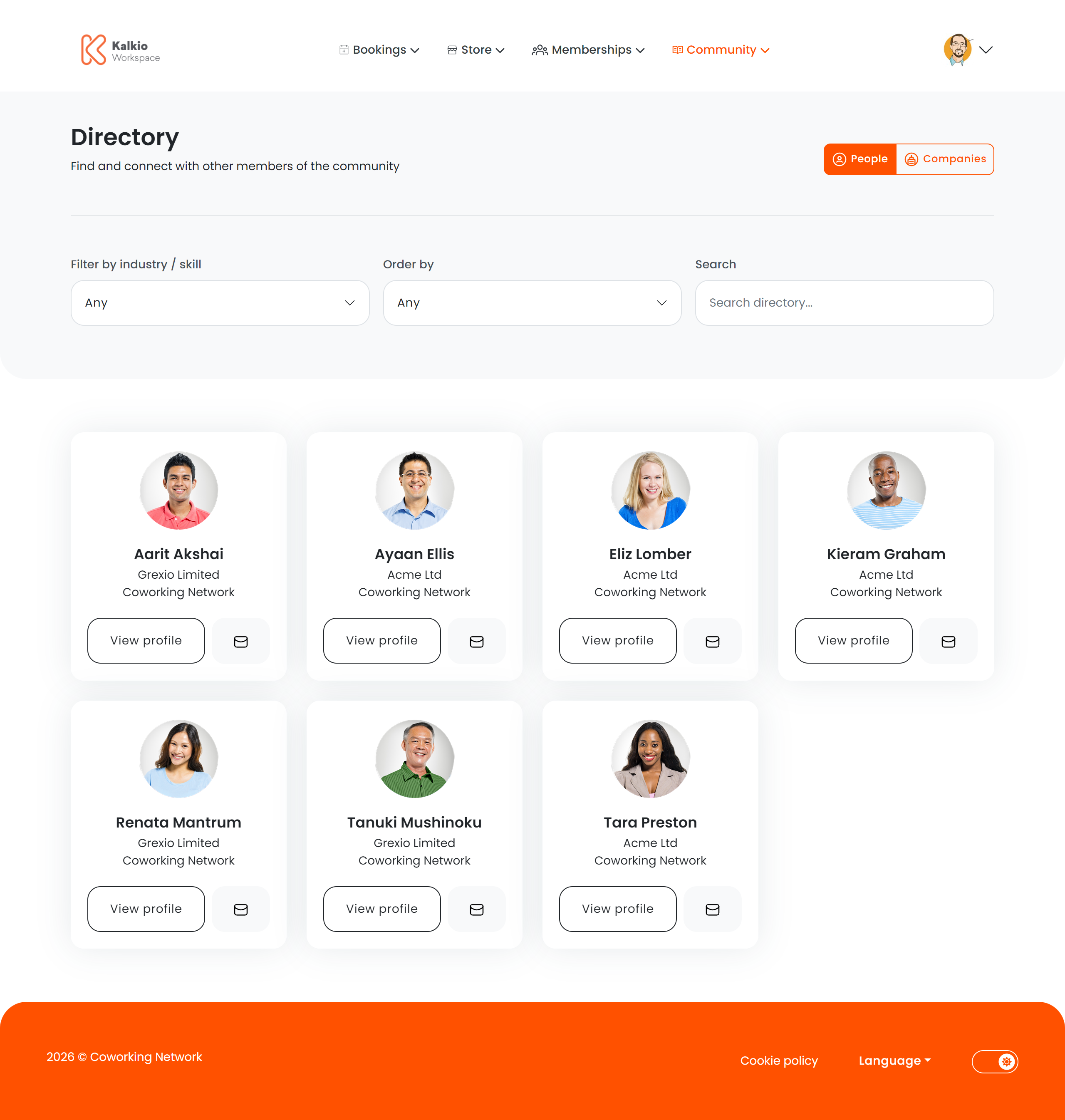
The Members Directory lets members discover and connect with other people and businesses in your coworking community.Documentation Index
Fetch the complete documentation index at: https://learn.nexudus.com/llms.txt
Use this file to discover all available pages before exploring further.

What members see
The directory displays member and company profiles as cards. Each card can show:- Company name
- Home / primary location
- Professional tags and categories (industry, specialty)
- View Profile button — opens the full member profile
- Message button — contact the member directly
Filtering & search
| Filter | Description |
|---|---|
| Tag filter | Narrow results by industry or specialty tags |
| Order / sort | Sort members by name, date joined, etc. |
| Search box | Free-text search by member or company name |
How to configure
From the Page Editor you can control:| Setting | Effect |
|---|---|
| Show title | Toggle the page heading |
| Show filter bar | Show or hide the full filter row |
| Show tag filter | Enable tag-based filtering |
| Show order filter | Enable sort options |
| Show search box | Enable free-text search |
| Show company name | Display company name on cards |
| Show home location | Display the member’s primary location |
| View profile button | Add a button linking to the full profile |
| Message button | Add a button to contact the member |