Documentation Index
Fetch the complete documentation index at: https://learn.nexudus.com/llms.txt
Use this file to discover all available pages before exploring further.
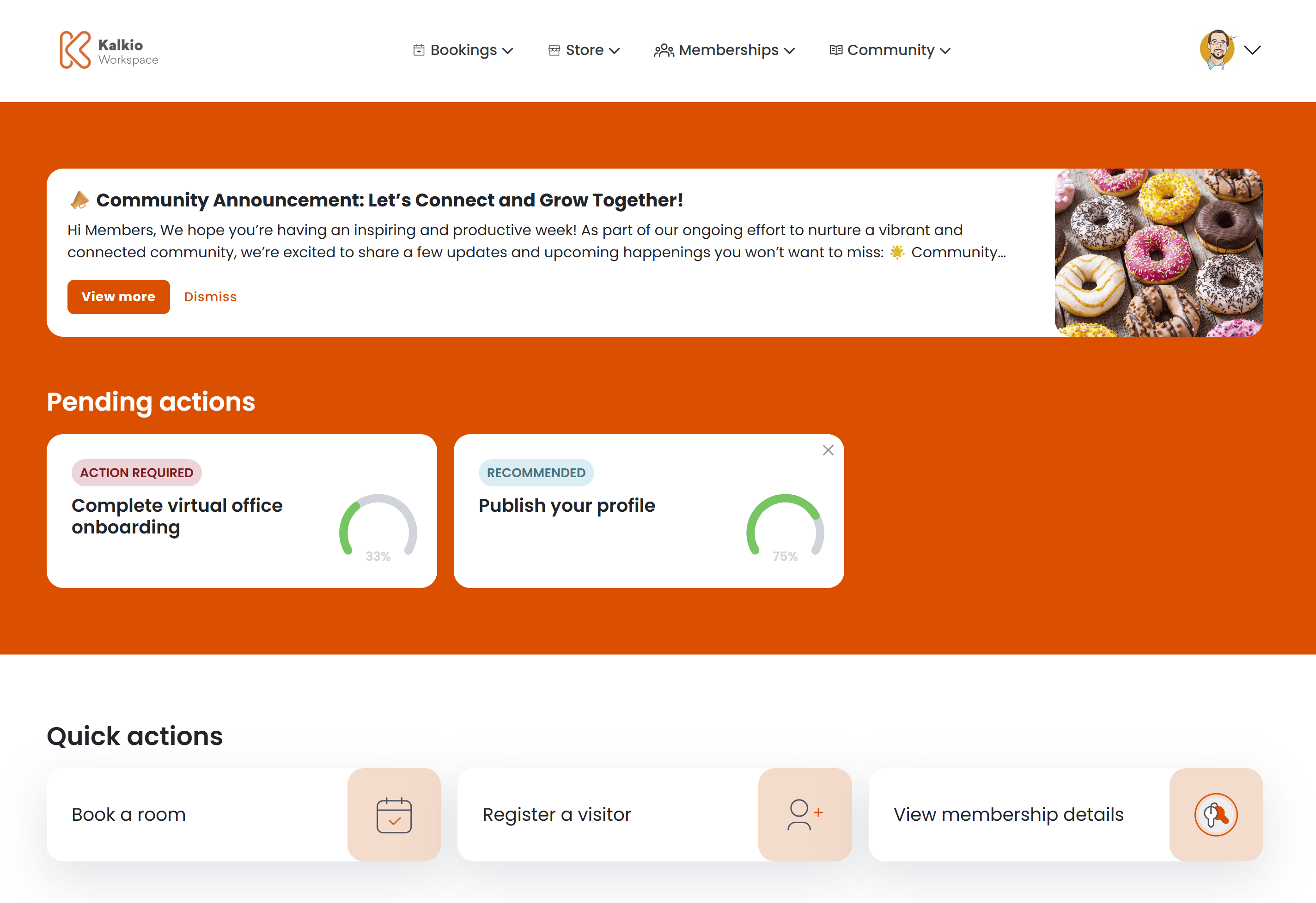
Community announcements let operators share news, updates, and promotions directly on the member dashboard. Each announcement appears as a card banner at the top of the personal dashboard.
What members see
Each announcement is displayed as a card with the following elements:
| Element | Description |
|---|
| Title | The announcement name |
| Body | A preview of the announcement text, truncated to two lines |
| Image | Optional image displayed on the right side of the card |
| View more | Button to open the full announcement in a modal |
| Dismiss | Button to permanently hide the announcement from the dashboard |
When multiple announcements are active, they are displayed as separate cards stacked on the dashboard.
Full announcement view
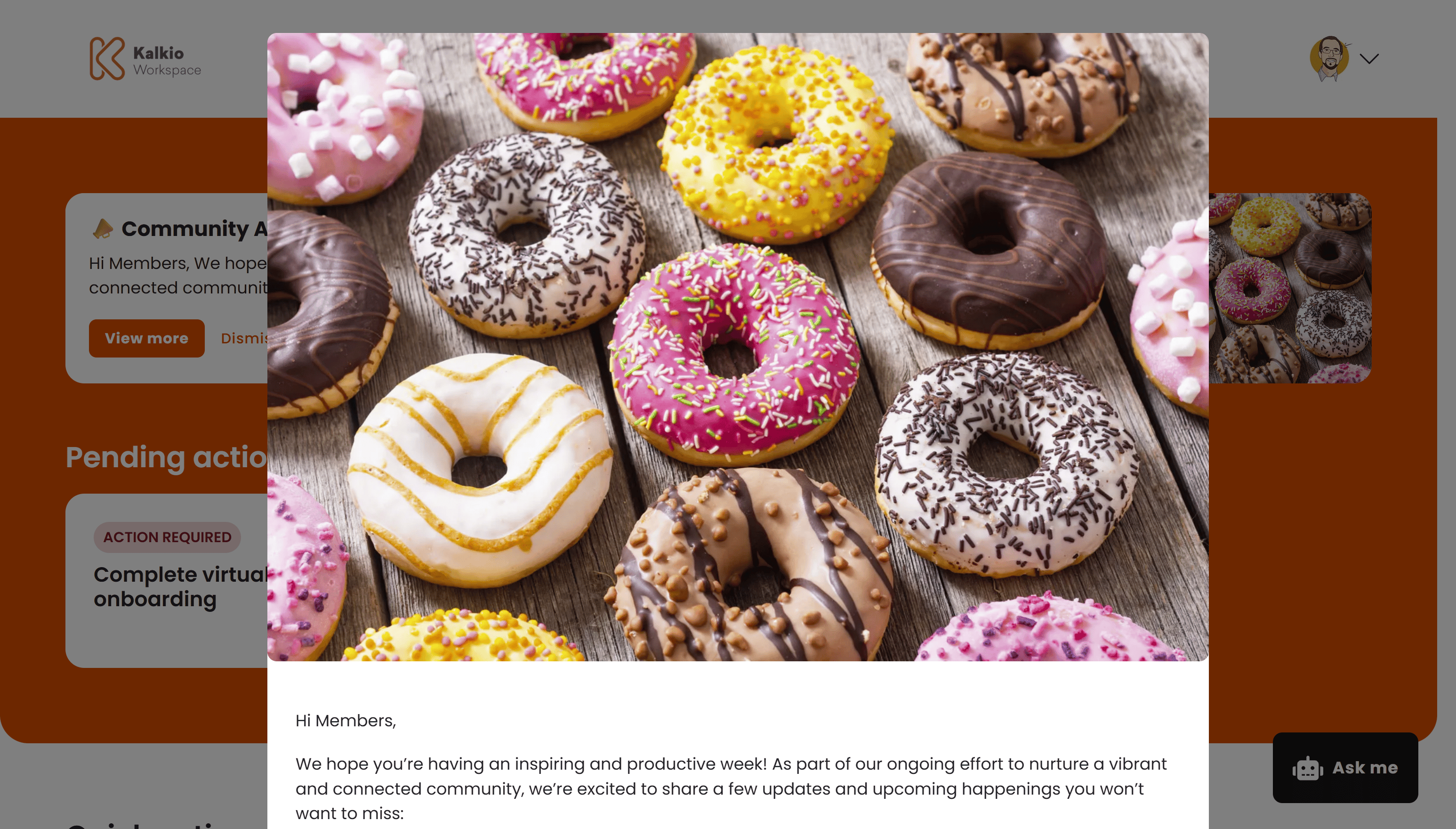
Clicking View more opens a modal with:
- The full announcement image
- The complete body text rendered with Markdown formatting
- An optional call-to-action button that opens an external link in a new tab
Dismissing announcements
Members can click Dismiss to permanently hide an announcement from their dashboard. Dismissed announcements do not reappear unless the member clears their browser data.
Audience targeting
Operators can target announcements to specific audience segments:
| Audience | Who sees it |
|---|
| All customers | Both members and contacts |
| Members only | Customers with an active contract |
| Contacts only | Customers without an active contract |
Scheduling
Announcements support scheduled publishing. Operators can set a Publish from and Publish until date so announcements appear and disappear automatically.
Configurable sections
| Setting | Default | Effect |
|---|
| Show announcements | On | Display the announcements banner on the dashboard |
Announcements are created in the Nexudus dashboard under Community > Announcements. Use the scheduling options to time announcements for maximum visibility.