

How the search works
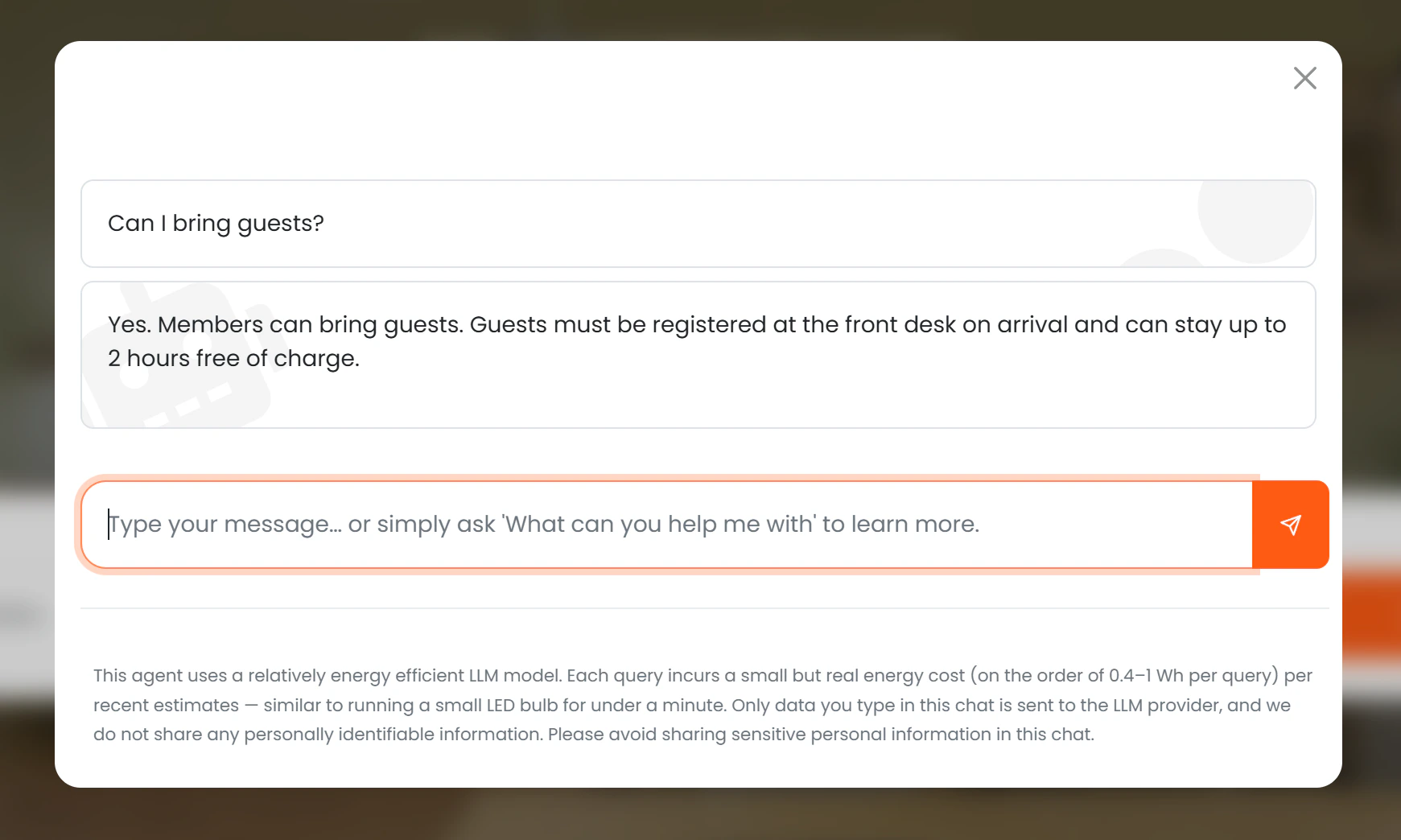
The search is semantic, not keyword-based. The AI understands the meaning of the question, so a question like “can I bring my dog?” will correctly find an article titled “Pet Policy” even though the words do not match exactly. This makes the AI effective at answering questions phrased in natural, conversational language. The AI uses a similarity threshold — if no article is close enough in meaning to the question, it says clearly that it could not find an answer rather than guessing.Language handling
The indexed content for each FAQ article is based on the default language of your location. This means the AI searches and matches against the original language text of your articles, not against any translations you may have provided. The agent is able to understand questions and respond in different languages, but the underlying knowledge it draws from always comes from the default language version of each article. For example, if your location’s default language is English and a member asks a question in French, the AI will search the English version of your FAQ articles and respond in French based on that content. If you provide translated versions of your FAQ articles, these will not be indexed or used by the AI for search matching.Access control
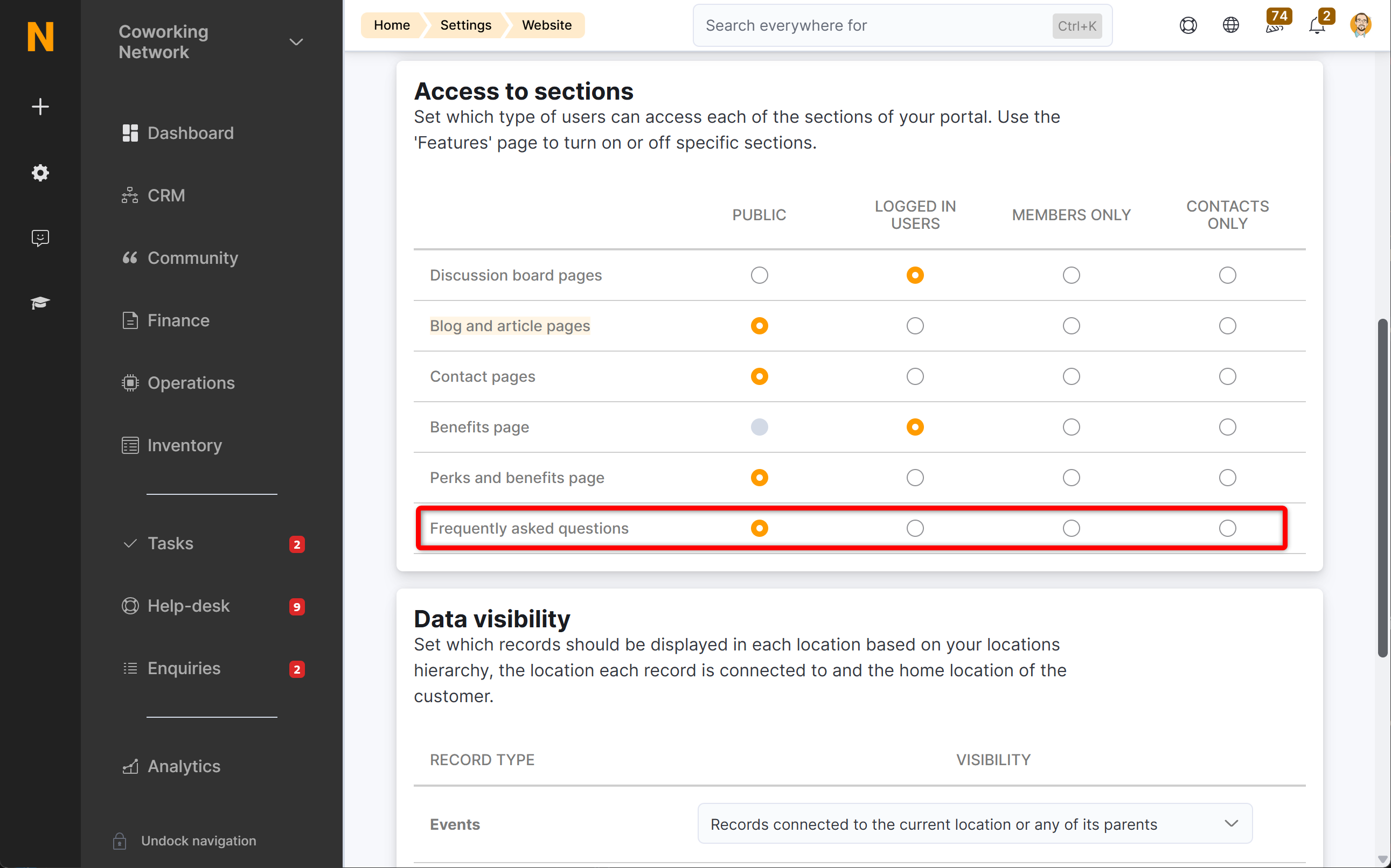
FAQ access is controlled by the Access > FAQs setting in your portal configuration:
This setting is shared between the FAQ page and the AI assistant. Changing it affects both.
What to put in your FAQ articles
The AI can only answer questions that are covered by your published articles. A few tips for getting the most out of this capability:- Write articles in plain, conversational language — the AI searches by meaning, so natural phrasing works better than formal headings.
- Cover the questions your front desk team hears most often: opening times, access, parking, printers, meeting room booking rules, guest policies, etc.
- Keep each article focused on one topic so the AI can find the most relevant match.