

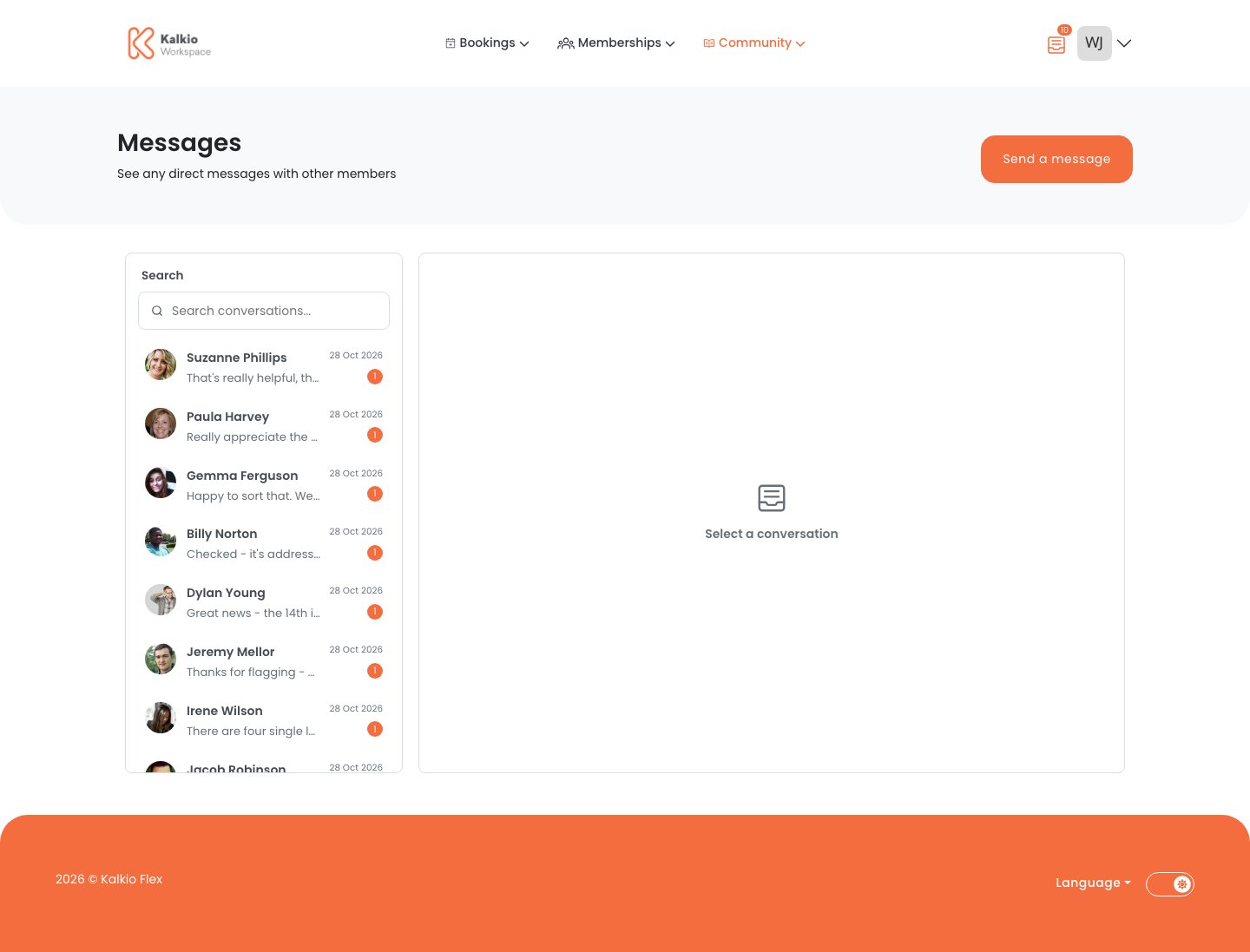
What members see
- Inbox — a list of private conversations with search and unread indicators.
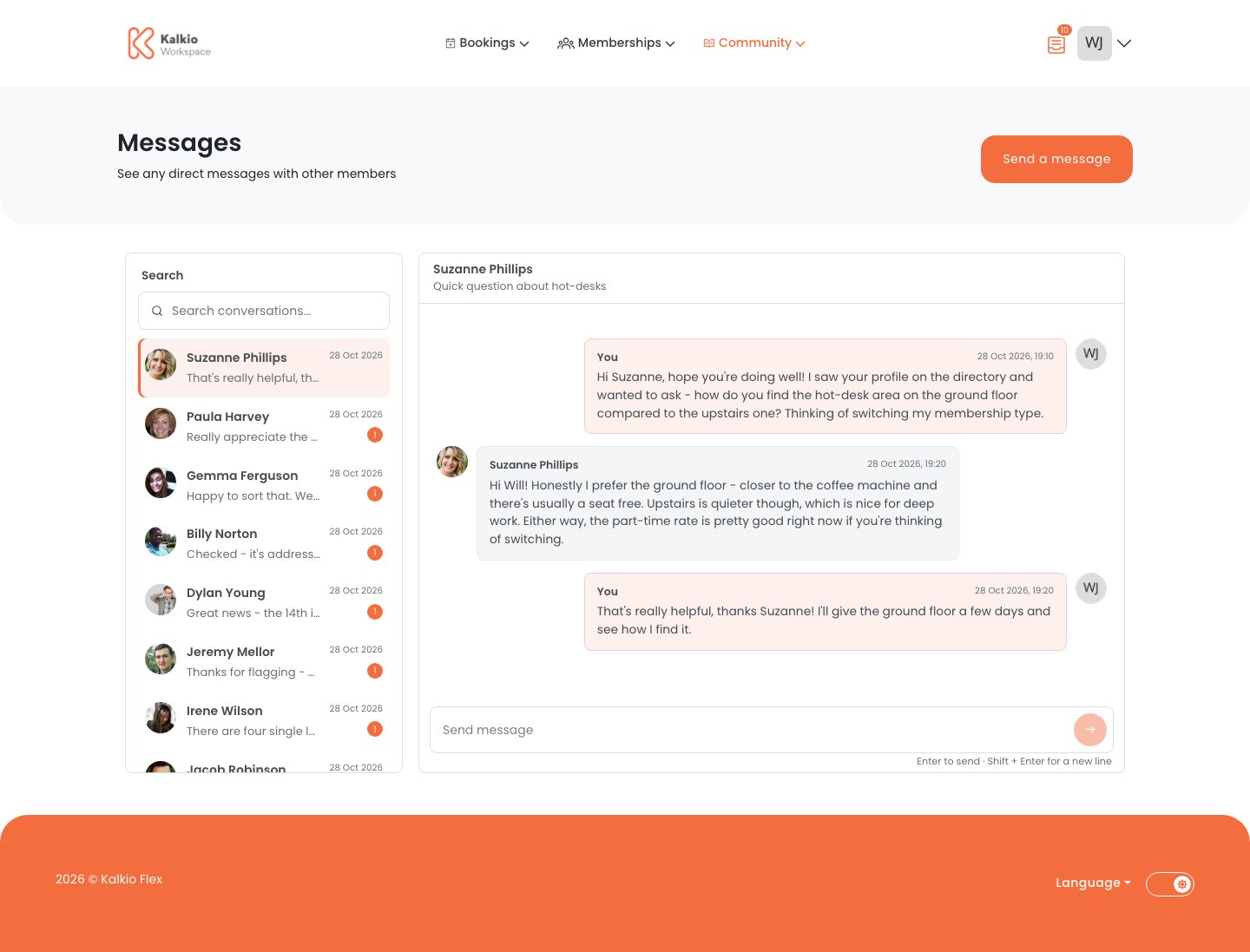
- Message view — a focused thread view where messages appear in real time, without refreshing the page.
- Typing indicators — participants can see when someone is actively responding.
- Read status — read receipts update automatically, keeping unread counts accurate.
Key features
Private messages are not a replacement for your official support channels or community moderation tools. They give members a practical, in-platform way to communicate with each other.
Muted conversations
When a member mutes a conversation, its attachments are not displayed in the conversation view. This preserves the member’s communication preferences and privacy controls.How it fits with discussion boards
Discussion boards and private messages are separate experiences:- Discussion boards — public topics visible to the whole community (or to groups).
- Private messages — focused conversations between specific members, visible only to the people in the conversation.
Members who previously used “private” discussion board replies may find those conversations feel different from the new private message inbox. If a member can’t find an older private conversation, check the discussion boards first.