

Overview
Assa Abloy Visionline is a door access system, connected to Nexudus through Assa Abloy Global Solutions. The integration gives customers access to Visionline doors based on what they have in Nexudus — their passes, resource bookings, and assigned desks and offices. The integration costs £50 a month per location (shown in your currency). You need a Visionline server with mobile access, and your passes, resources, desks and offices set up in Nexudus.Before you start
Get the following from your Visionline account or Assa Abloy installer:- The Visionline server’s address and port, and a username and password for it
- Your Visionline mobile access account name
- The Apache Tomcat session timeout, in minutes
- The range of door numbers to use (minimum and maximum)
- Your Assa Abloy GS tenant username and password
Setting up Assa Abloy Visionline
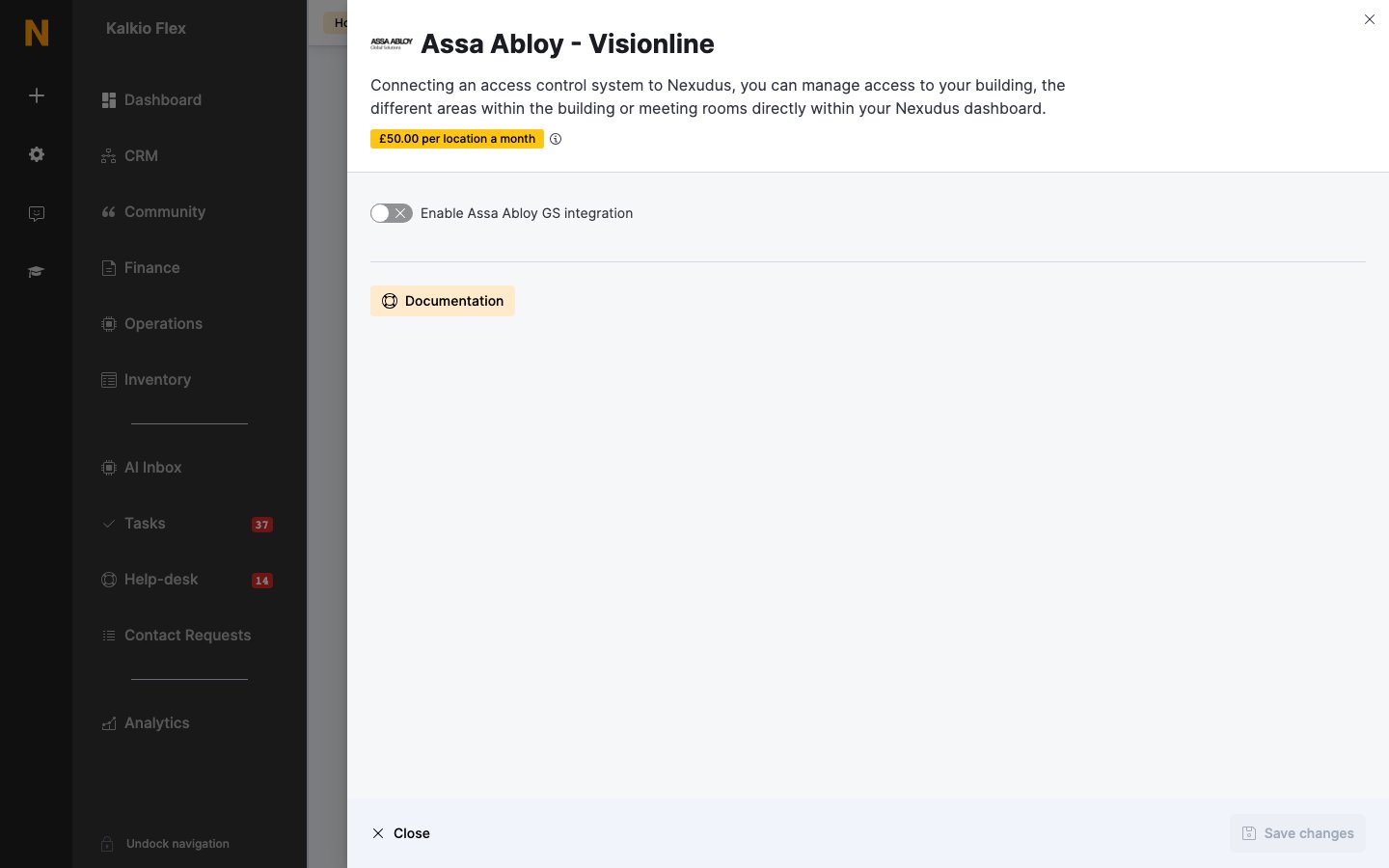
- Go to Settings → Integrations → Assa Abloy - Visionline and turn on Enable Assa Abloy GS integration.
-
Enter the details above:
- Save. Your doors then load under the settings.
- Choose the Visionline Door(s) for each of your Resources, Passes and Desks / Offices, and save.
Related
- Access control — how access control works in Nexudus