

Overview
Add-ons are partner apps built on the Nexudus platform. You find and connect them in the dashboard under Settings → Add-ons, rather than in Integrations.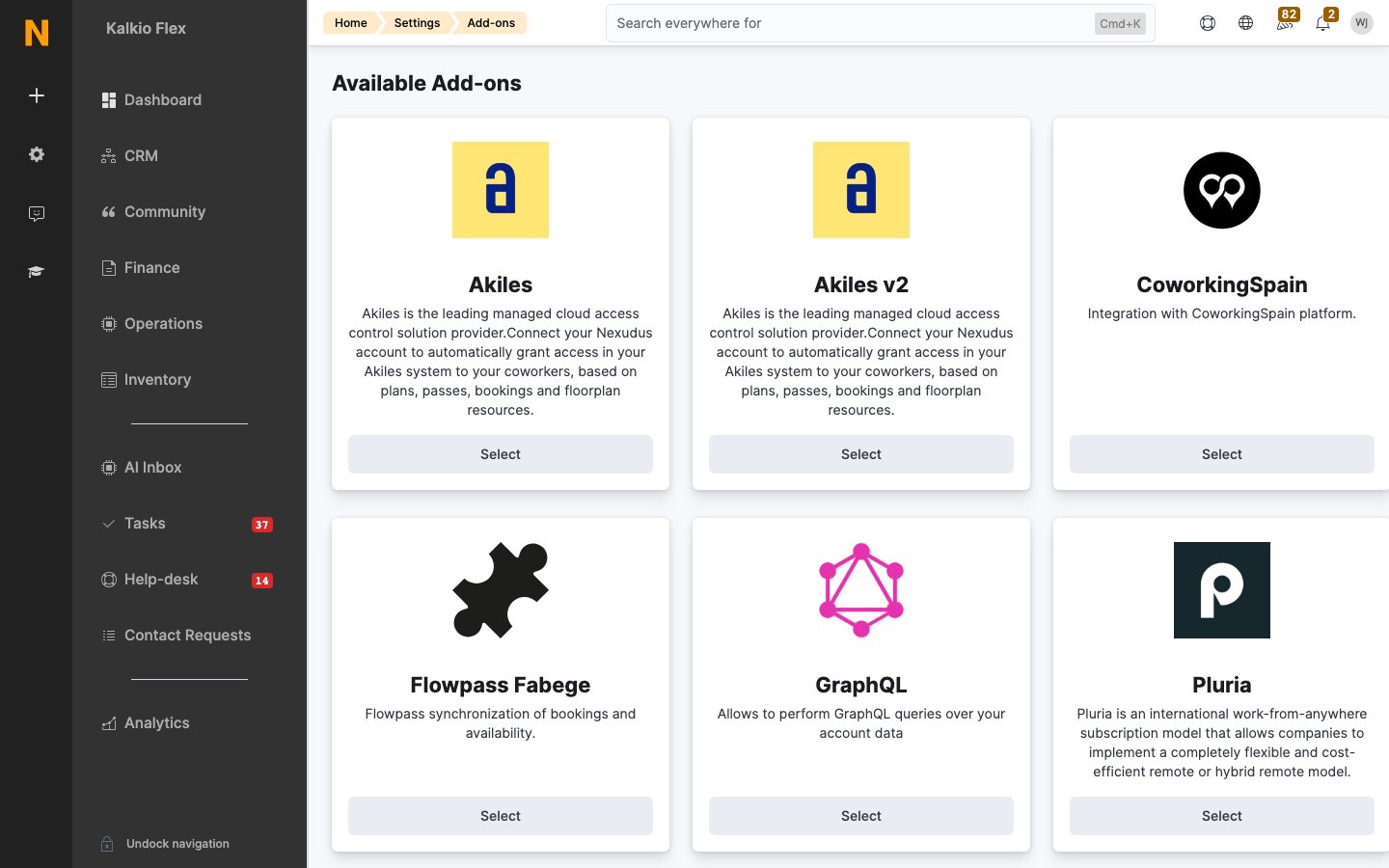
The list you see depends on your region and account.
Connecting an add-on
- Go to Settings → Add-ons and select the add-on.
- Under Locations and data, turn on Enabled for each location that should use it, and choose whether it can see your Resources, Products, Plans and Events.
- Select Save changes. Some add-ons then need details from your account with the partner.
Related
- Integrations — built-in integrations