

Overview
reCAPTCHA is a free Google service that stops bots submitting your forms. The integration adds it to your members portal’s sign-up and contact forms. You need to own the Google account you set it up with.Connecting reCAPTCHA
1
Create your keys
At
google.com/recaptcha/admin/create, add a label and choose reCAPTCHA v2 — other versions aren’t supported. Under Domains, add your members portal address: yourspace.spaces.nexudus.com, or, with a custom domain, both example.com and www.example.com. Accept the terms and submit.2
Add them to Nexudus
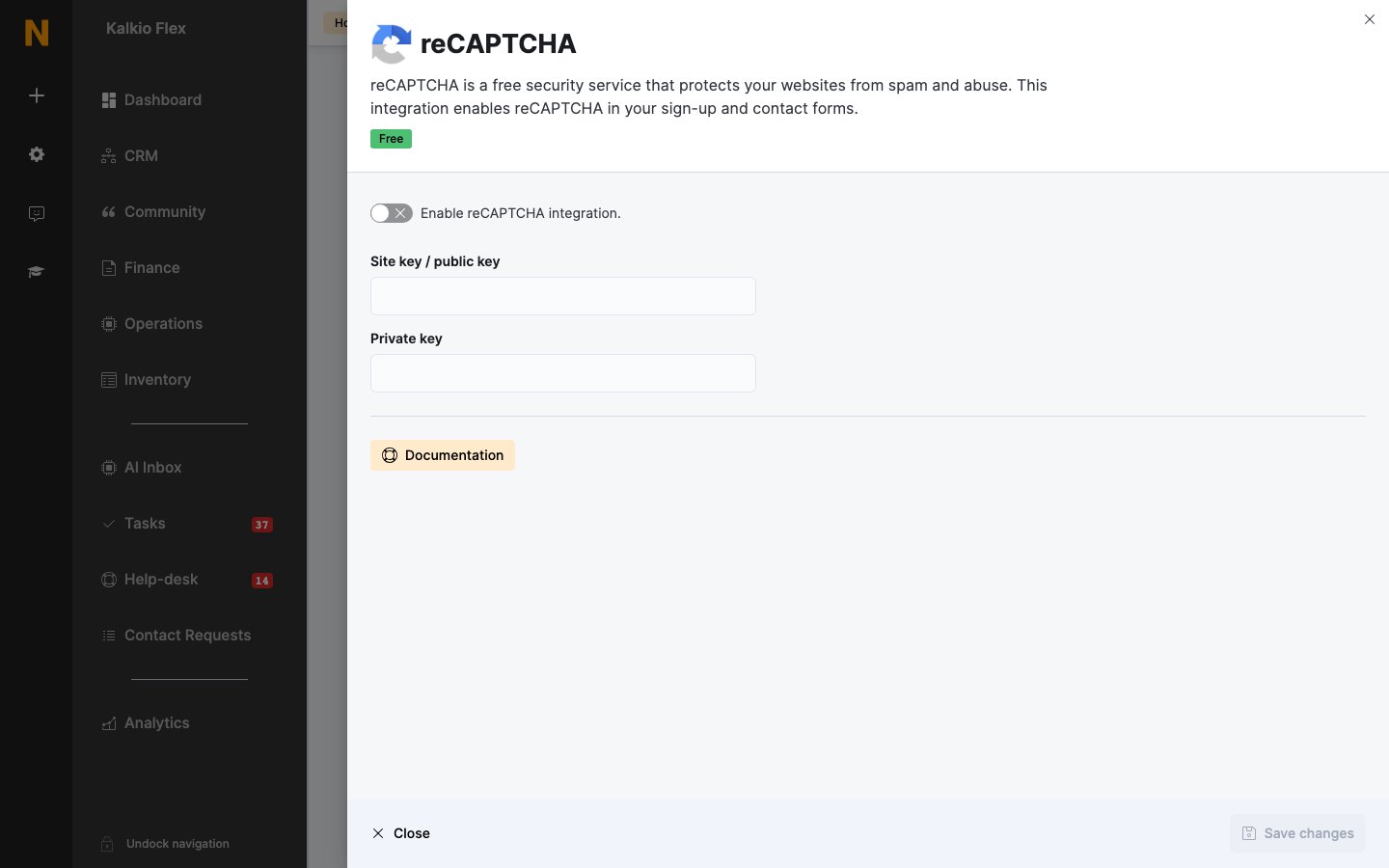
Go to Settings → Integrations → reCAPTCHA, turn on Enable reCAPTCHA integration., enter the Site key / public key and Private key, and save.
Related
- Domains — your portal’s web address