

Overview
The Okta integration lets people sign in to Nexudus with their Okta account — or with any identity provider you’ve connected to Okta, such as Google, Microsoft, Apple, LinkedIn or Facebook. The integration is free. You need an Okta account (a developer account is enough).Setting up Okta
1
Create an app in Okta
In Okta, go to Applications → Create App Integration, choose OIDC – OpenID Connect and Web Application, and set:
- App integration name:
Nexudus - Sign-in redirect URIs:
https://spaces.nexudus.com/authorization-code/callback - Sign-out redirect URIs:
https://spaces.nexudus.com/login/logout - Base URIs:
https://spaces.nexudus.com - Controlled access: allow everyone in your organisation
2
Add an identity provider (optional)
To let people sign in with Google, Microsoft or another provider through Okta, add it as an identity provider in Okta and copy its IdP ID.
3
Finish in Nexudus
Go to Settings → Integrations → Okta, turn on Enable Okta integration., and enter your Okta Domain (without
https://), the Identity Provider Id (IdP ID), Client ID and Client Secret. Set a Sign in button label, choose the shared SSO options, and save.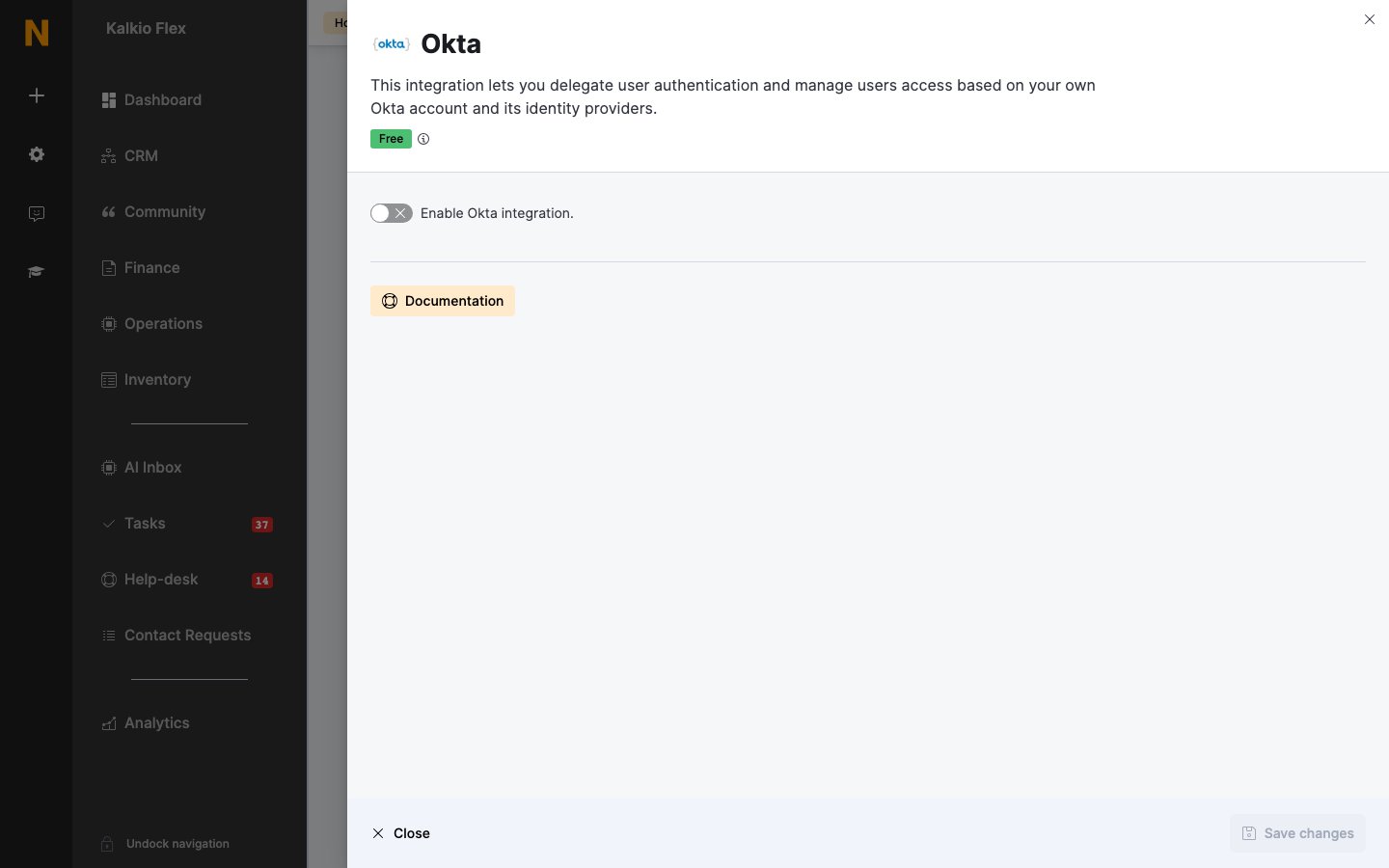
Related
- Single sign-on — shared SSO options