

Overview
Zapier connects apps with automated workflows called Zaps. The integration provides Zapier triggers for several types of Nexudus records, so something happening in Nexudus — a new customer, a new newsletter subscriber — can start an action in another app, such as adding them to a Mailchimp audience. The integration is free in Nexudus. You need a Zapier plan with enough Zaps and tasks for what you’ll automate.Connecting Zapier
- Create a full, unrestricted admin user in Nexudus for Zapier to use. A dedicated user is best.
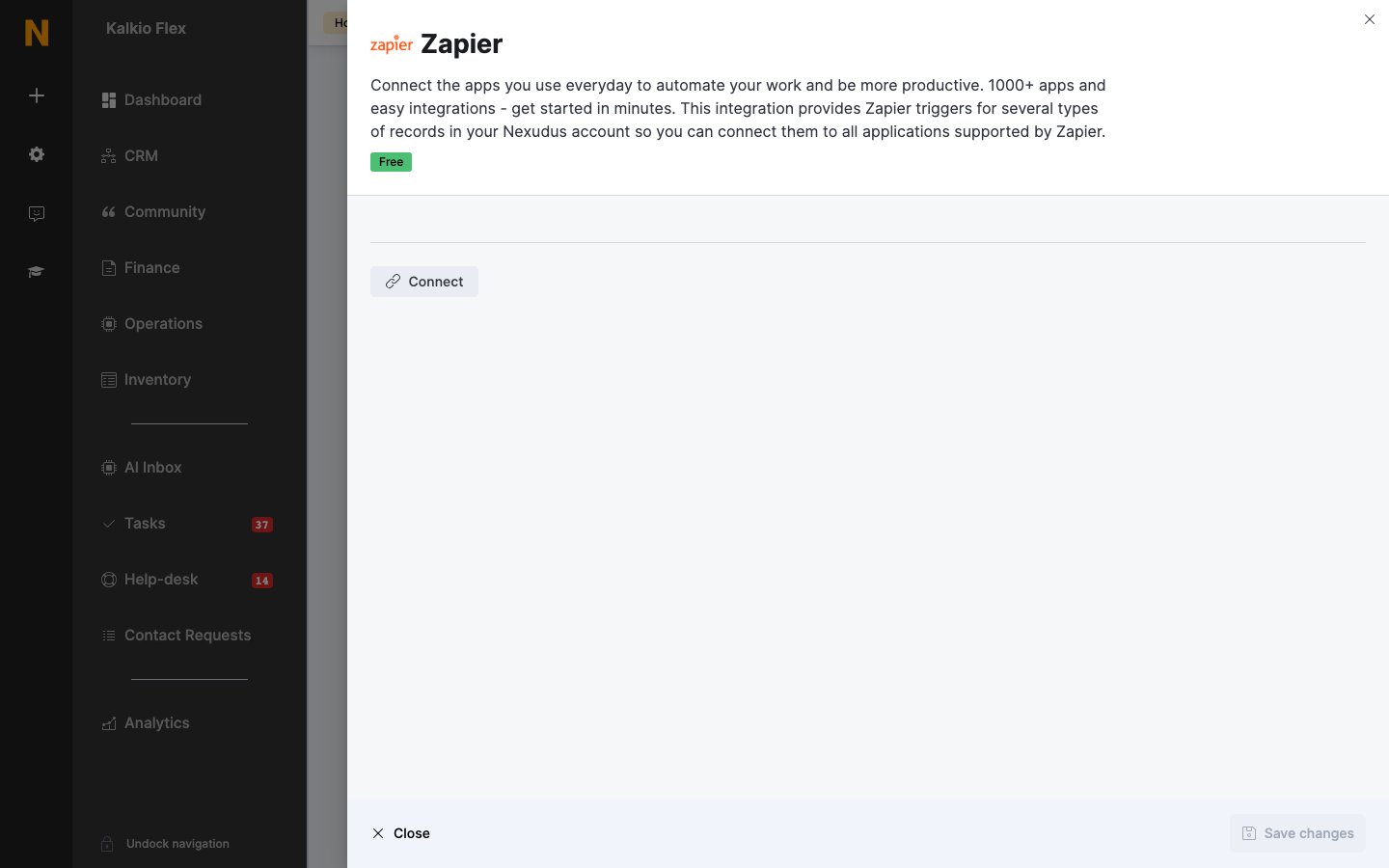
- Go to Settings → Integrations → Zapier and select Connect.
- Select Accept Invite & Build a Zap, and sign in to Zapier.
Building Zaps
A Zap has a trigger — the event that starts it — and one or more actions. Zaps work one way, so for a two-way sync, build two Zaps: for example, one that adds new Nexudus newsletter subscribers to Mailchimp, and one that adds new Mailchimp subscribers to a Nexudus subscriber group. Keep Zaps simple — the more steps, the more can go wrong.Related
- Webhooks — sending events to your own systems