

Overview
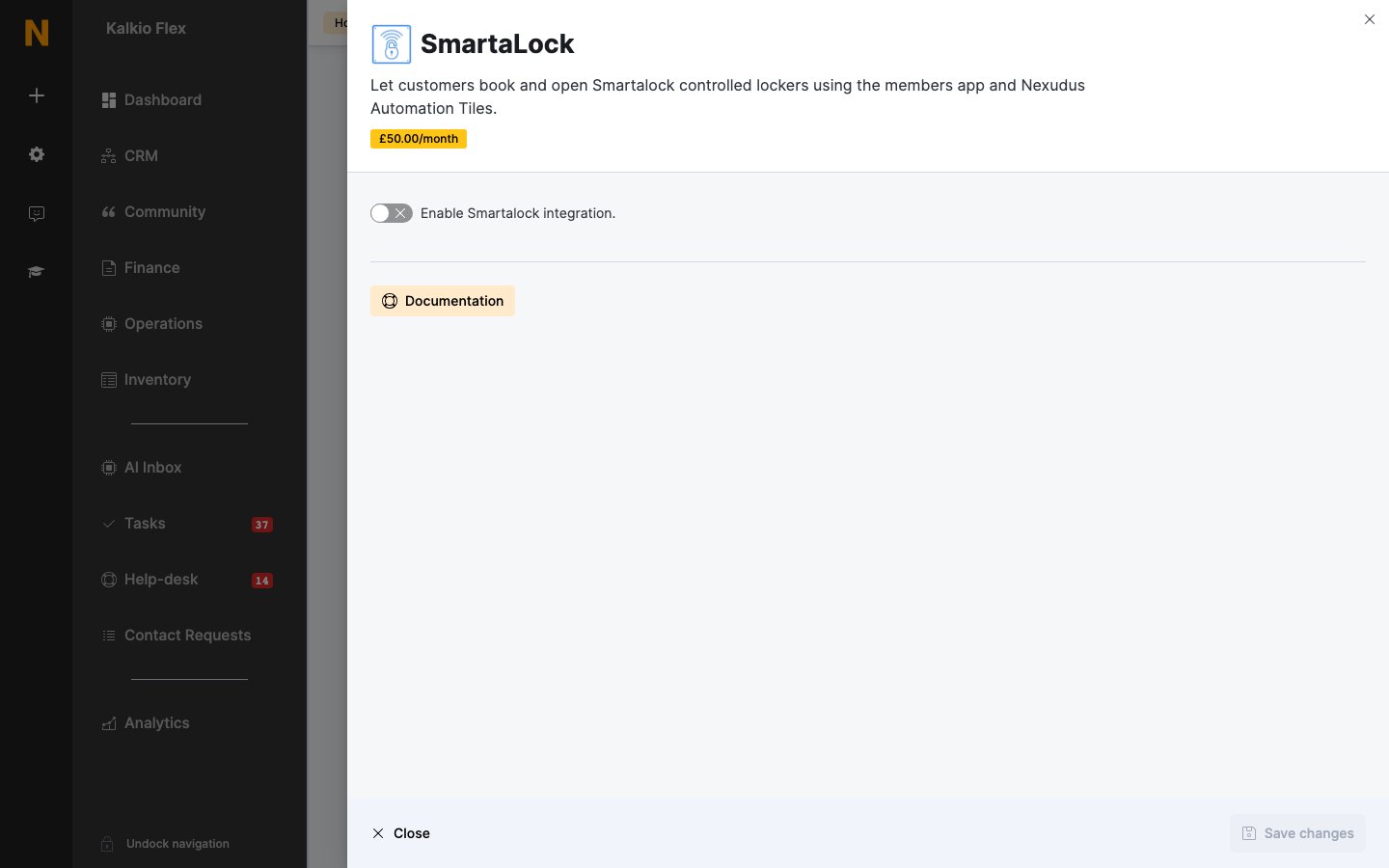
The Smartalock integration lets customers open Smartalock lockers with their phone, using a Nexudus automation tile fixed near each locker bank. Customers scan the tile’s QR code and sign in, or tap their NFC-enabled phone on the tile with the Passport app open, and a locker opens. They repeat it to collect their things. The integration costs £50 a month per location (shown in your currency). You need your Smartalock Tenant ID, Locker Bank ID and admin username and password — Smartalock support can help you find them.Setting up Smartalock
- Go to Settings → Integrations → SmartaLock, turn on Enable Smartalock integration., enter your Tenant ID, Username and Password, and save.
- In Settings → Automation tiles, select Add automation tile, choose the Location, and set the Action to Unlock Smartalock locker. Enter the Lockers Bank ID, and turn on Attempt to check customer in if opening a locker should also check the customer in. You need one tile per locker bank.
- Contact
[email protected]to order the physical tile.
Related
- Automation tiles — tiles that trigger actions
- Lockers — Salto Eloxx smart lockers