

Overview
Pressac sensors measure desk occupancy, presence, temperature, humidity and CO2. They’re wireless and have a long battery life. Their readings reach Nexudus through an AWS IoT endpoint. The integration is free in Nexudus. You need Pressac sensors installed — Pressac can help with purchase and setup.Connecting Pressac
1
Get an AWS IoT endpoint
You need one AWS IoT endpoint certificate for each location. Either contact Nexudus support and ask for certificates — the simplest option — or create your own endpoint in your AWS account (below).
2
Turn on the integration
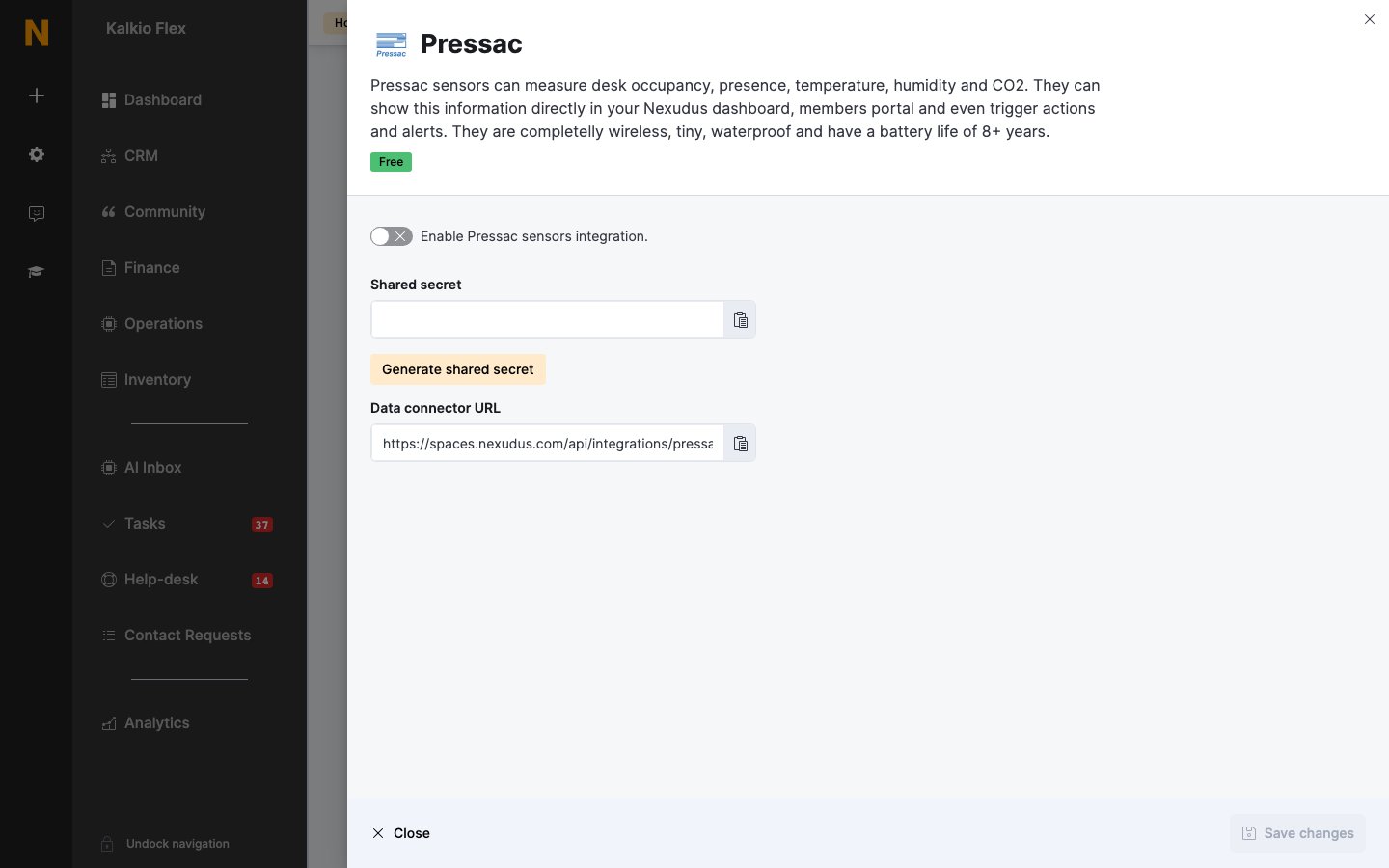
Go to Settings → Integrations → Pressac, turn on Enable Pressac sensors integration., and select Generate shared secret. Copy the Shared secret and Data connector URL, and save.
3
Connect your Pressac gateway
In your Pressac admin panel, go to Connections → AWS IoT and enter the connection, root topic and certificates for your endpoint.
Using your own AWS IoT endpoint
To keep sensor data in your own AWS account, in the AWS IoT console create a policy allowingiot:Connect, iot:Publish and iot:Subscribe, then a thing named nexudus_ingest with an unnamed shadow and auto-renewing certificates. Download its keys and Root CA certificate, and add a message routing rule named send_to_nexudus that sends messages to your Data connector URL over HTTP. If you run several locations, use your network’s top location.
Related
- Sensors — all sensor integrations