

Overview
The Google Calendar integration links each of your resources to its own Google calendar. Bookings made in Nexudus appear in the resource’s calendar, and events added to the calendar become bookings in Nexudus — so your team can book rooms for customers straight from Google Calendar. The integration is free. It’s for your team; customers can connect their own Google Calendar from the members portal (see Integrations on the members portal).Before you start
You need to own the Google account and its Google Workspace. Then, in Google Calendar:- Create a calendar for each resource you want to sync, named after the resource — four meeting rooms need four calendars. Separate calendars let different rooms be booked at the same time.
- Share each calendar — in its Settings and sharing, tick Make available to public, and under Share with specific people add each staff member who handles bookings with Make changes and manage sharing. Their email must match their Nexudus user’s email.
Connecting Google Calendar
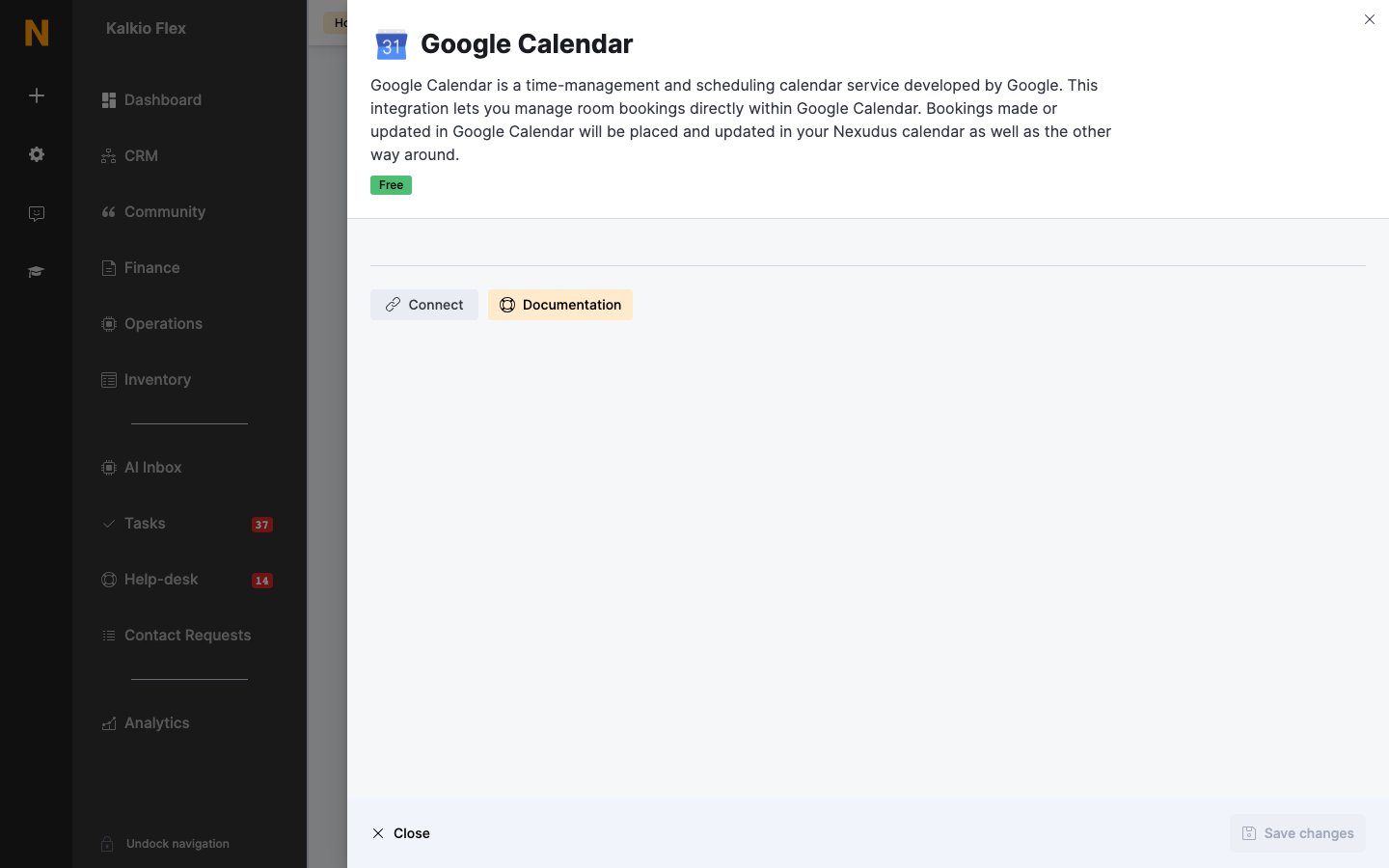
- Go to Settings → Integrations → Google Calendar and select Connect.
- Sign in to your Google account and select Allow.
- Back in Nexudus, choose the Google calendar for each Resource. Leave a resource on Not controlled by Nexudus to skip it.
- Save.
Booking from Google Calendar
To book for a customer, add an event to the resource’s calendar and add the customer’s email under Guests. The first guest whose email matches a customer is charged for the booking; if no guest matches, the booking is added to Nexudus without a customer. Bookings can take a few minutes to appear in both calendars, but they’re recorded as soon as you save, so the room can’t be double-booked.LiquidSpace
If you list resources on LiquidSpace, it can use the same Google calendars. Share each resource’s calendar with[email protected] (Make changes and manage sharing), copy each calendar’s Calendar ID from Integrate calendar, and email the IDs to LiquidSpace support to finish the connection.
Related
- Scheduling and calendars — all scheduling integrations
- Office 365 — the same for Outlook