

Overview
The Microsoft Teams integration lets people book rooms and desks from inside Microsoft Teams. You create a custom Teams app whose tabs show pages of your members portal, publish it to the Teams organisation, and connect it to Nexudus. The integration is free in Nexudus. You need an Enterprise Office 365 subscription and a global admin account. Everyone who’ll book through Teams needs a matching user in the Teams organisation.Setting up Microsoft Teams
1
Register an app in Microsoft Entra ID
In the Azure portal, go to App registrations → New registration, name the app, and register it. Copy the Application (client) ID and Directory (tenant) ID. Under Certificates & secrets, add a New client secret and copy its value straight away — you can’t see it again.
2
Create the Teams app
In Teams, open Developer portal → Apps → New app. Under Basic information, add your company name and website, links to your privacy policy and terms, and the Application (client) ID.
3
Add tabs
Under App features → Personal app, select Add a personal tab app for each members portal page you want in Teams — for example your booking calendar. Enter the page’s URL as both the Content and Website URL, and tick every Scope.
4
Publish the app
Select Distribute → Publish to your organization. If you’re not an organisation admin, ask one to approve it.
5
Connect it in Nexudus
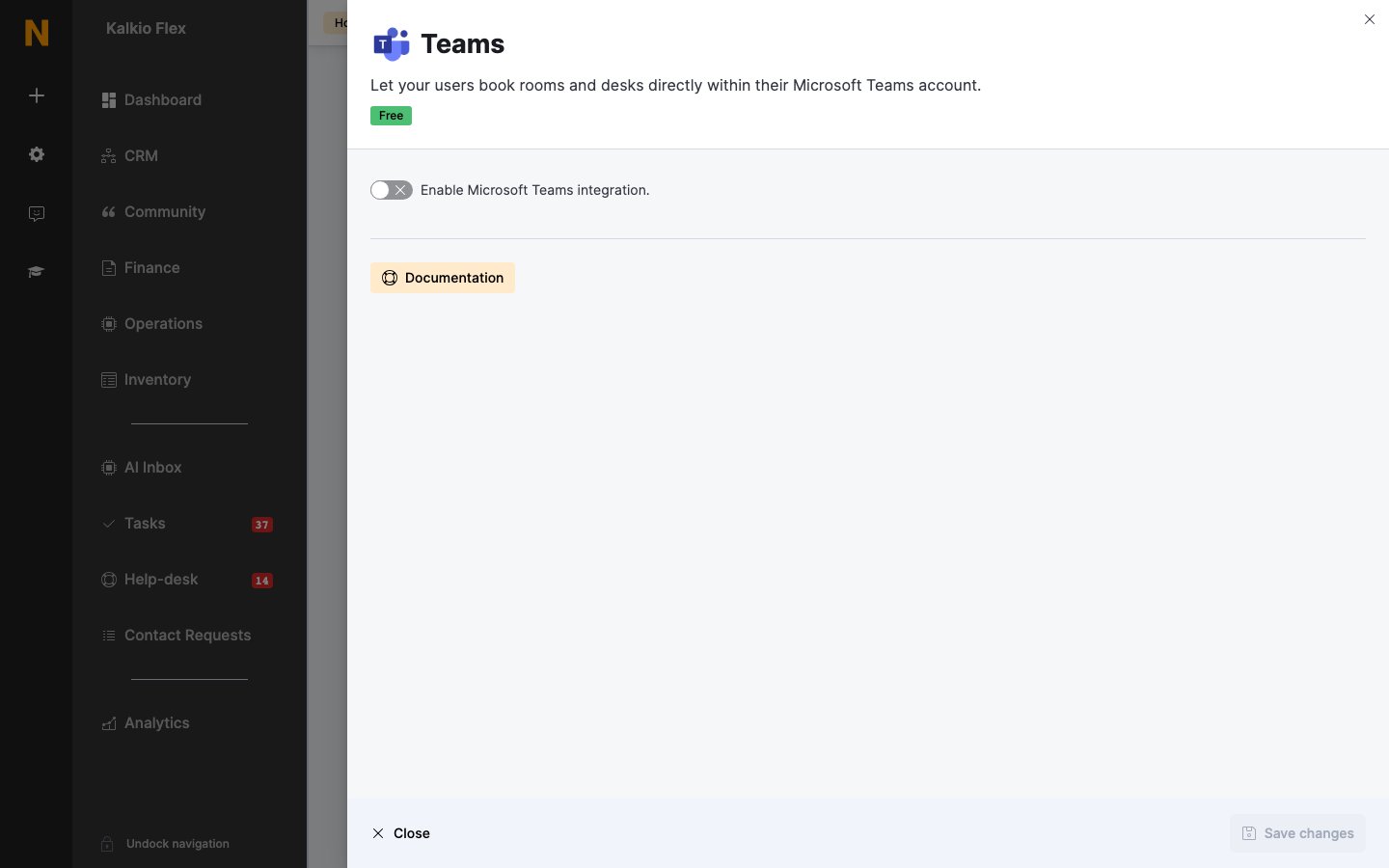
Go to Settings → Integrations → Teams, turn on Enable Microsoft Teams integration., enter the Tenant ID, Application / Client ID and Application Secret, and save.
Once it’s published, people find the app by searching for it in Teams.
Related
- Scheduling and calendars — all scheduling integrations
- Azure Active Directory — signing in with Microsoft accounts