

Overview
The OpenID integration connects Nexudus to any identity provider that supports the OpenID Connect protocol — for example Auth0, Keycloak or Google Workspace — so people sign in with that account. The integration is free.Setting up OpenID
- In your identity provider, create an application for Nexudus. Add the Redirect URI shown in Nexudus (in Settings → Integrations → OpenId) as an allowed callback URL.
- Copy the provider’s Authority URL, Log out URL, Client ID and Client Secret — you’ll find them in its admin dashboard. In Auth0, they’re in your application’s settings.
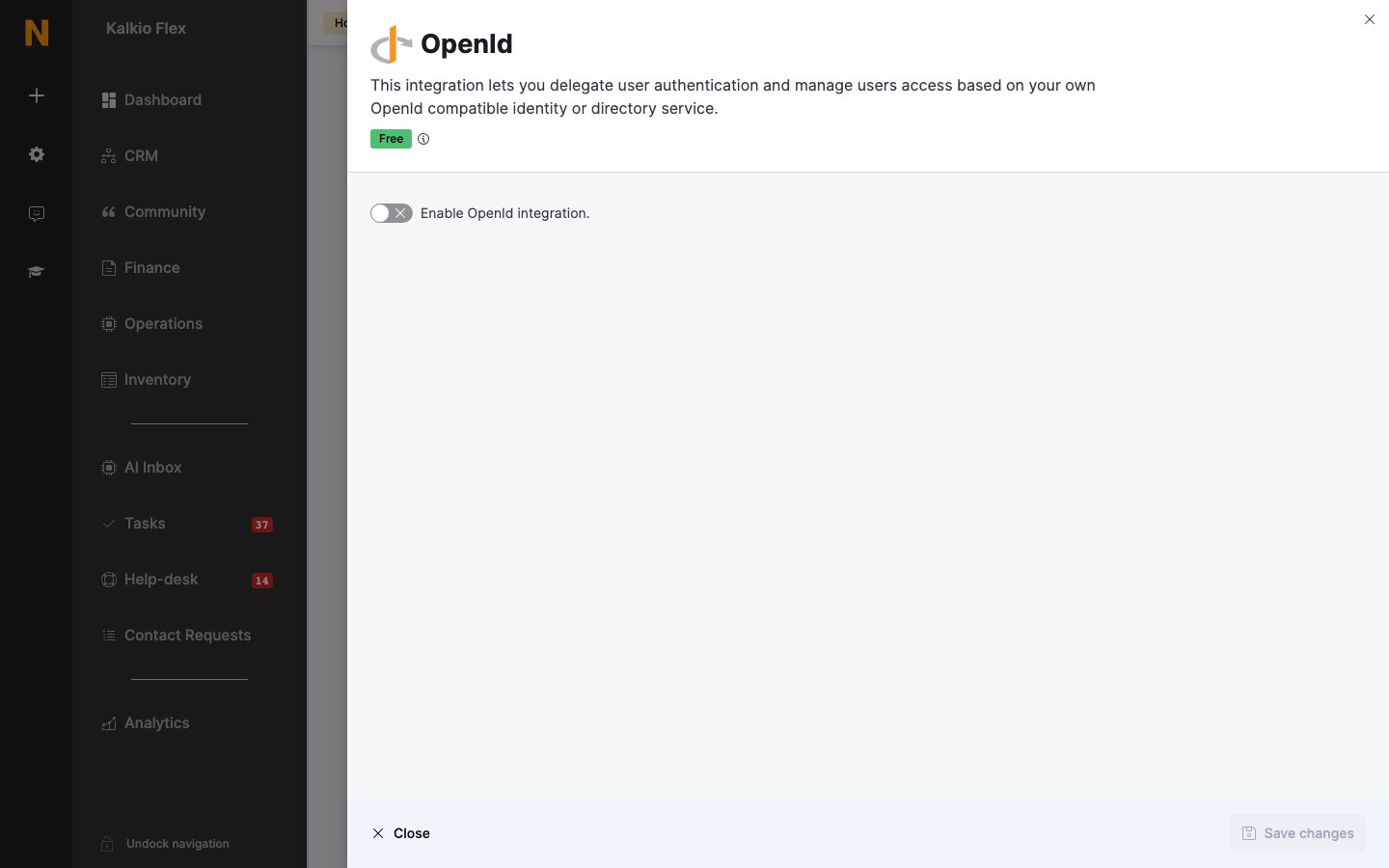
- In Settings → Integrations → OpenId, turn on Enable OpenId integration. and enter those details.
- Set a Sign in button label, choose the shared SSO options, and save.
Related
- Single sign-on — shared SSO options