

Overview
Gallagher Command Centre is access control that runs on a server at your location. Nexudus connects to it through Gallagher’s cloud gateway. The integration adds your customers to Command Centre as cardholders and puts them in the right access groups based on what they have in Nexudus. You decide which doors each group opens in Command Centre; Nexudus decides who’s in each group. The integration costs £50 a month per location (shown in your currency), on top of what Gallagher charges. You need a Command Centre system, and Gallagher must set up the cloud gateway for it — contact Gallagher support to arrange this.How access works
The access times and days set on a group in Command Centre always apply — Nexudus can’t change them. Make sure they match when your passes can be used.
Desk and office access ends shortly after midnight at the start of the contract’s cancellation date. To let a customer in on their last day, give them a pass with access, or move the cancellation to the next day.
Before you start
- Get your API key, Division ID and Card type from Gallagher, and the Access event types you want Nexudus to read.
- Create your access groups in Command Centre — they can only be created and edited there. Each group should include every door a customer needs, such as the building entrance as well as the room.
Setting up Gallagher
1
Enter your details
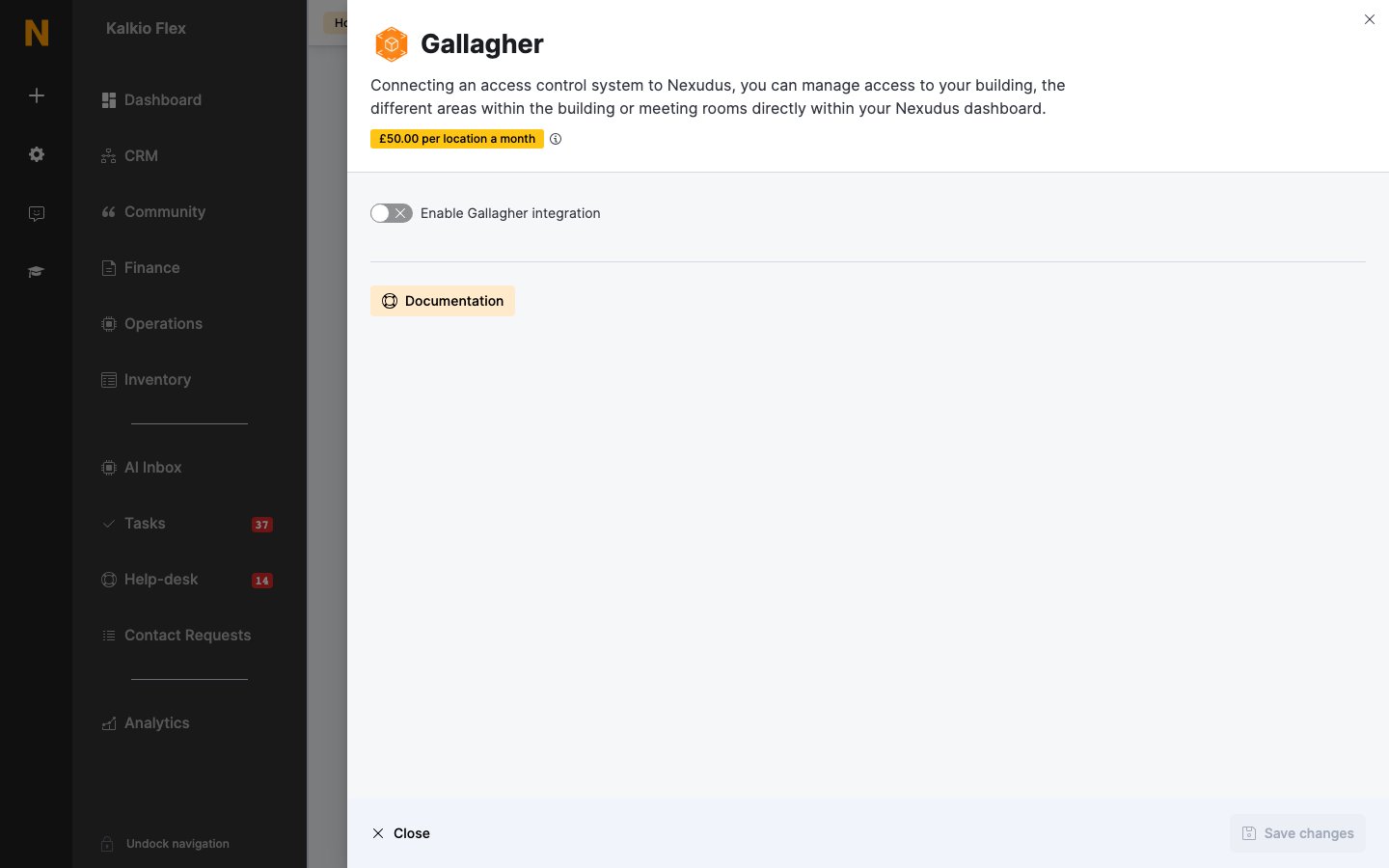
Go to Settings → Integrations → Gallagher, turn on Enable Gallagher integration, and fill in the settings below. Save.
2
Link your inventory
Choose a Gallagher access group for each of your Resources, Passes and Desks / Offices. Leave an item blank if it shouldn’t open any doors.
3
Choose check-in zones (optional)
Under Presence tracking, choose an Action for each zone (below). Save.
Settings
Giving customers cards
Open the customer, go to Account → Access rights, and enter each card number in Access cards, pressing Enter after each one. Nexudus adds the cards to the customer’s cardholder record in Command Centre.Checking customers in from zone access
Under Presence tracking, set each zone’s Action: Check customer in (for example, your main entrance), Check customer out, Toggle customer check-in status, or Do nothing. Customers without a valid pass can still open doors their groups allow, but their check-in is recorded as failed.Related
- Access control — how access control works in Nexudus
- Check-ins — tracking who’s in your space