

Overview
Ezeep Blue is a cloud printing service: customers print from the web or their devices to your connected printers, without drivers. The integration creates Ezeep Blue users for your customers, and sends their printing back to Nexudus to be taken from their printing credit or charged per page — at separate prices for colour and black and white. The integration is free in Nexudus. You need an Ezeep Blue account with your printers connected.Before you start
Set up the following in Nexudus. See Setting up credits and products.- Two printing products — one for colour and one for black and white, each priced per page. Leave the price at 0 for free printing.
- A printing credit, if customers will print with credit, using a Printing resource type and a Price rate of 1. Each credit is worth 0.01 in your currency — 2,000 credits pays for 20 of printing.
Setting up Ezeep Blue
1
Connect your account
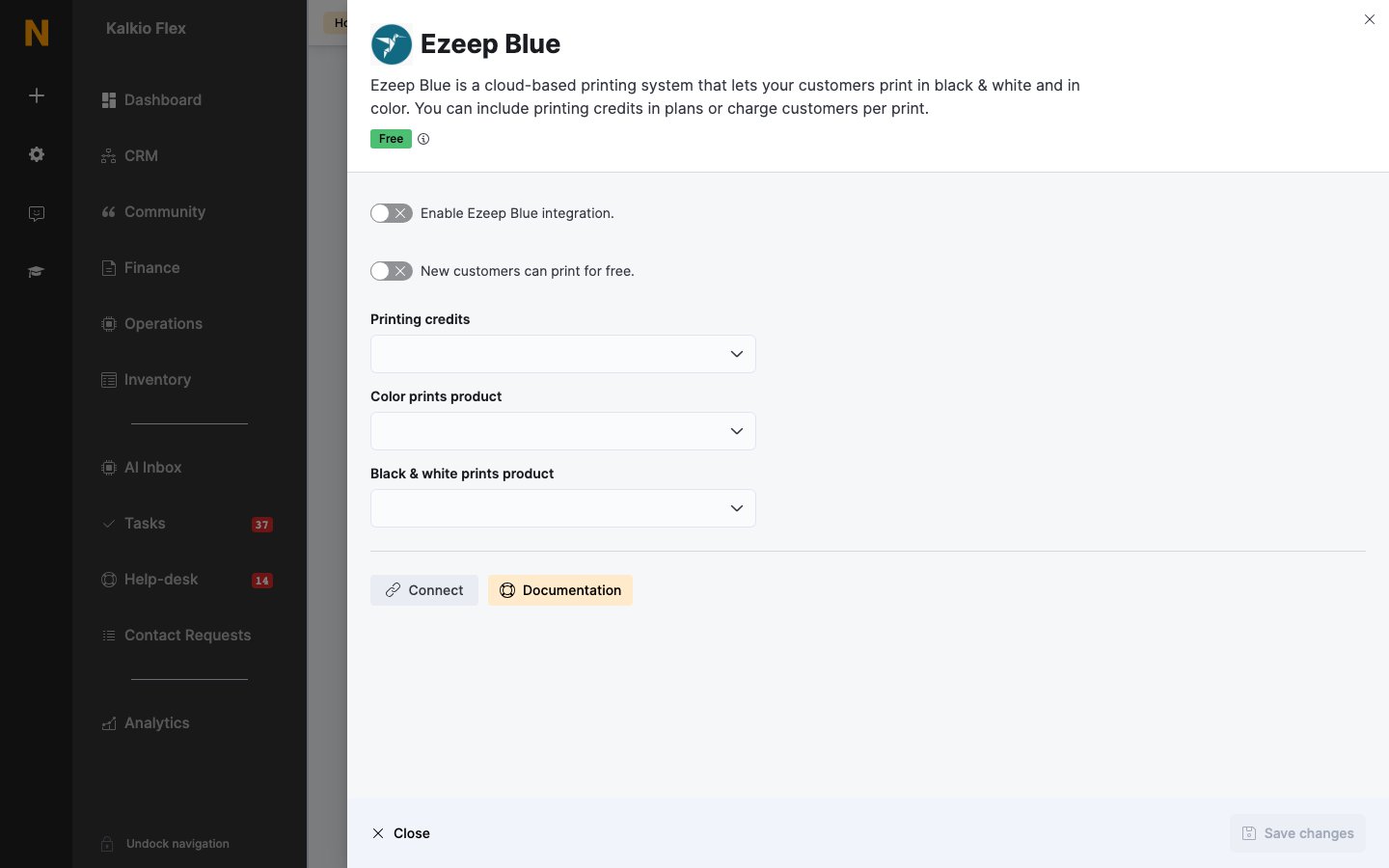
Go to Settings → Integrations → Ezeep Blue, turn on Enable Ezeep Blue integration., select Connect, and sign in to Ezeep Blue.
2
Choose credits and products
Choose your Printing credits, Color prints product and Black & white prints product.
3
Choose free printing (optional)
Turn on New customers can print for free. to give printing free to customers who join from now on.
4
Save and add your customers
Save, then add your existing customers (below). Test by printing with a customer account.
Adding customers
Customers need an Ezeep Blue user to print:- In bulk — in Operations → Members & contacts, tick the customers and choose Update ezeep from Bulk actions.
- One at a time — on the customer’s Integrations & Services tab, turn on Enable printing via Ezeep Blue, and Free unlimited printing if they shouldn’t be charged.
Related
- Printing — pricing models and setting up credits and products
- Ezeep — the original Ezeep integration
- Printing credit — giving customers printing credit