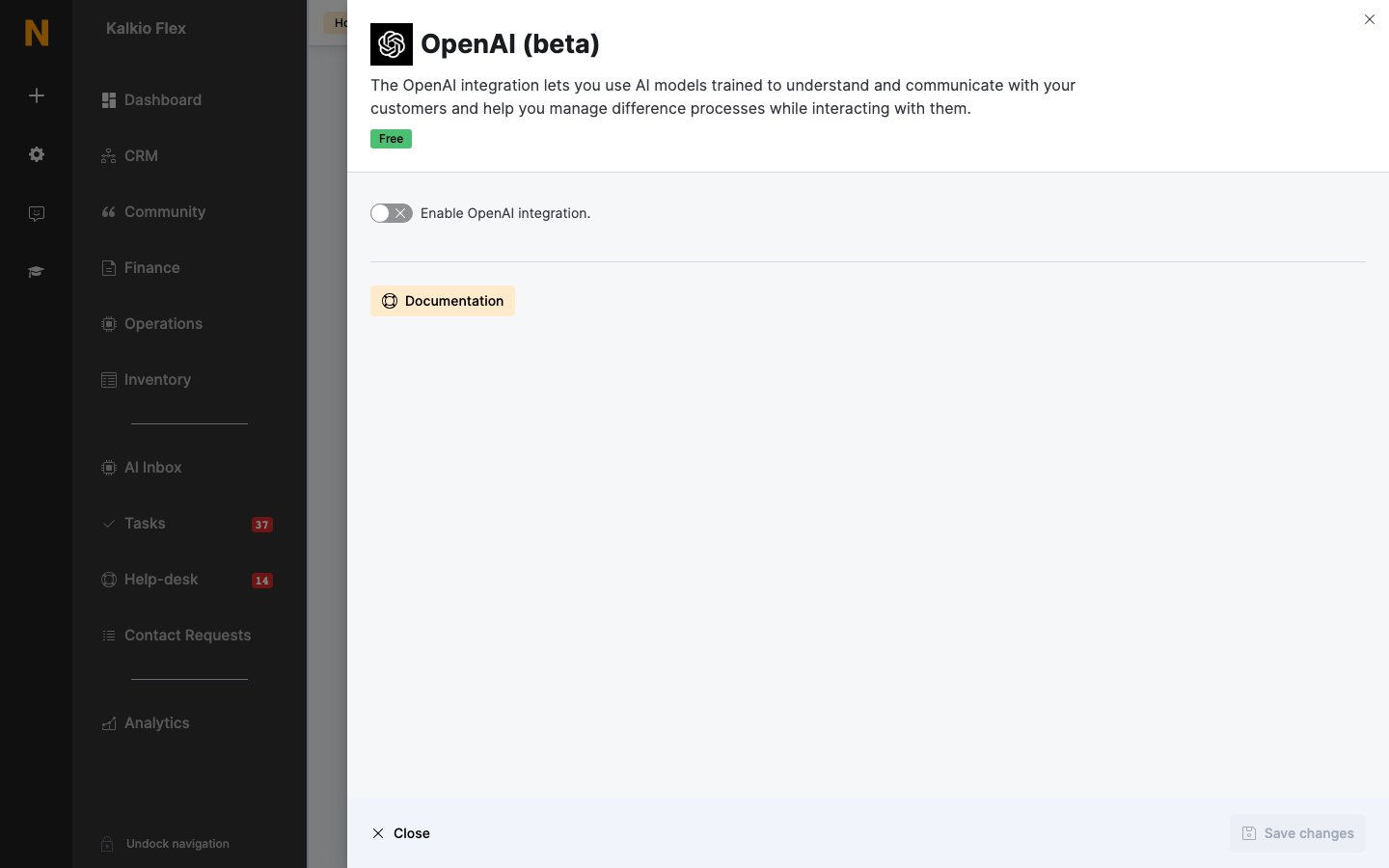
Overview

The OpenAI (beta) integration uses your own OpenAI account to:
  • Answer help-desk messages using your published FAQs.
  • Draft professional profiles for customers, or let customers draft their own.
The integration is free in Nexudus. OpenAI charges your account for each request, by the number of tokens used — set a monthly limit in your OpenAI billing settings to control costs. When the limit is reached, automatic answers stop.
For AI that works across your inbox, bookings and more, see AI agents.

Connecting OpenAI

  1. In your OpenAI account, add a payment method and create a secret API key. Copy it — you can’t see it again.
  2. Go to Settings → Integrations → OpenAI (beta), turn on Enable OpenAI integration., and enter the API Key.
  3. Choose the options below, and save.
OpenAI settings

Getting good answers

Only published FAQs are used. Write them in short, simple sentences, cover one topic per FAQ — for example separate Wi-Fi, printing and hardware FAQs — and use the same wording your customers do. Test with real questions from closed help-desk messages before relying on it.
  • FAQs — the answers OpenAI draws on
  • Help-desk — help-desk messages