

Overview
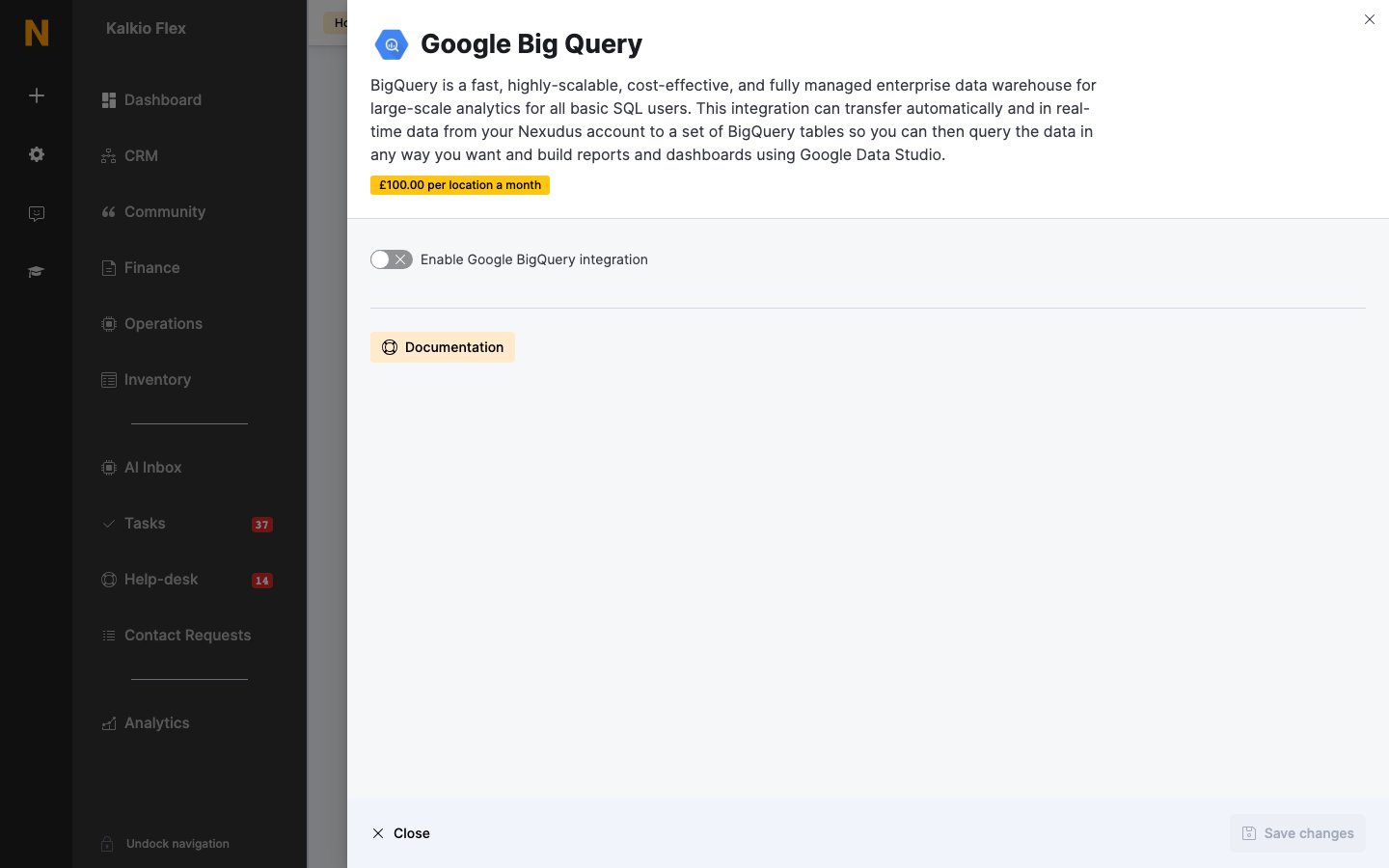
Google BigQuery is Google’s data warehouse. The integration copies data from your Nexudus account into BigQuery tables automatically and in real time, so you can query it with SQL and build reports and dashboards — for example in Looker Studio. The integration costs £100 per location a month (shown in your currency in the integration).Connecting BigQuery
- In Google Cloud, create a project with BigQuery enabled and a service account that can write to it. Download the service account’s JSON key.
- Go to Settings → Integrations → Google Big Query and turn on Enable Google BigQuery integration.
- Enter your Project ID and paste the JSON key into Credentials.
- Choose what to send, and save.
- Select Upload all data to send your existing records. From then on, changes are sent as they happen.
What can be sent
Turn on each kind of data you want in BigQuery. Each is added to its own table.- Transfer customers
- Transfer teams
- Transfer invoices and credit notes
- Transfer ledgers
- Transfer bookings
- Transfer contracts
- Transfer check-ins
Related
- Analytics — all analytics integrations
- Nexudus Explore — reporting inside Nexudus