

Overview
The Slack integration connects a Slack workspace to Nexudus:- Announcements — share an event or article to a public channel from its actions menu (⋯).
- Customer messages — messages you send customers from Nexudus also reach them in Slack.
- Invoice notifications — customers get a Slack message whenever they’re emailed an invoice.
- Admin notifications — admins get their Nexudus notifications in Slack too, based on their notification preferences.
Connecting Slack
1
Copy the app manifest
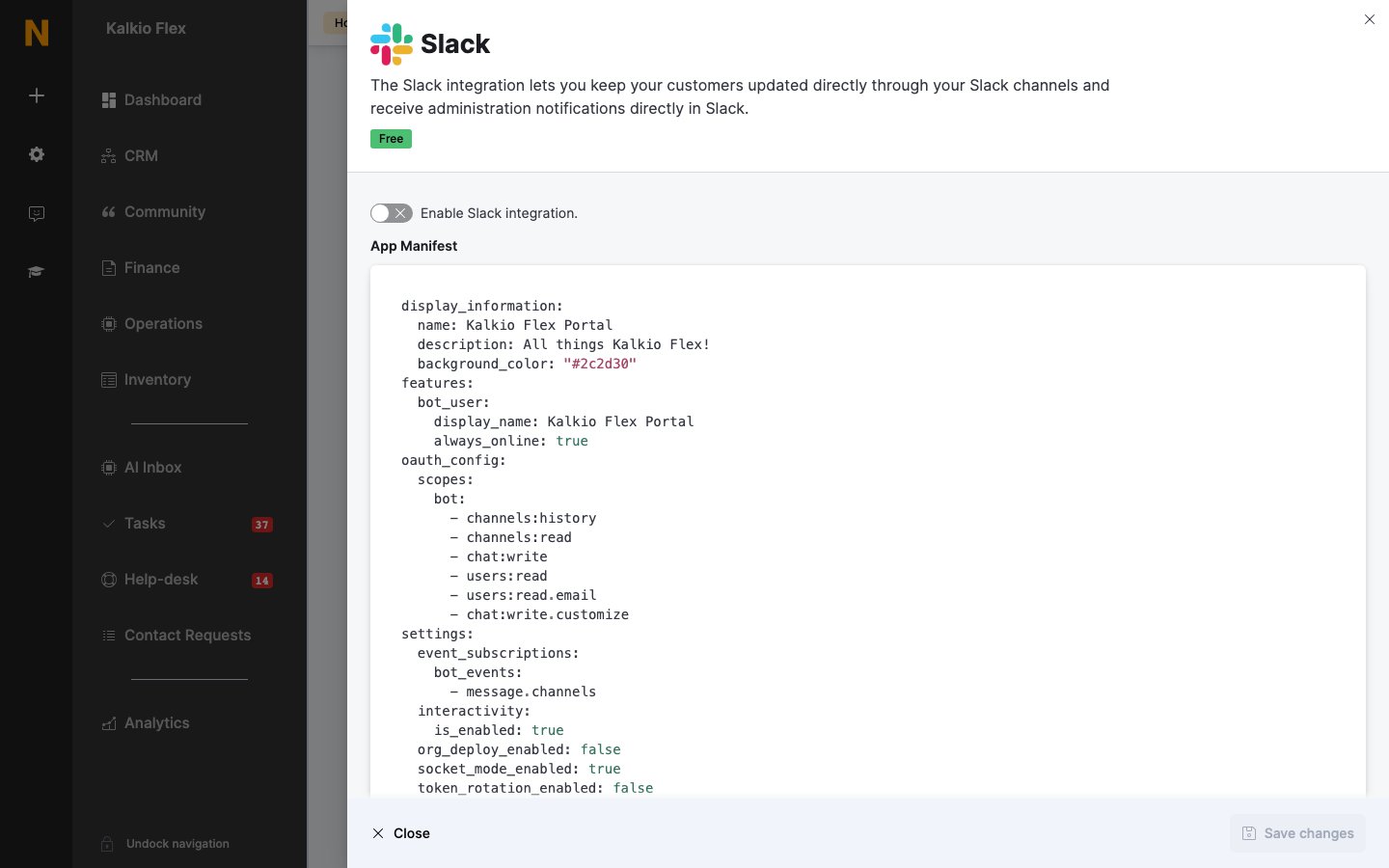
Go to Settings → Integrations → Slack and select Copy to clipboard under App Manifest.
2
Create the Slack app
At
api.slack.com/apps, select Create an App → From an app manifest, choose your workspace, replace the YAML with the manifest, adjust the name and description if you like, and create it.3
Get the tokens
Select Install to Workspace and Allow. Under App-Level Tokens, generate a token with the
connections:write scope and copy it. Then, under OAuth & Permissions, copy the Bot User OAuth Token.4
Add the app to a channel
In Slack, open the app and choose Add this app to a channel, picking the channel for announcements.
5
Finish in Nexudus
Turn on Enable Slack integration., enter the App-Level Token, the Bot API Token and the Public anouncements channel name, and save.
Related
- CRM and communication — all communication integrations