

Overview
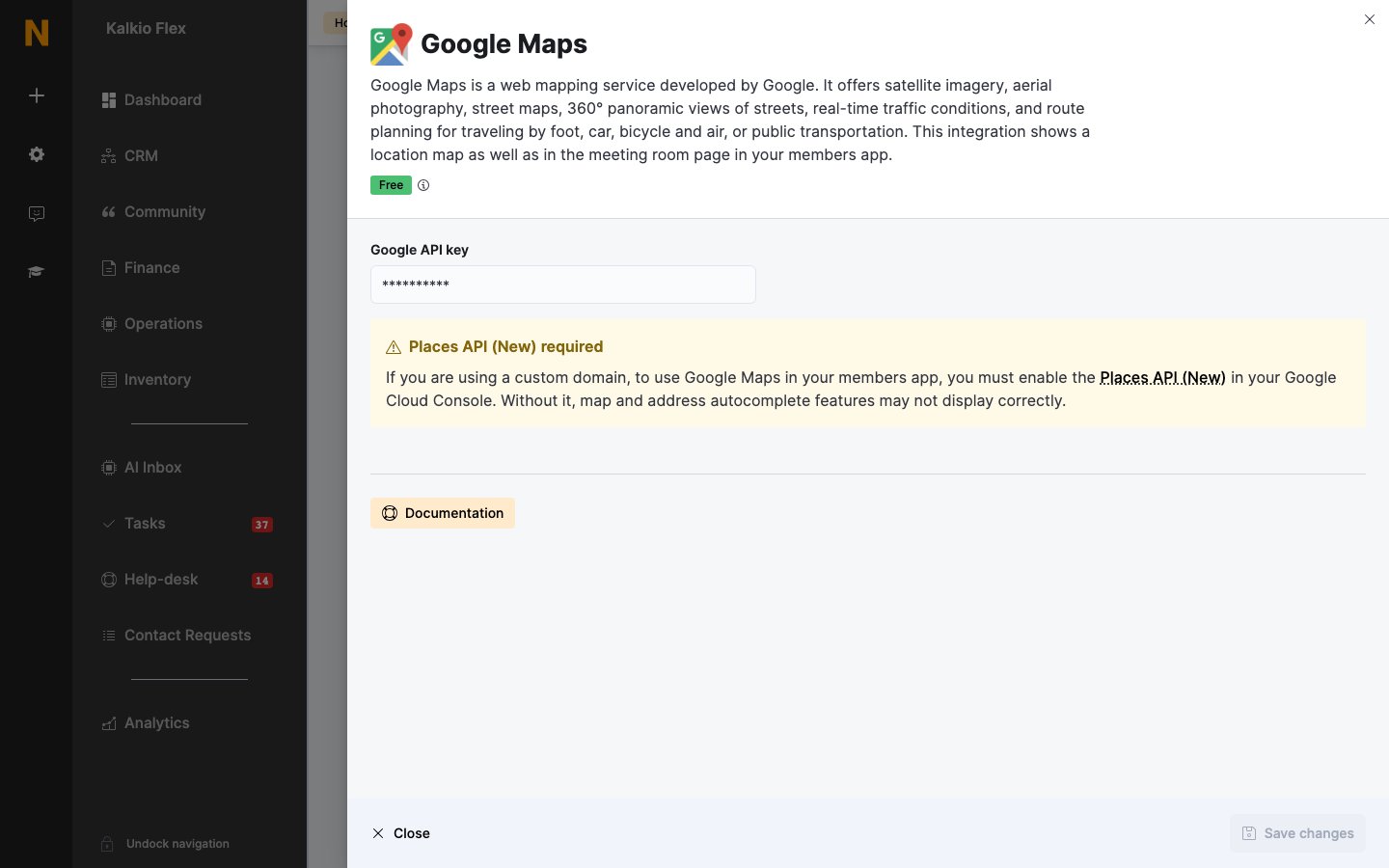
The Google Maps integration shows a map of your location on your members portal’s contact page and on meeting room pages in the members app, and powers address autocomplete. The integration is free in Nexudus. Google may charge for map usage beyond its free allowance.Connecting Google Maps
- In Google Cloud Console, enable the Maps JavaScript API and Geocoding, and create an API key.
- If your portal uses a custom domain, also enable the Places API (New) — without it, maps and address autocomplete may not display correctly.
- Go to Settings → Integrations → Google Maps, enter the Google API key, and save.
Related
- Website and portal — other website integrations