

Overview
Verifalia validates email addresses as they’re entered. When it’s on, customers and admins can’t save an email address that fails the check — for example on the sign-up form or when editing a customer. The integration is free in Nexudus. You need a Verifalia account with a plan that covers the number of checks you’ll run each day. You can see every check in your Verifalia account.Connecting Verifalia
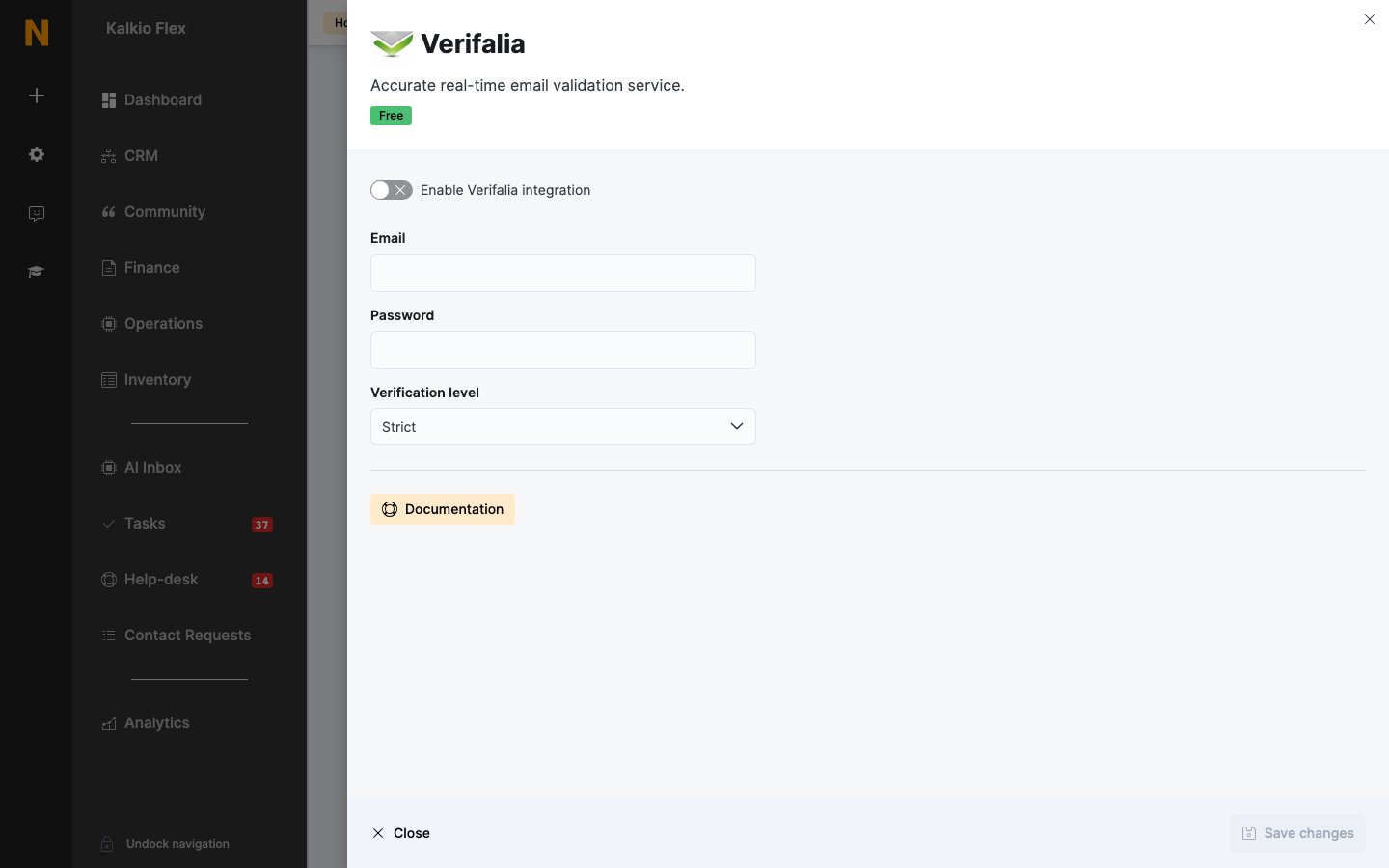
- Go to Settings → Integrations → Verifalia and turn on Enable Verifalia integration.
- Enter your Verifalia Email and Password.
- Choose the Verification level — Strict rejects more doubtful addresses; Flexible lets more through.
- Save.
Related
- Website and portal — other website integrations