

Overview
Dropbox Sign (formerly HelloSign) lets customers sign documents online through a link they receive by email. You can request a signature on:- Files you upload to a customer’s account
- Documents generated from document templates
- Proposals
Turning on Dropbox Sign
Go to Settings → Integrations → Dropbox Sign, turn on Enable Dropbox Sign integration., and save.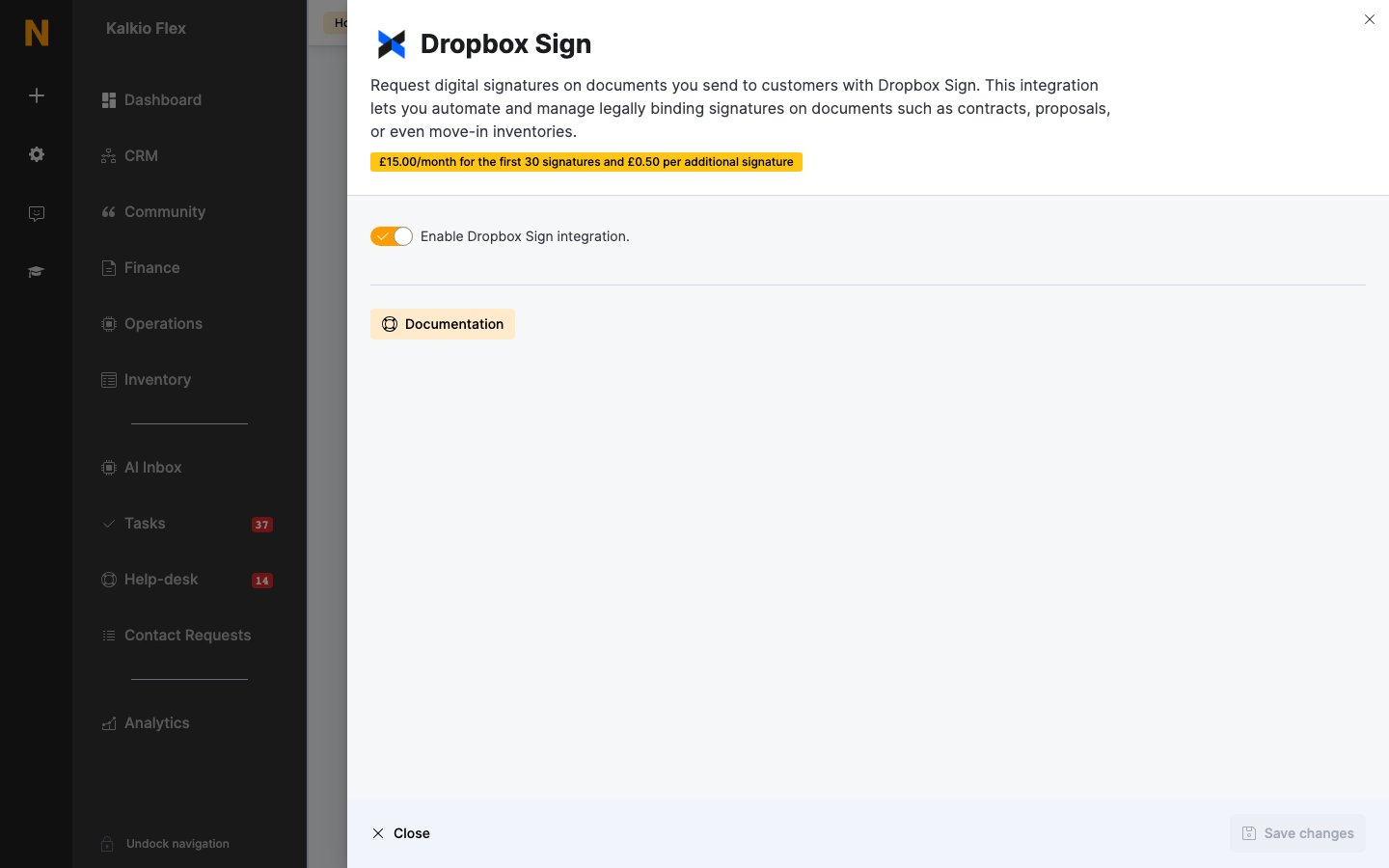
Signatures can’t include initials, notes, checkboxes or edits to the document.
Related
- Customer documents — requesting and tracking signatures
- Proposals — signatures on proposals