

Overview
Padword makes smart locks. The integration gives customers access to your Padword locks based on what they have in Nexudus — their passes, resource bookings, and assigned desks and offices. The integration costs £50 a month per location (shown in your currency). You need a Padword account with your locks installed, and your passes, resources, desks and offices set up in Nexudus.Setting up Padword
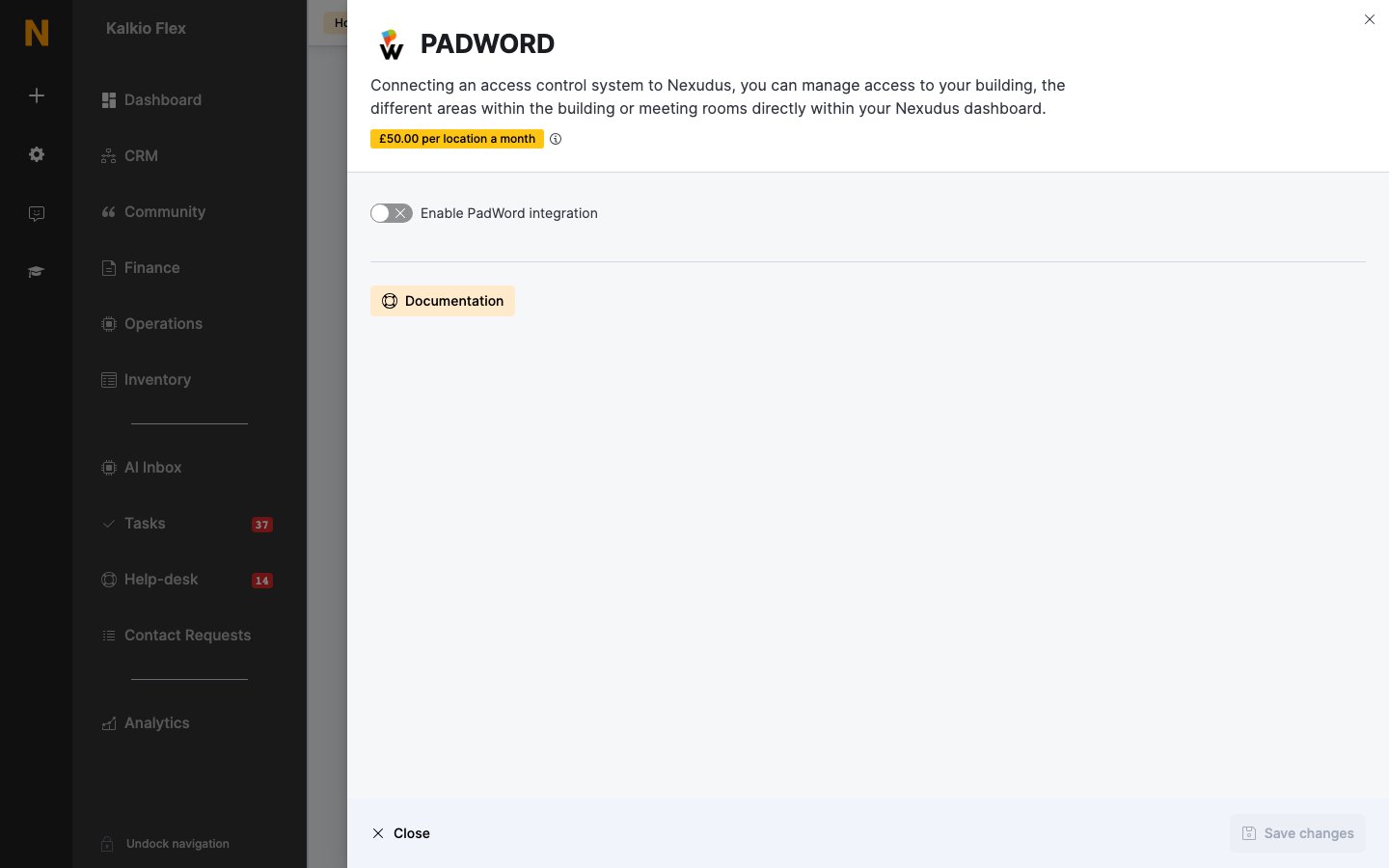
- Go to Settings → Integrations → PADWORD and turn on Enable PadWord integration.
- Enter the email address and password of your Padword account as the PadWord username and PadWord password, and save.
- Choose the Padword locks for each of your Resources, Passes and Desks / Offices. Leave an item blank if it shouldn’t open any doors.
- Save.
How access works
Customers can open doors by scanning an automation tile set to Unlock PadWord door.
Link every door a customer needs to get to the space — the building entrance as well as the room.
Related
- Access control — how access control works in Nexudus