

Overview
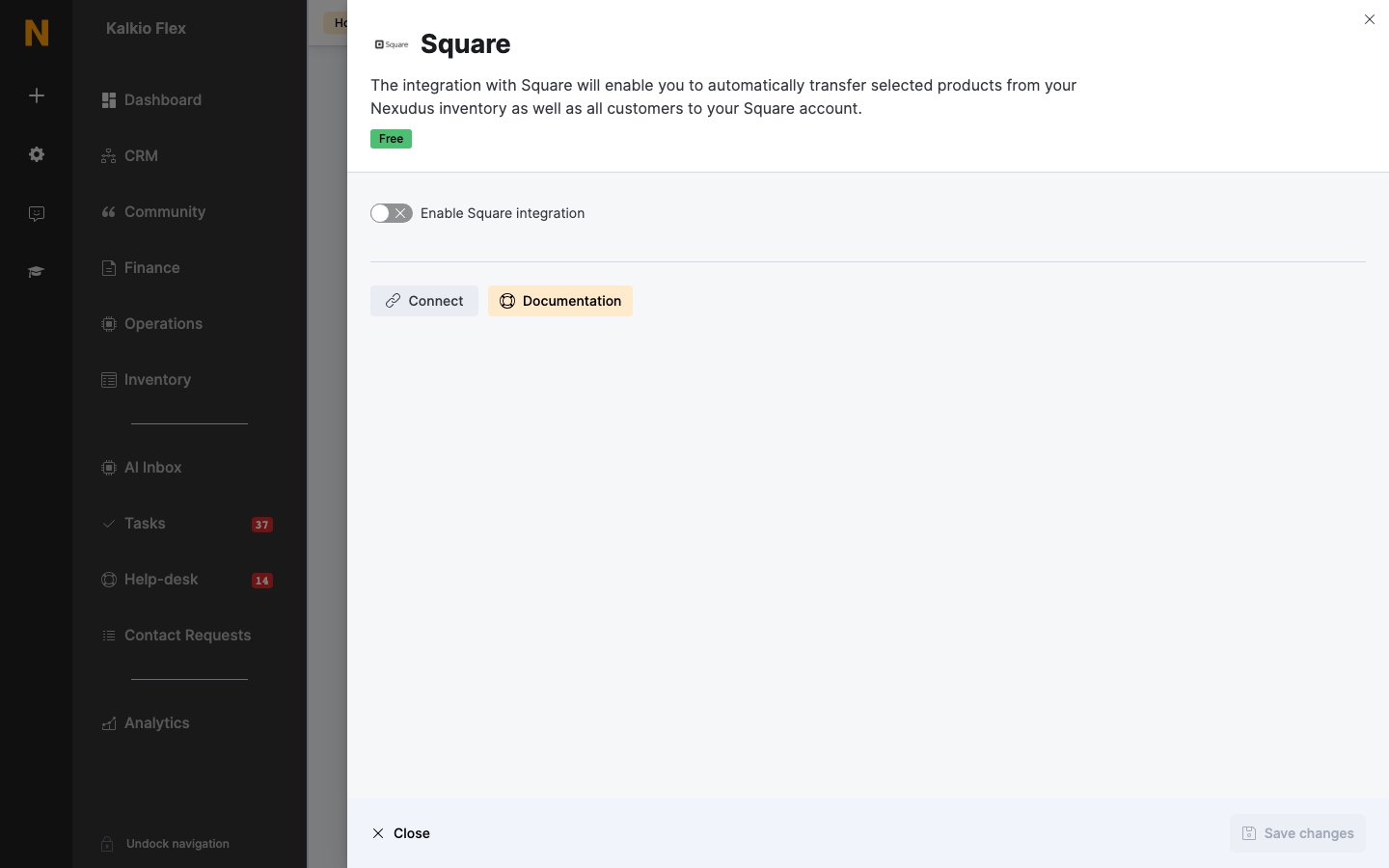
The Square integration copies products from your Nexudus inventory, and your customers, to your Square account, so you can sell them at the front desk with the Square POS app. The integration is free in Nexudus. You need a Square account set up with the location you’ll sell from.Connecting Square
- Go to Settings → Integrations → Square, select Connect, and sign in to Square.
- Turn on Enable Square integration and choose your Square location.
- Choose what to send:
- Transfer all customers — sends all your customers to Square.
- Transfer all products — sends your whole inventory. To send only some products, leave this off and choose them individually (below).
- Transfer new customers to Square by default — sends customers as they join.
- Save, then select Upload all data.
Related
- Products — your inventory
- Point of sale — other point-of-sale integrations