

Overview
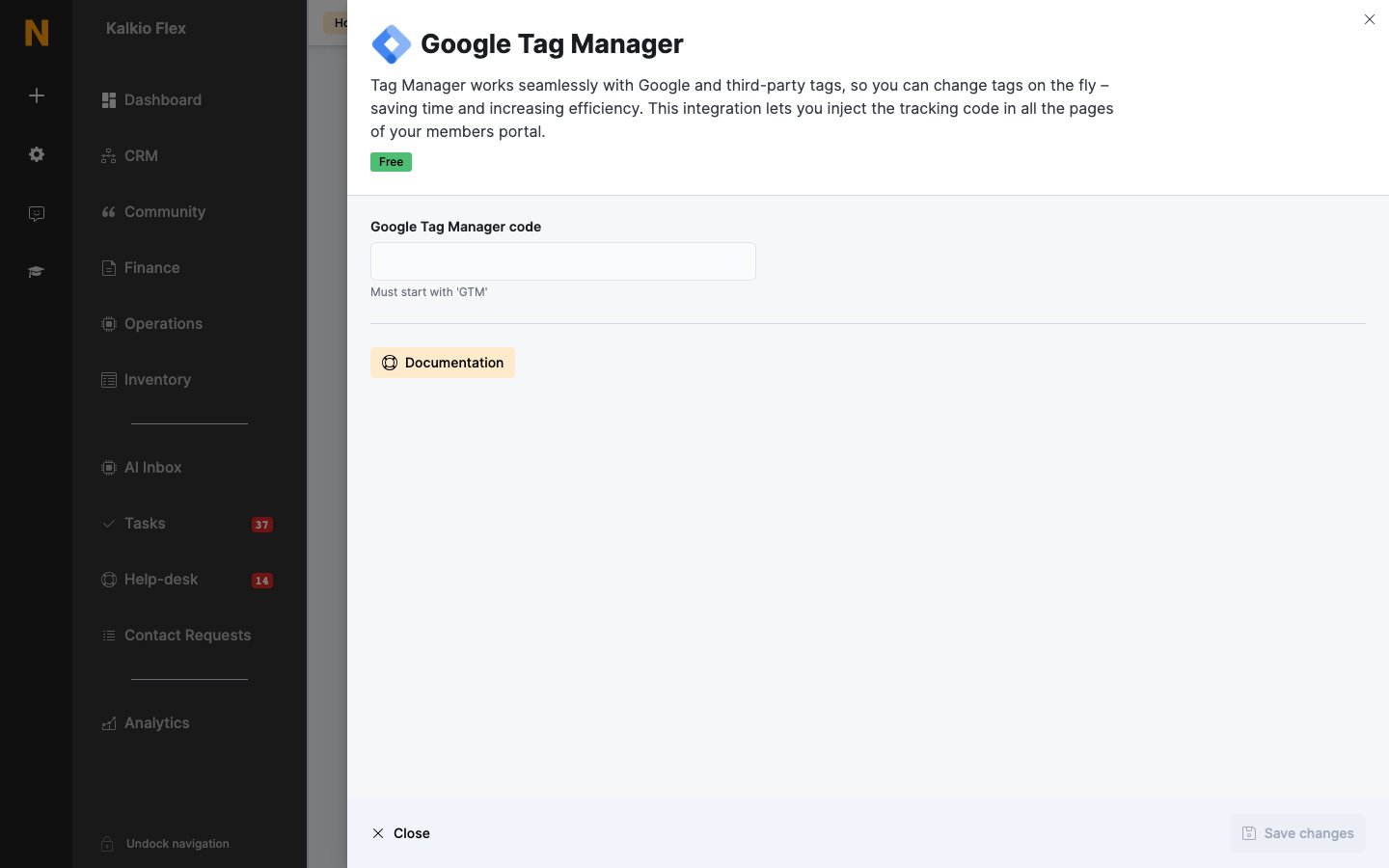
Google Tag Manager lets you add and change tracking tags — Google and third-party — without editing your site. The integration adds your container’s code to every page of your members portal. The integration is free.Connecting Google Tag Manager
- In Google Tag Manager, copy your container ID — it starts with
GTM-. - Go to Settings → Integrations → Google Tag Manager, paste it into Google Tag Manager code, and save.
You can’t use Google Tag Manager and the Google Analytics 4 integration at the same time. If you add a GA4 measurement ID, the Tag Manager code is removed. To use GA4 through Tag Manager, add GA4 as a tag in your container instead.
Events sent to Tag Manager
The members portal pushes the same page views and events to the data layer as it sends to Google Analytics 4 — with the event name inevent — so you can use them as triggers. When a customer signs in, their user_id is pushed too. See the event reference for every event and its parameters.
Related
- Analytics — all analytics integrations