

Overview
The LDAP integration checks customers’ sign-in details against your own LDAP directory server, so they sign in with their directory email and password. The integration is free.Before you start
You need an LDAP-compatible directory server reachable from the internet, and:- Its public IP address or host name and port.
- The names of the attributes that hold each user’s full name and email. Every user must have an email attribute — users without one can’t sign in.
- An admin user with at least read and search permissions over the users who’ll sign in.
Setting up LDAP
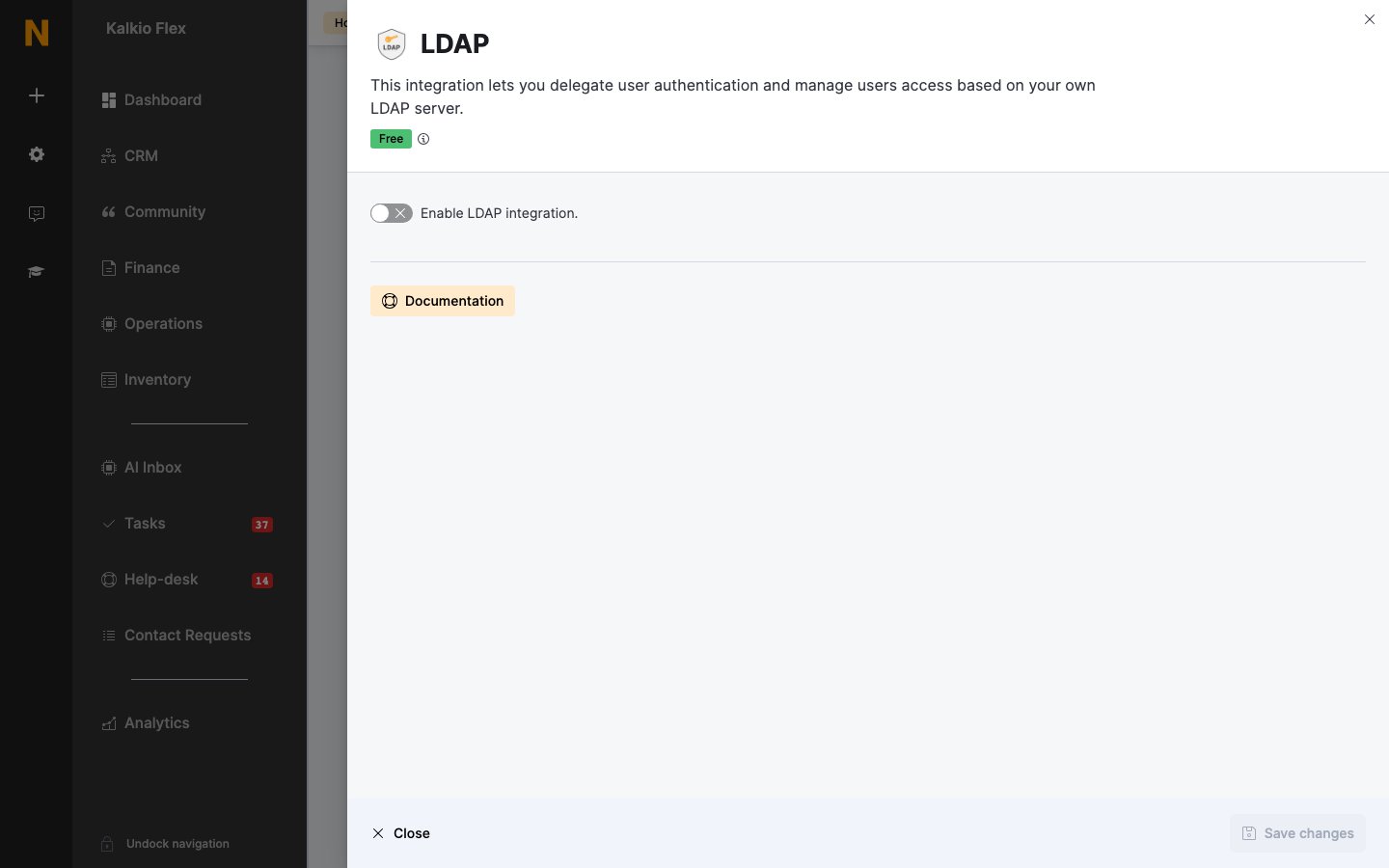
- Go to Settings → Integrations → LDAP and turn on Enable LDAP integration.
- Enter the Server IP/host and Server Port, and turn on Use SSL to connect to server if your server uses it.
- Enter the Bind expression and Search expression your directory uses to find users, and the Password of the admin user.
- Enter your Full name attribute and Email attribute names.
- Choose whether to Create new users in Nexudus if they don’t exist., and save.
Related
- Single sign-on — shared SSO options