

Overview
The Calendly integration replaces the Nexudus tour calendar with a Calendly event. When someone selects Take a tour on your members portal, they choose a time from your Calendly availability instead. The integration is free in Nexudus. You need a Calendly Teams or Enterprise subscription.Before you start
In Calendly:- Create a one-on-one event type for tours, with the days, times and length you offer — for example two-hour tours on Mondays and Fridays. Copy its link.
- Generate a personal access token and keep it safe — treat it like a password.
Connecting Calendly
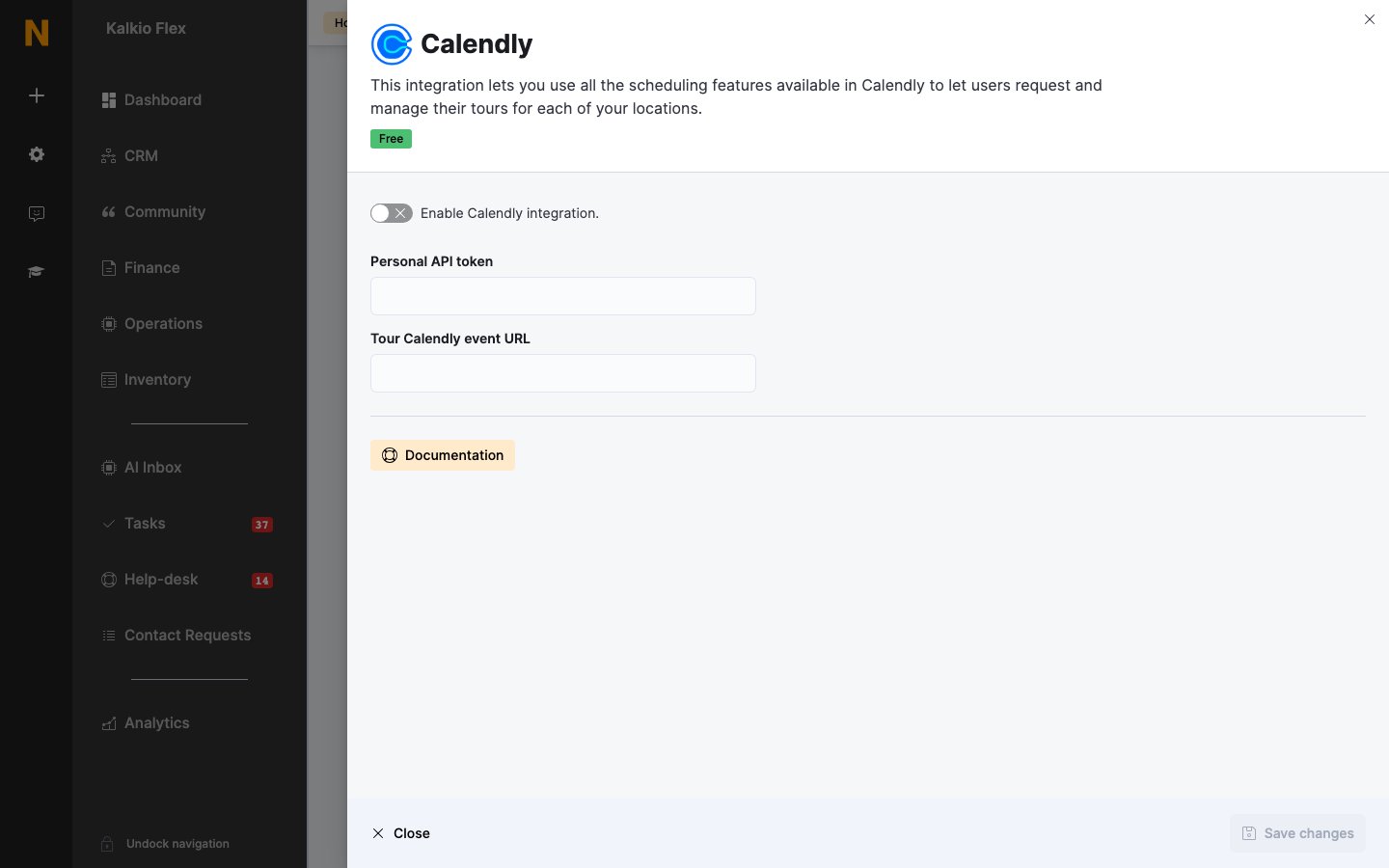
- Go to Settings → Integrations → Calendly and turn on Enable Calendly integration.
- Paste your token into Personal API token and your event link into Tour Calendly event URL.
- Save.
Related
- Scheduling and calendars — all scheduling integrations
- Visitors — tours booked in Nexudus