

Overview
SofiaLocks (powered by Jago Cloud) is a mobile-first smart lock system. The integration adds your customers to SofiaLocks and gives them access to the right lock tags based on what they have in Nexudus. Each lock tag is a set of doors you define in SofiaLocks. Registered visitors can get access too. The integration costs £50 a month per location (shown in your currency), on top of what SofiaLocks charges.How access works
Before you start
Have your SofiaLocks username and password, and your Location ID — it’s in your SofiaLocks address,api-{location_id}.jago.cloud.
Setting up SofiaLocks
1
Connect
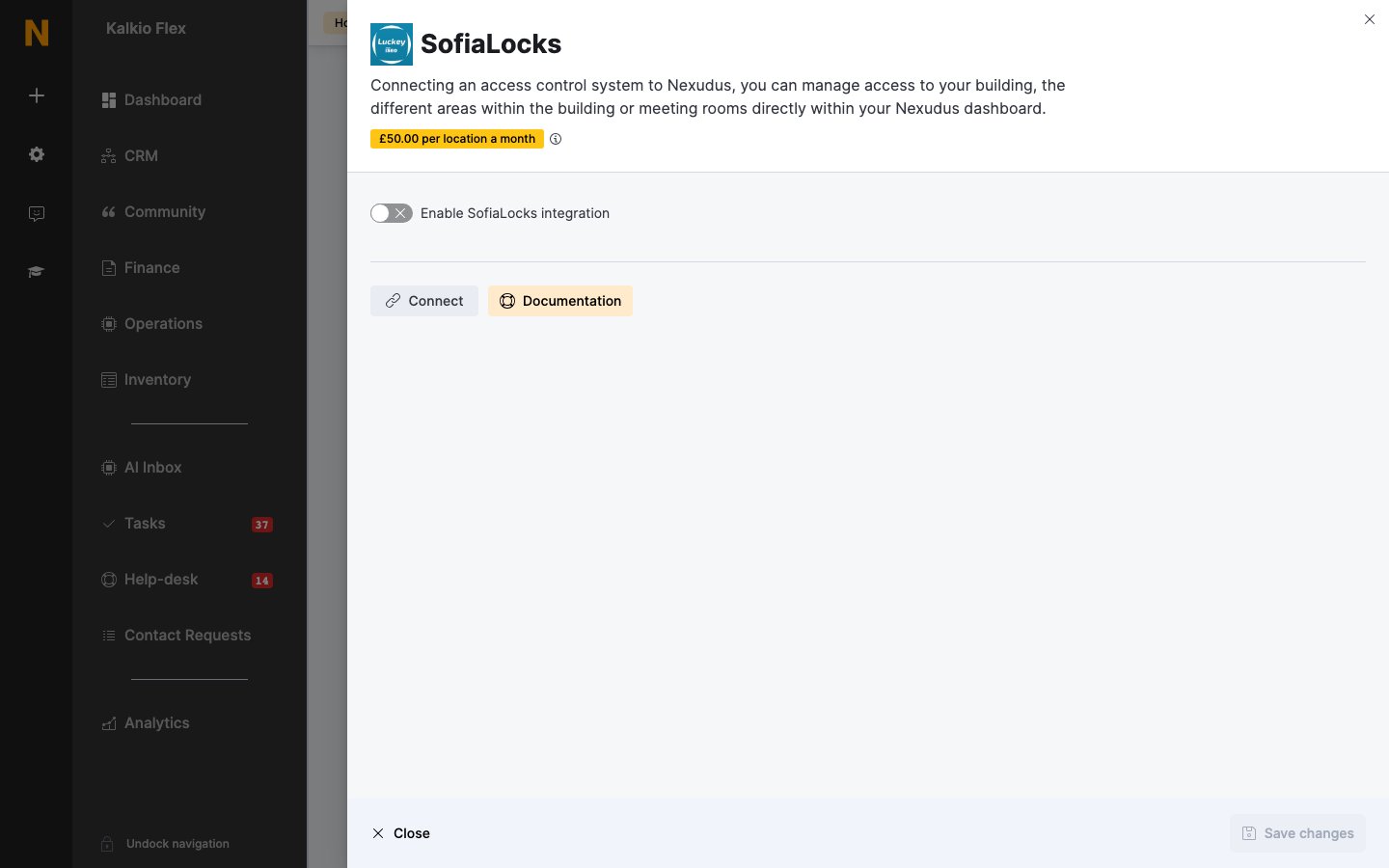
Go to Settings → Integrations → SofiaLocks, turn on Enable SofiaLocks integration, enter your Location ID, Username and Password, set the options below, and save.
2
Link your inventory
Choose the lock tags for each of your Resources, Passes and Desks / Offices. Leave an item blank if it shouldn’t open any doors.
3
Set up visitors (optional)
Under Default Visitor Access, choose the lock tags for visitors who aren’t guests on a booking — for example, your reception door.
4
Choose check-in doors (optional)
Under Presence tracking, set each smart lock’s Action: Check customer in, Check customer out, Toggle customer check-in status, or Do nothing. Usually only your main entrance needs one. Save.
How customers open doors
Customers open doors with their phone in the white-label Passport app — it shows only the doors they can open — or in the SofiaLocks app if you invite them. They need to be at the door; SofiaLocks doors can’t be opened remotely. Door opens reach Nexudus every few minutes, so check-ins can take up to 10 minutes to appear.Related
- Access control — how access control works in Nexudus
- Visitors — registering visitors