

Overview
D12S sensors from Disruptive Technologies measure desk occupancy, presence, temperature, proximity, touch, humidity, water leaks and CO2. They’re wireless, tiny and waterproof, with a battery life of 8 years or more. The integration receives their readings in Nexudus. The integration is free in Nexudus. You need a Disruptive Technologies project with your sensors registered.Connecting D12S
1
Generate a shared secret
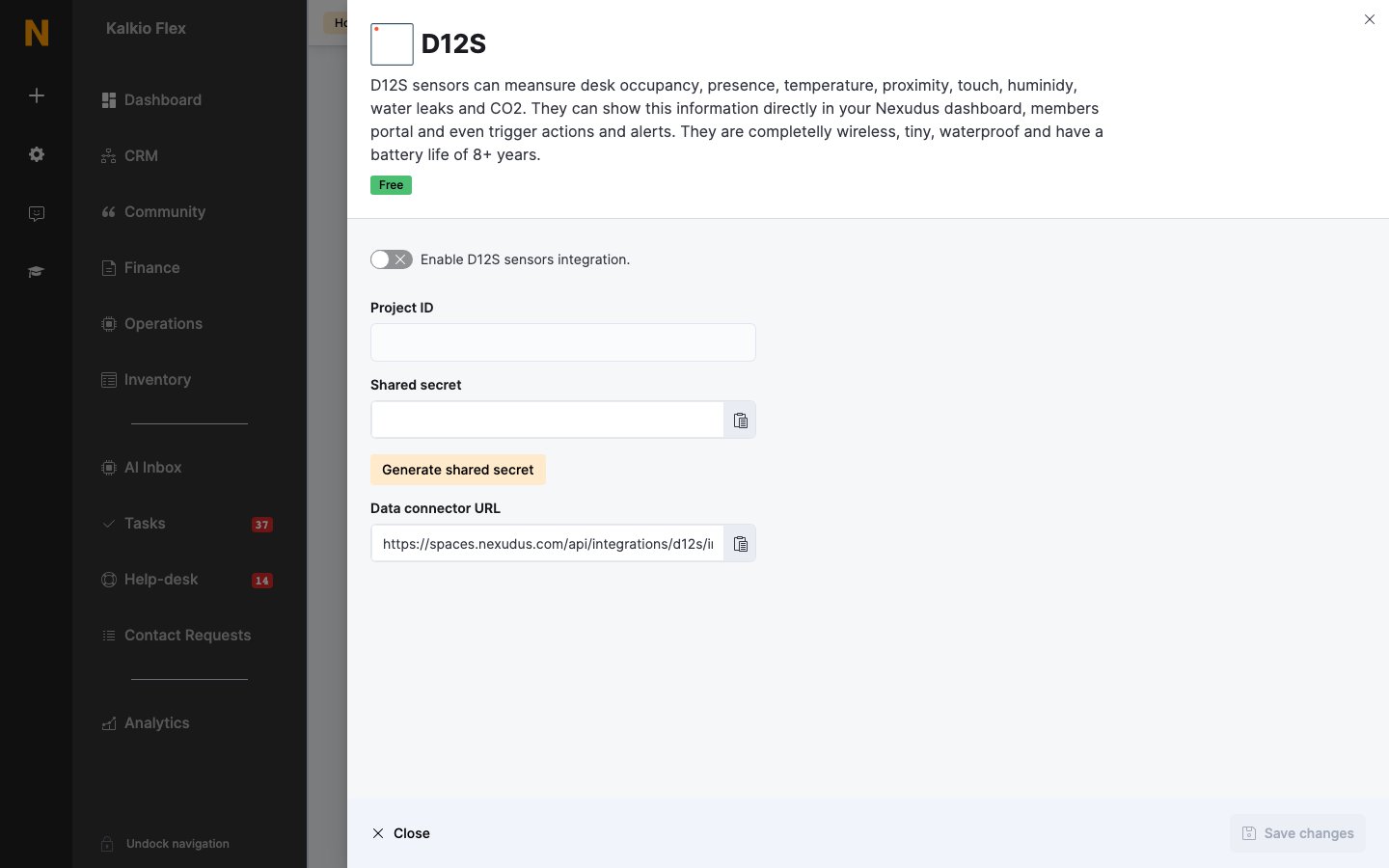
Go to Settings → Integrations → D12S, turn on Enable D12S sensors integration., and select Generate shared secret. Copy the Shared secret and the Data connector URL.
2
Create a data connector
In Disruptive Technologies Studio, open your project and go to API Integrations → Data Connector → Create data connector. Name it, paste the Data connector URL as the Endpoint URL and the shared secret as the Signature secret, and save.
3
Finish in Nexudus
Enter your Disruptive Technologies Project ID and save.
Related
- Sensors — all sensor integrations