

Overview
Avigilon Alta (formerly OpenPath) is cloud-based access control. The integration adds your customers to Avigilon Alta as users, gives them a credential, and puts them in the right access groups based on what they have in Nexudus. You decide which doors each group opens in Avigilon Alta; Nexudus decides who’s in each group. Registered visitors can get a CloudKey link to open doors without an app. The integration costs £50 a month per location (shown in your currency), on top of what Avigilon charges.How access works
Before you start
- Have your Avigilon Alta username and password (the email address and password you sign in with) and your Organisation ID.
- Create your access groups in Avigilon Alta — they can only be created and edited there. Each group should include every door a customer needs, such as the building entrance as well as the room.
Setting up Avigilon Alta
1
Connect
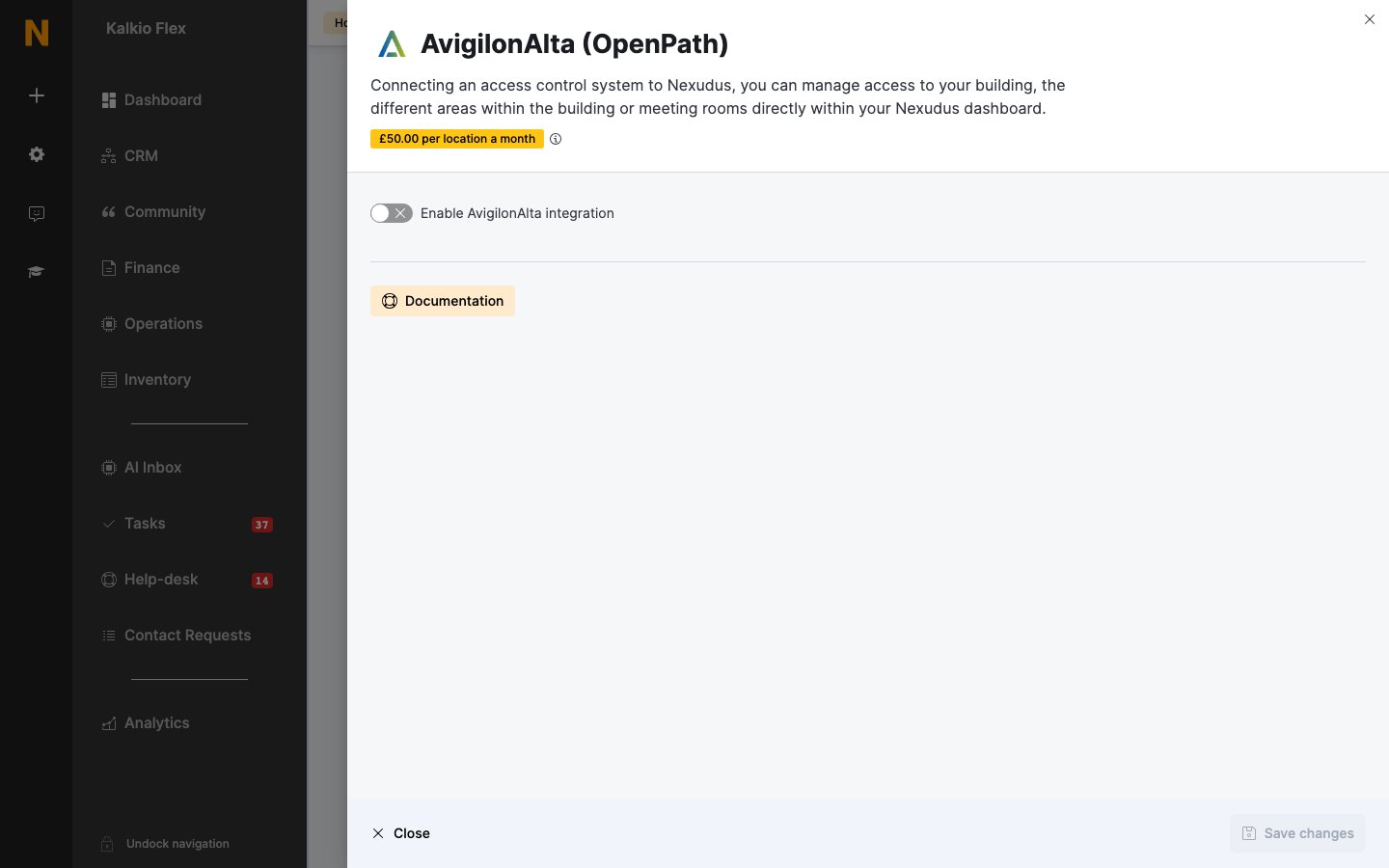
Go to Settings → Integrations → AvigilonAlta (OpenPath), turn on Enable AvigilonAlta integration, enter your AvigilonAlta username, AvigilonAlta Organisation ID and AvigilonAlta password, and choose your Region (Global or Europe). Set the options below, and save. If you see an error, check your details and save again.
2
Choose a credential type
Under Credential type, choose the Card type your space uses and its Card format. Some card types ask for more details about the format — see Avigilon’s documentation on card formats.
3
Link your inventory
Choose an AvigilonAlta access group for each of your Resources, Passes and Desks / Offices. Leave an item blank if it shouldn’t open any doors.
4
Choose check-in readers (optional)
Under Presence tracking, set each Reader’s Action: Check customer in, Check customer out, Toggle customer check-in status, or Do nothing. Save.
Settings
Giving customers cards
Open the customer, go to Account → Access rights, and enter each card number in Access cards, pressing Enter after each one. Customers can also open doors from the Avigilon Alta app, or the white-label Passport app.Related
- Access control — how access control works in Nexudus
- Visitors — registering visitors