

Overview
Compliance integrations run automatic identity and anti-money-laundering (AML) checks — most often for virtual office customers.
Each needs an account with the provider. Set them up in Settings → Integrations → Compliance:
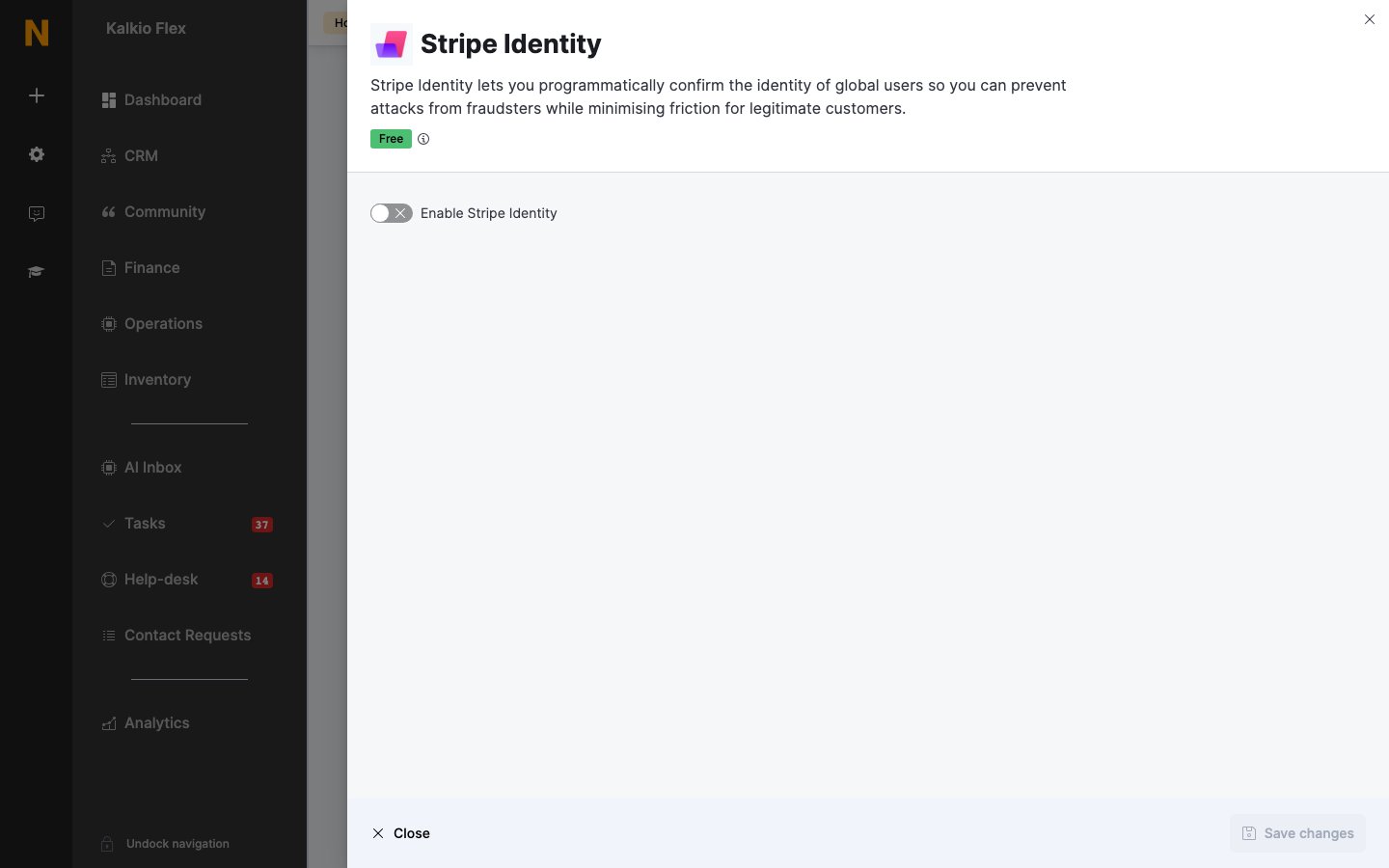
- Stripe Identity — turn on Enable Stripe Identity and enter your Stripe Publishable Key and Stripe Secret key. Use your live keys — a Stripe account still in test mode can’t be connected. Optionally compare the document with the customer’s personal details, and then with their first line of address, city and state.
- OpenSanctions — turn on Enable OpenSanctions integration and enter your API Key.
- Pappers — turn on Enable Pappers integration and enter your API Key.
Related
- Onboarding and compliance — running checks on new customers