

Overview
The Nexudus Dashboard is your central command center for managing every aspect of your coworking space. From member management and bookings to billing and analytics, the Dashboard gives you full control over your operations in one place. Whether you run a single location or a global network of spaces, the Dashboard adapts to your needs with modular features you can enable as your business grows.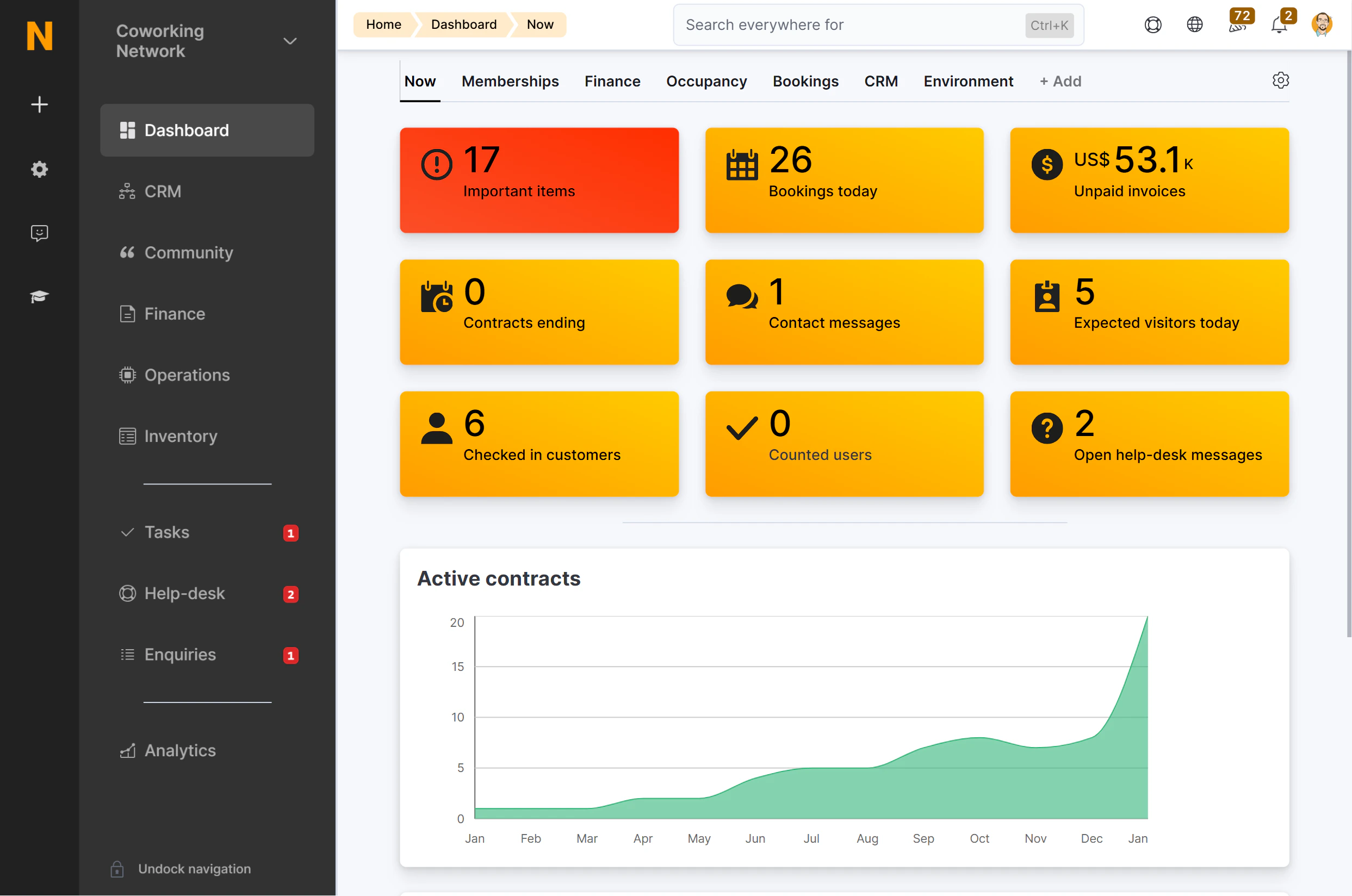
What you can do
The Dashboard is organized into modules, each focused on a specific area of your business:Operations
Manage your members, teams, bookings, check-ins, and support tickets.
Billing & Products
Set up plans, products, resources, and pricing for your space.
Finance
Handle invoices, contracts, payment gateways, and accounting integrations.
CRM
Track leads, manage opportunities, send proposals, and organize tasks.
Content
Create events, articles, courses, newsletters, and community features.
Access Control
Configure check-in methods, door access integrations, and WiFi authentication.
Settings
Configure your locations, users, email templates, automations, and integrations.
Analytics
View dashboards, build custom reports, and monitor your business health.
Key concepts
Before diving in, here are a few terms used throughout the platform:Membership is automatic — when a customer gets an active contract, they become a member. When all contracts end, they become a contact again.
How the Dashboard connects to the Members Portal
The Dashboard and the Members Portal work together:- You configure plans, resources, events, and content in the Dashboard.
- Your members see the results in the Members Portal — available bookings, their invoices, community features, and more.
Next steps
Navigate the Dashboard
Learn how to find your way around the sidebar, header, and quick actions.
Roles & Permissions
Understand who can access what in your team.
Multi-Location
Manage multiple spaces from a single account.