

Overview
The Analytics module is where you dig into how your space is performing. It brings together:- Reports — transactional reports for each area of Nexudus, which you can filter by location and date and export to Excel.
- Nexudus Explore — BI dashboards you build to track performance across different areas of your business.
- Revenue forecast — the revenue you can expect over the next year, based on active contracts and products.
- Trends — AI-powered dashboards that predict resource and hot desk demand, map floor plan activity, and flag members likely to cancel.
Sections
Reports
Deeper, exportable reports across members, bookings, billing, and activity.
Nexudus Explore
Build your own BI dashboards to track performance however you like.
Trends
AI-powered predictions for resource demand, hot desk demand, heatmaps, and churn.
How to access
Select Analytics in the left-hand menu.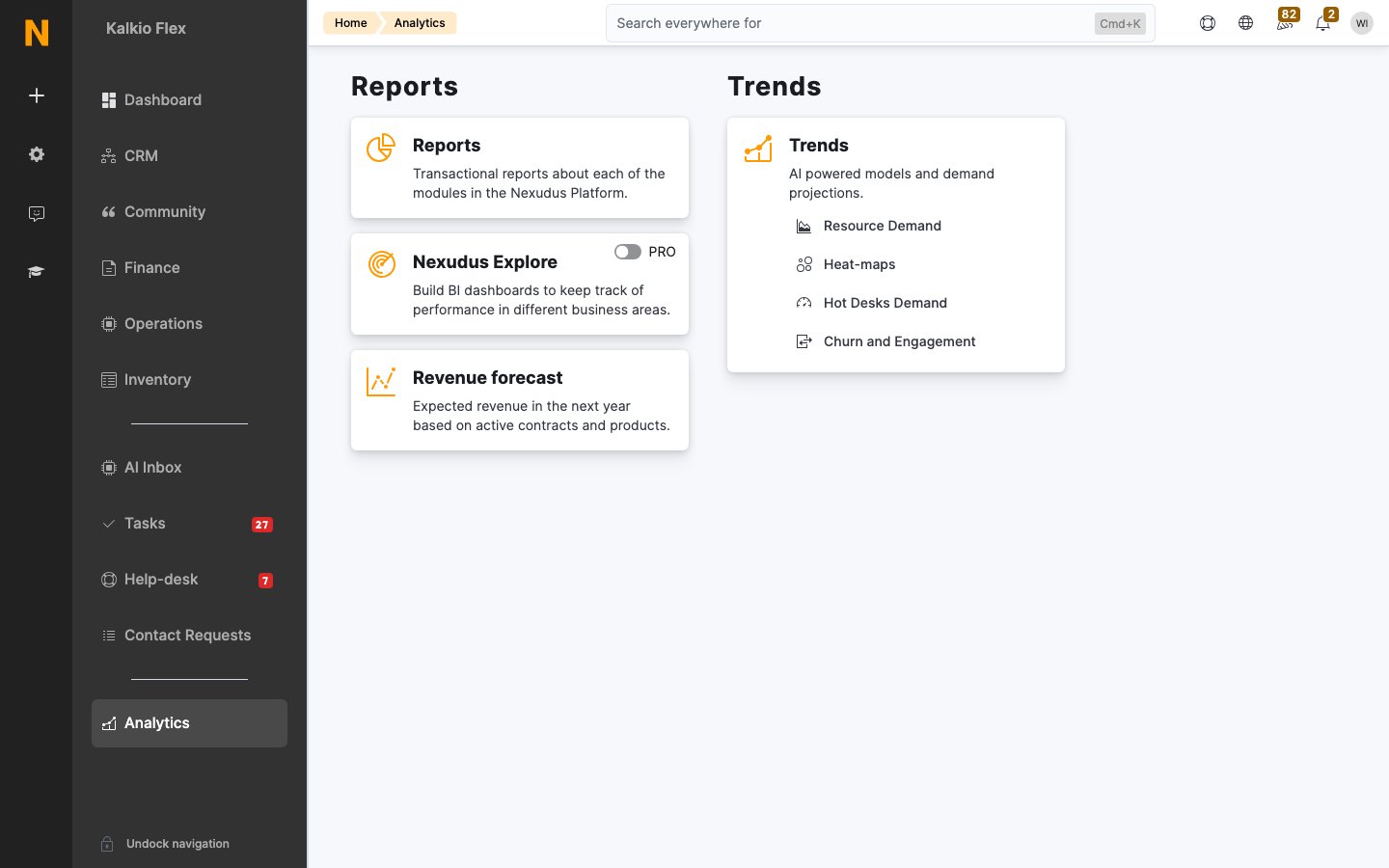
Related
- Dashboards — at-a-glance cards on your home screen
- Account Check-up — a health scan that flags account issues
- Operations — the day-to-day data behind your reports
- Finance — the billing data behind revenue reports