

Overview
The account check-up is a health scan of your account. It reviews your configuration and data against a set of checks and produces a list of items that deserve attention — from incomplete setup to data that looks inconsistent. Think of it as a periodic review that tells you what to look at, rather than a live monitor.How to access
Open the Important items tile on the Dashboard home screen (the Now view).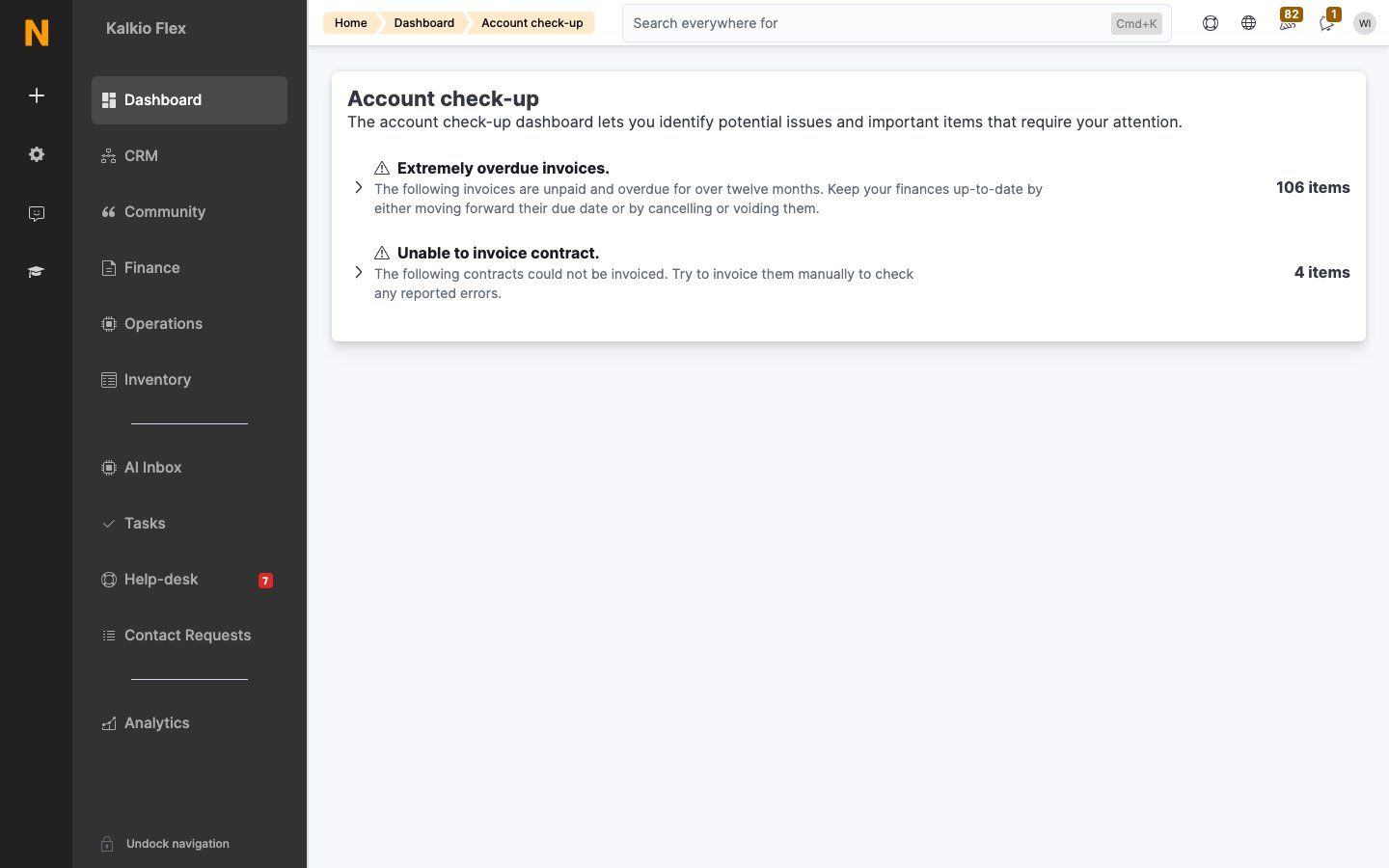
How it works
- Open the Important items tile on the Dashboard to view the latest findings. The system runs the checks automatically in the background, so you don’t need to start them.
- Review each item — every finding explains what was checked and why it was flagged.
- Act on the items — most link directly to the setting or record that needs changing.
- Check back after making changes to confirm the items clear.
Reading the results
Findings are grouped by severity and area. Start with the items that affect customers directly (access, billing, communication), then work through the configuration and data-hygiene items.Related
- Dashboards — day-to-day monitoring
- Reports — deeper dives into the areas a checkup highlights
- Settings — where most checkup findings are resolved