

Overview
Nexudus invoices recurring charges automatically: each contract is invoiced on its next invoice date, along with any products and charges due with it. This automatic invoicing is sometimes called a bill run. The Revenue forecast shows what those bill runs will produce. It lists every upcoming billing date for the next 3 to 12 months, with the customers, items and amounts that will be invoiced on each one. Use it to predict income, check a new contract will bill as expected, or see what a proposal will cost a customer before you send it.How to access
Go to Finance → Revenue forecast, or Analytics → Revenue forecast. Both open the same forecast for your current location.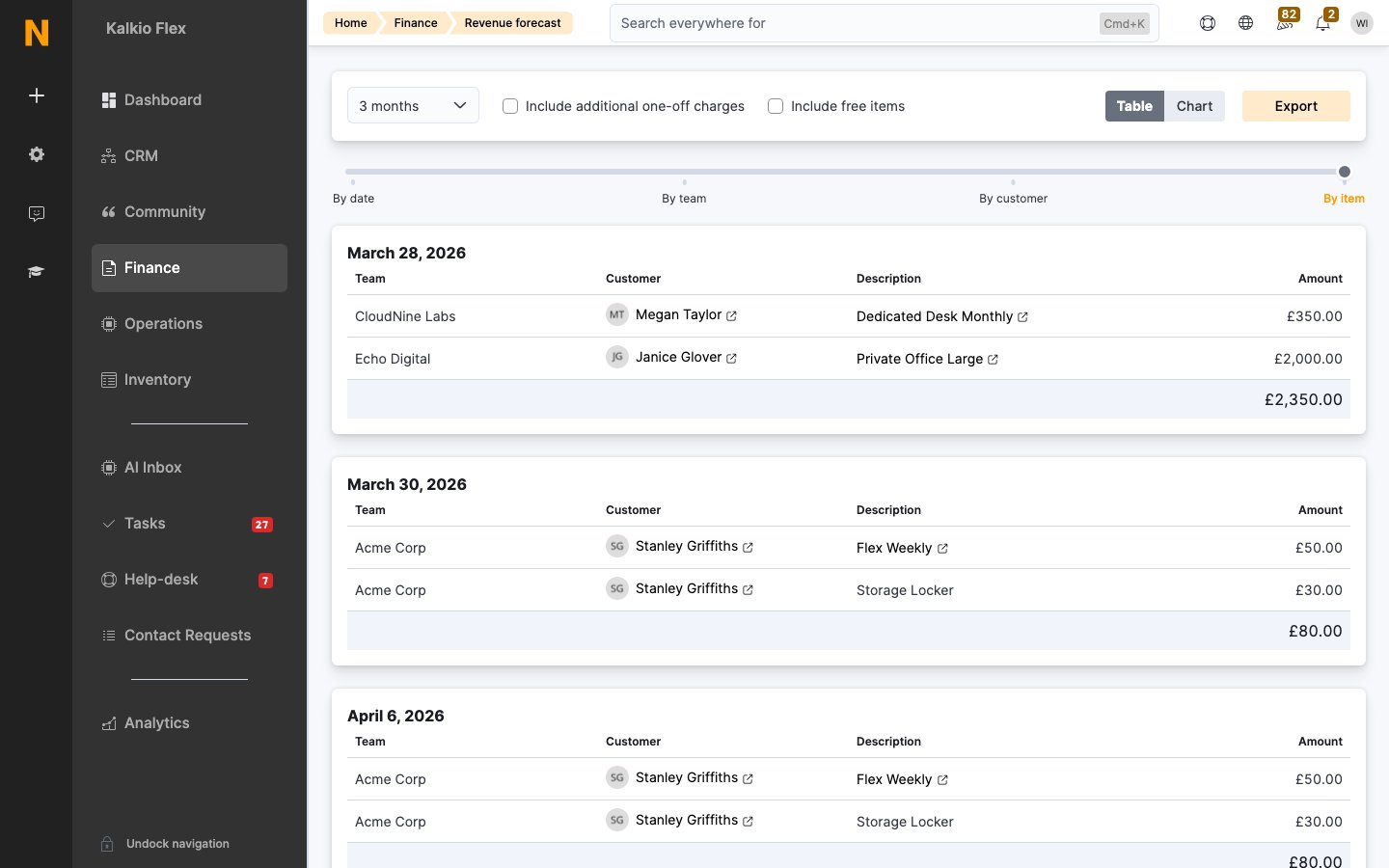
- A customer: open the customer, go to Sales, then Revenue forecast.
- A contract: open the contract and go to its Forecast tab.
- A proposal: open the proposal and go to its Forecast tab. This shows what the customer will be invoiced if they accept. See Proposals.
Read the forecast
Choose the period to show: 3, 6, 9 or 12 months. The forecast lists each billing date in turn, with a total for each date. Use the slider to choose how much detail to show:
Select a customer or item to open its record.
What’s included
By default, the forecast shows recurring charges from paid contracts. Two options add more:- Include additional one-off charges: adds one-off product purchases and deposits.
- Include free items: adds free plans and products.
Chart view
Select Chart to see the forecast as an area chart over time. Choose By date for total revenue, or By item to split it into contract, product, deposit and other revenue.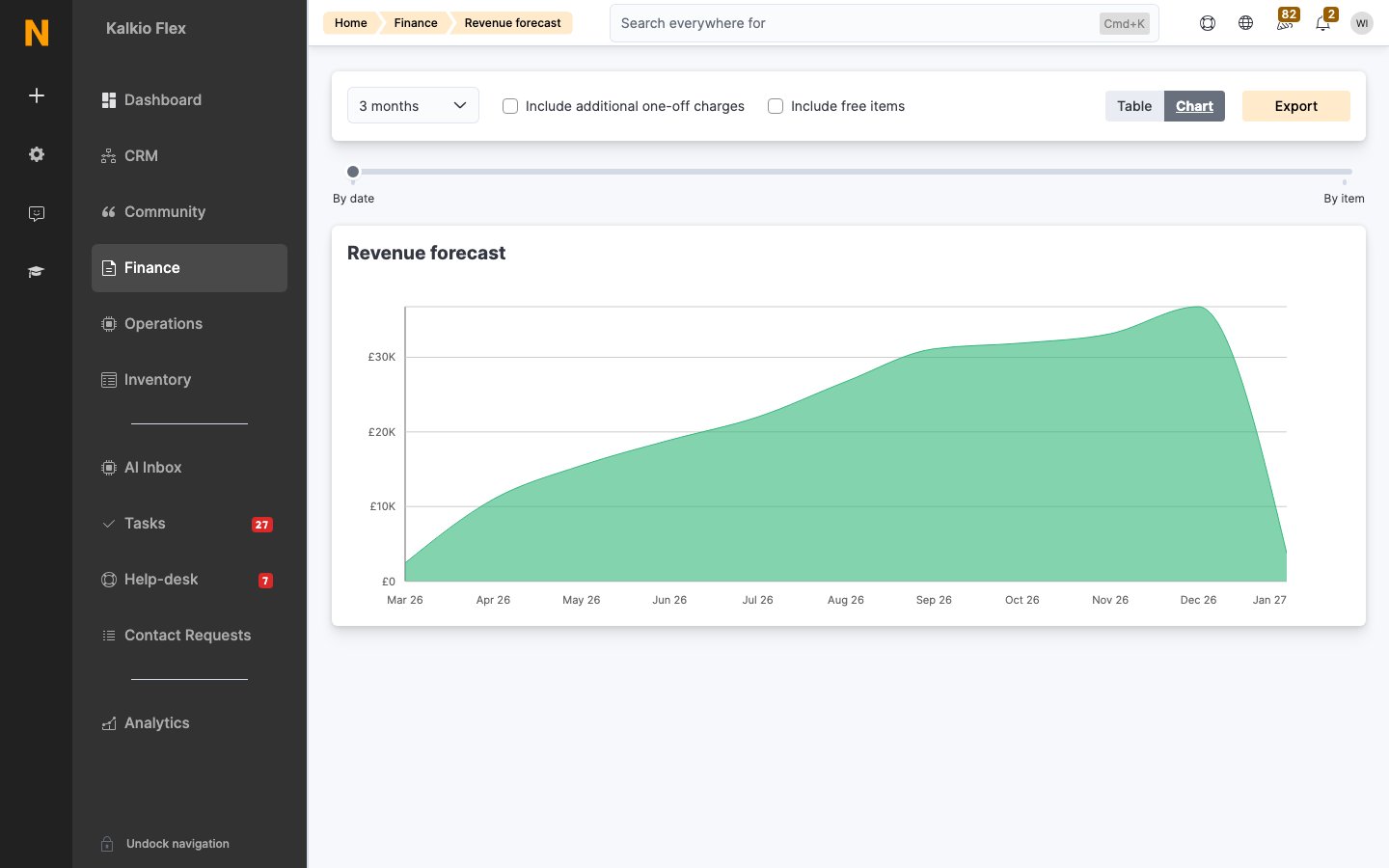
Add a one-off charge to a future invoice
On a contract’s or proposal’s Forecast tab, you can add a product to a specific billing date, for example an extra meeting room package next month or a one-off credit. Choose it from Add product or adjustment under that date. Select the new line to change its price or details. On a contract, this adds the product to the contract from that date. On a proposal, it adds a product to the proposal, invoiced on that date.Export the forecast
Select Export to download the forecast as a spreadsheet. The file reflects the period and options you’ve chosen, and includes each billing date, customer and team. With Include additional one-off charges ticked, it also includes each item’s name, type, invoice period and price. The export is a snapshot. It won’t reflect sign-ups, cancellations or changes made after you download it.Check the forecast
The forecast is built from your contracts’ next invoice dates and the products and charges attached to them, so it’s a good way to spot problems before invoices go out:- A customer is missing: check their contract is active, isn’t paused, and has a next invoice date.
- A billing date is in the past: a contract’s next invoice date has passed without being invoiced. Open the contract to check its invoicing.
- An amount looks wrong: switch to By item to see each charge that makes up the total.
The forecast shows what will be invoiced, not what will be paid. To see payments, use the ledger.